Recording a two-minute walkthrough takes two minutes. Getting the same people together to cover the same ground takes two days. That gap, built from scheduling overhead, calendar coordination, and the time lost to meeting prep, is the real cost of defaulting to live communication for information that does not require it.
Async video closes that gap. You record the information. The other person watches when it works for them, rewinds if needed, and responds without a back-and-forth email chain.
You handle status updates, technical walkthroughs, sales demos, design feedback, and onboarding without scheduling a single session.
The tooling has also matured significantly. AI transcription, transcript-based editing, and interactive elements embedded inside the video player have made async video faster to produce and more useful to act on.
What was once a workaround for distributed teams has become a deliberate communication choice for any team that wants more focused work time without losing context.
What Is Async Video?
Async video is a pre-recorded video you send to someone who watches it on their own schedule. No live session or calendar invite, no need for both of you to be available at the same time.
The format fits a wide range of situations. You might record a quick screen walkthrough explaining a bug, a webcam message replacing a status call, a product demo for a prospect, or a full onboarding module for a new hire.
The length and topic vary. What stays constant is that you communicate on record, at your own pace, with no scheduling overhead attached.
Why Traditional Team Communication Slows Productivity
Your current communication stack probably was not built for the volume or complexity of your actual work.
Email handles simple exchanges but falls apart the moment you need to show something rather than describe it. Long threads lose context fast, and important details sink three replies down where nobody reads them.
Chat tools like Slack work for quick back-and-forth but give you nothing in the way of documentation. Critical decisions surface in a thread and vanish from visibility within hours. You cannot find them a week later because nothing is searchable in context.
The worst bottleneck is calendar dependency. When sharing nuanced context means scheduling a meeting, you add days of lag to decisions that should take minutes.
How Async Video Improves Team Productivity
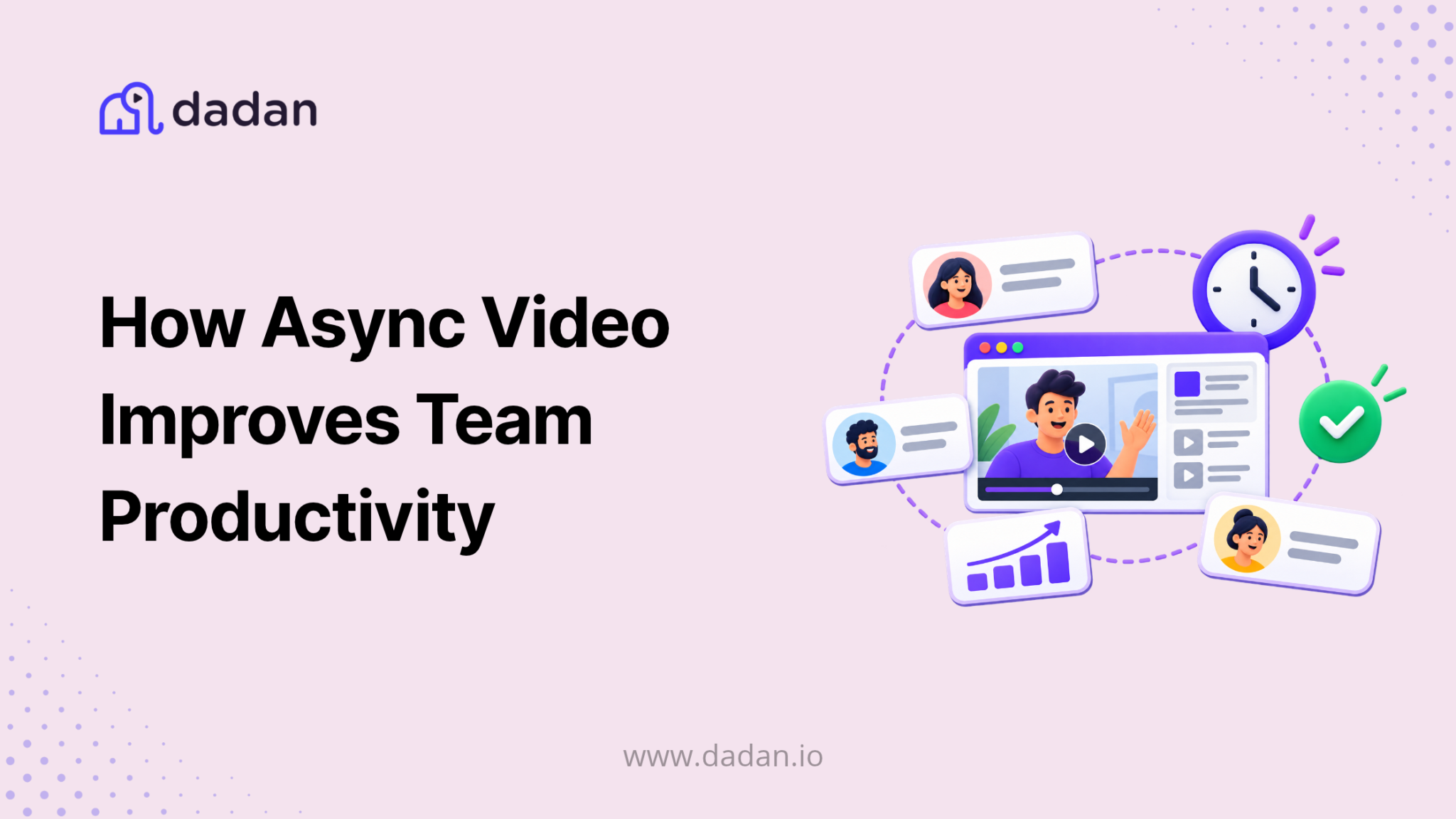
The core productivity gain from async video is pretty simple. A two-minute screen walkthrough communicates more than five paragraphs in Slack. The person watching sees exactly what you see, hears you, and can pause or rewind.
So, you stop writing around things you could simply show.
Fewer Calendar Dependencies
When you can share context through a recorded video, booking a meeting becomes optional rather than automatic. You stop defaulting to calls for information that travels fine on its own.
The meetings you do hold become smaller, shorter, and focused on decisions that actually need real-time input.
Faster Feedback Loops
Written feedback on complex work takes a long time to write and even longer to interpret correctly.
A recorded walkthrough with voice commentary gets the same point across faster, and the person receiving it can rewatch the relevant section rather than re-reading an ambiguous paragraph trying to decode what you meant.
Work Across Time Zones Without the Overhead
Async video removes the dependency on overlap hours entirely. You record a project update at 9am in Berlin. Your colleague in Singapore watches it before their afternoon and responds.
The context travels without either of you adjusting your schedule or staying on a call outside working hours.
Build a Record Worth Keeping
Unless someone took detailed notes, the context goes with them for traditional meetings. Async videos create a searchable record automatically.
You can revisit a decision six months later, share the context with a new hire, or build a training library from recordings you have already made.
Protect Focused Work Time
A meeting in the middle of your morning breaks your focus regardless of how short it runs. Async video lets you consume communication at a time that fits your own workflow.
You watch three updates back to back at the end of the day rather than getting pulled out of deep work three separate times.
Best Types of Async Videos for Teams
These are the formats that deliver the most consistent value in day-to-day team communication.
Status Updates and Check-Ins
A two-minute recording replacing your weekly standup gives everyone the same information without requiring everyone to be online at once. It also creates a record of what you communicated and when, which a live standup never does.
Bug Reports and Technical Walkthroughs
Writing a bug report is tedious, and what you write is almost always ambiguous.
Record your screen, narrate the steps to reproduce the issue, and send it. The person on the other end understands and does not need to ask five follow-up questions.
Design and Work Feedback
Recorded feedback on a mockup or document is faster to give, clearer to receive, and easier to act on than a list of bullet-pointed comments.
You point to specific areas, explain your reasoning, and the person watching does not have to guess what you were looking at.
Sales Outreach and Product Demos
A personalized video in a sales email consistently outperforms plain text in response rates. A one-minute demo tailored to the prospect’s specific situation shows effort and relevance that no template can match.
Onboarding and Training
Record your onboarding content once and every new hire watches it. SOPs, process walkthroughs, and tool tutorials created as async videos mean you stop answering the same questions repeatedly. New joiners get a reference they can return to on their own, and you get your time back.
Async Video vs Meetings – Comparison Table
Meetings are not going away. You still need them for decisions that require live debate, real-time problem-solving, and genuine back-and-forth.
Async video does not replace that. But it replaces the portion of your calendar that fills up with meetings scheduled out of habit rather than necessity.
| Factor | Async Video | Live Meeting |
| Scheduling required | No | Yes |
| Works across time zones | Yes | Limited by overlap hours |
| Creates a permanent record | Yes | Only if separately recorded |
| Real-time back-and-forth | No | Yes |
| Viewer can rewatch | Yes | No |
| Interruptive to focused work | No | Yes |
| Suited for complex group decisions | No | Yes |
| Suited for updates and walkthroughs | Yes | Often unnecessary |
| Editable after the fact | Yes | No |
Best Practices for Async Video Communication
The format only works if your videos are worth watching. These practices are what separate async video your team actually uses from async video that gets ignored.
Keep It Under Five Minutes
Beyond five minutes, most people lose attention or start skipping ahead. If a topic genuinely needs more time, break it into parts or ask whether a written document would serve it better.
Show Your Screen
A talking-head clip without visual context is harder to engage with than a screen recording with narration. Even pointing your cursor at a specific area on screen adds meaningful clarity.
Write a Specific Title for Every Video
“Quick update” tells the viewer nothing. A proper title tells them exactly what to expect and helps them decide when to watch it.
Use Chapter Markers for Longer Recordings
If you cover three topics, mark each one. The viewer jumps to what is relevant rather than scrubbing through the whole recording.
Set Rules Around Response Time
Async video works when your team shares expectations about turnaround. A 24-hour response window for non-urgent videos is a practical default to start with.
Why Async Video Is Becoming Essential for Remote Teams
Remote work took away the hallway conversation and the spontaneous desk check-in. What replaced them was an overload of scheduled meetings, because your only default synchronous option was a calendar invite. Async video gives you a better one.
It Gives You Back Focused Work Time
You cover the same ground as a 15-minute call, produce a record in the process, and neither of you has to stop working at the same time to make it happen. The result is fewer meetings on your calendar and more uninterrupted time to actually use.
It Protects Your Institutional Knowledge
When you record onboarding processes, project context, and team decisions, new hires catch up on their own. When someone leaves, their context does not leave with them. The documentation you build now compounds over time.
It Levels the Playing Field for Hybrid Teams
When some people are in the office and others are not, async video gives everyone the same access to information. Nobody misses a decision because they were not physically present when it happened.
Best Async Video Tools for Teams
The tool you choose determines whether async video actually becomes part of how your team works. A platform with too many steps between recording and sending makes the process too complicated for a fast paced environment like corporates.
Look for browser-based recording with no software install, interactive elements inside the player, transcript-based editing, searchable libraries, and reliable hosting with access controls.
1. Dadan
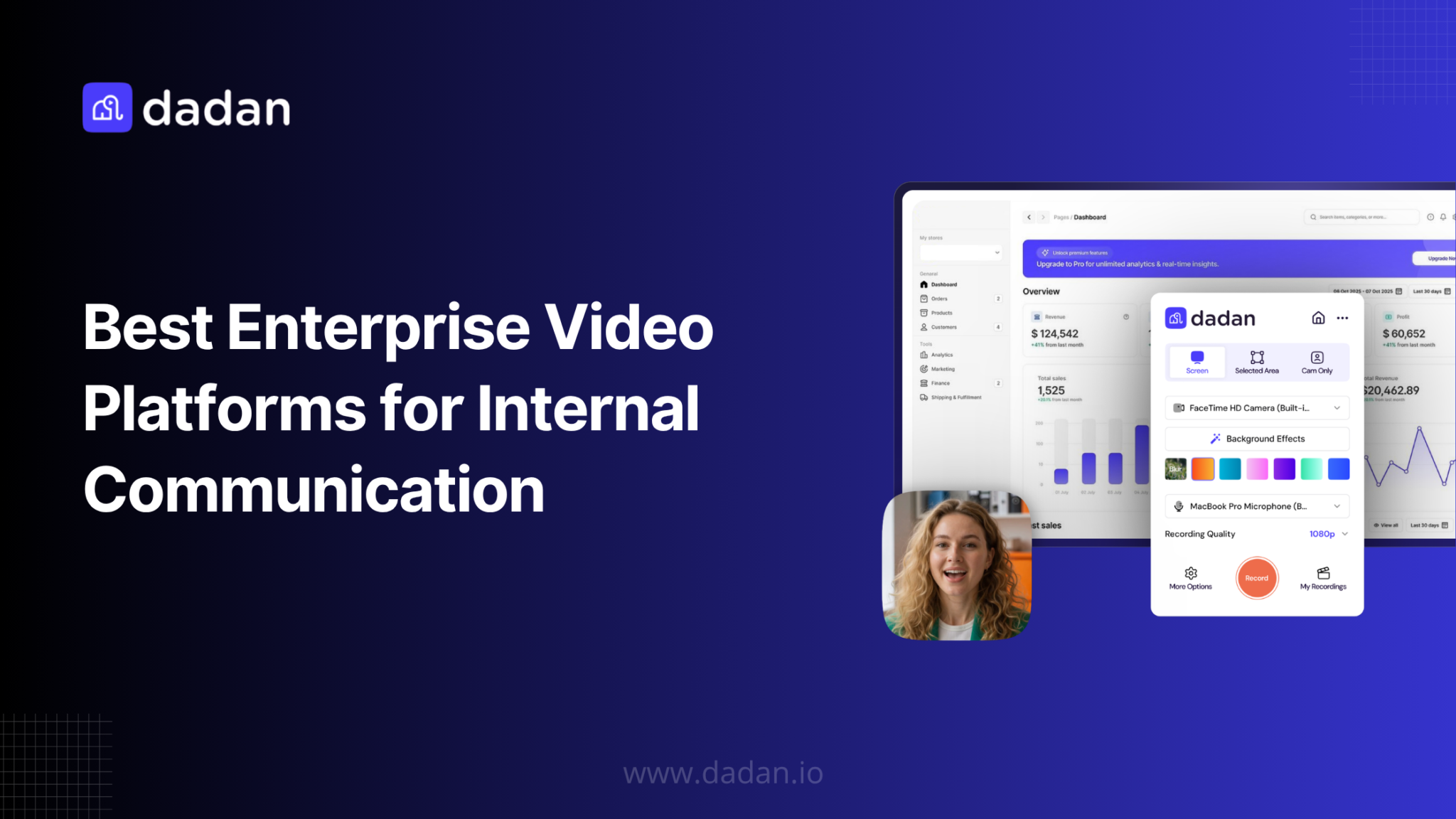
Dadan covers the full async video workflow in a single browser-based environment. You record your screen, webcam, or both without downloading anything, and your recordings host automatically and share via link the moment you finish.
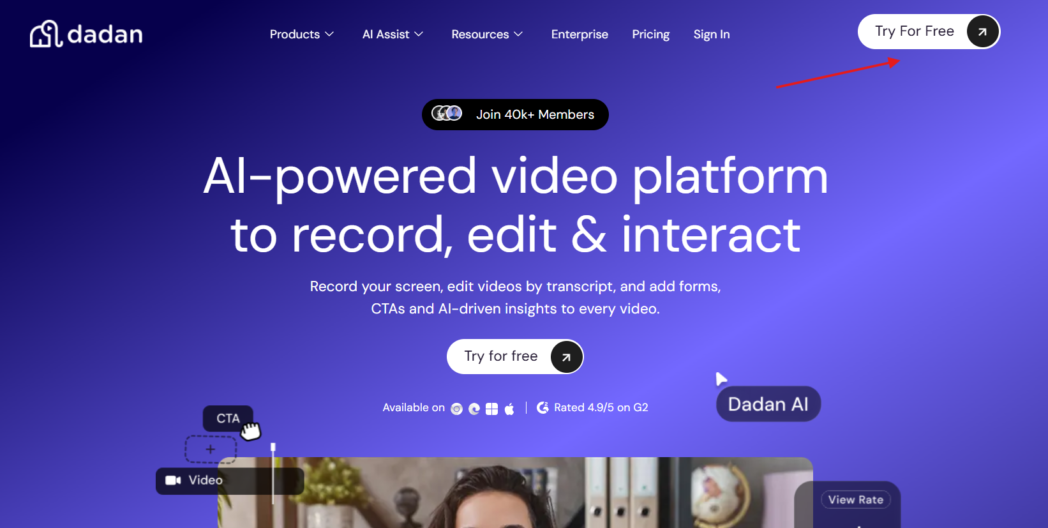
Password protection, domain-level access control, and custom sharing settings give you control over who can watch and where your video can be embedded.
The transcript editor is one of the most practical features for teams. You edit the video by editing the text. Cut a sentence from the transcript and it comes out of the video. The AI Assist suite builds on this with automatic transcription at up to 99% accuracy, AI-generated titles, descriptions, and chapter markers, and meeting notes and summaries generated from your recordings.
The interactive video features separate Dadan from most async tools. You can embed quizzes, polls, and multi-field lead generation forms directly inside a video. Lead form submissions sync automatically to HubSpot, Mailchimp, ActiveCampaign, Brevo, GetResponse, MailerLite, GoHighLevel, and several other marketing and CRM platforms.
You can also capture phone numbers within the form and route data via webhooks to any CRM not covered by a native integration.
Other standout features include a built-in teleprompter and AI script generator, real-time zoom and on-screen annotation tools while recording, subtitle translation into 120+ languages, and playlist creation for onboarding or training sequences.
On integrations, Dadan connects directly with Google Calendar and Microsoft Calendar for automatic meeting recording, Calendly for scheduling-based recording, and pushes finished videos to Slack, YouTube, LinkedIn, and Dropbox without leaving the platform.
Google Classroom integration lets educators assign and collect video submissions directly from Dadan. The “Request a Video” feature generates a shareable link that prompts the recipient to record and submit a response, which goes straight into your library.
Dadan runs in the browser and is also available as a Chrome extension, Edge extension, Windows app, and Mac app on both Intel and Apple Silicon.
Best for: Teams that want recording, editing, hosting, and interactive video in one browser-based tool.
2. Loom
Loom is the most widely used async video tool for teams and the most direct point of comparison for anything in this category. You get screen and webcam recording, a shareable link, basic editing, and transcription on all plans.
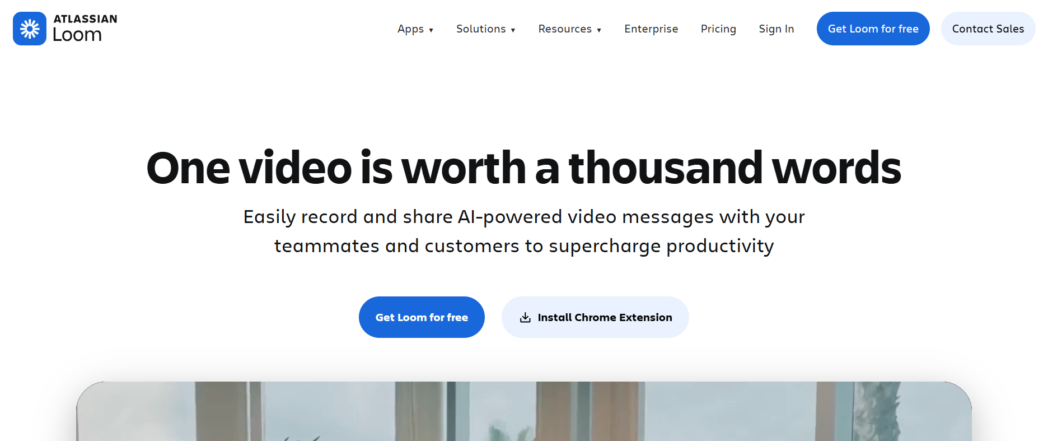
The free Starter tier supports up to 50 members with a 25-video, 5-minute-per-video cap. The Business plan removes those limits and adds 4K recording, custom branding, and editing tools.
The Business + AI tier adds transcript-based editing, filler word removal, auto-generated titles and chapters, and meeting summaries. Those AI features cost extra where Dadan includes comparable functionality at a lower overall entry point.
Loom was acquired by Atlassian in 2024. If your team already runs on Jira and Confluence, the integration makes Loom a natural fit. If you do not, the pricing has become harder to justify since the acquisition.
Best for: Teams embedded in the Atlassian ecosystem.
3. Vidyard
Vidyard is built specifically for sales and revenue teams. You get video recording and sharing, but the standout features are analytics, calls-to-action embedded in the player, and CRM integrations with Salesforce and HubSpot.
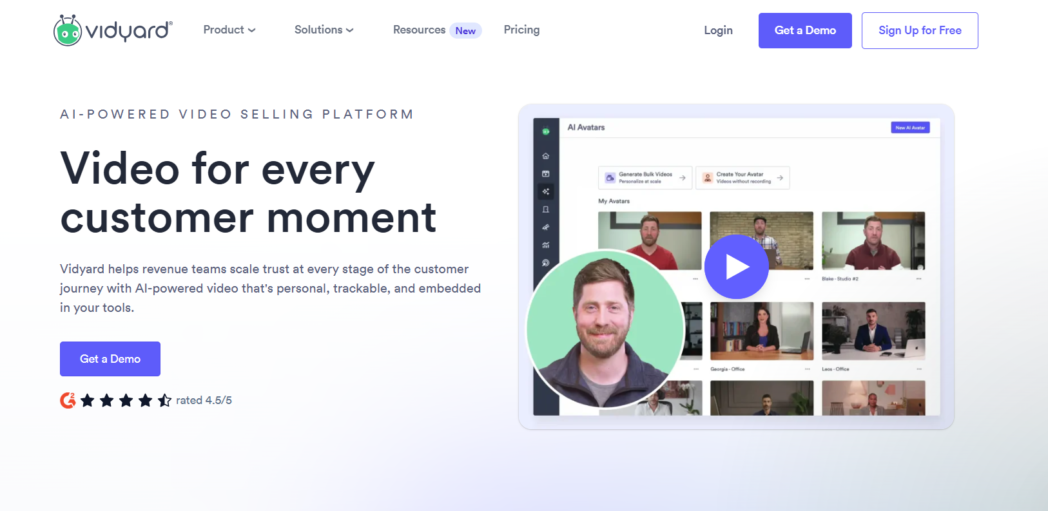
The free plan caps you at five videos per month, which is useful only for testing. Published list prices for the Starter plan start at $59/user/month, making Vidyard significantly more expensive than the other tools in this list for teams that need more than one seat.
Best for: Sales teams that need video analytics, CRM integration, and prospect engagement tracking, and have the budget to match.
Future of Async Team Communication
The direction is toward video that does more than communicate. It collects responses, routes leads, and generates documentation as a natural output of the recording itself.
AI-generated chapter markers, automatic transcription, and smart titles are already standard in better tools. The next layer is interactive video that functions like a form or a workflow step inside the player. Viewers submit information or take the next action without leaving the video.
AI-assisted feedback on async communication is also beginning to emerge, giving teams a way to surface action items and flag clarity issues across large volumes of recorded content. The tools are building toward a future where your video communication is searchable, accountable, and self-documenting by default.
Conclusion
Async video does not require a full workflow overhaul. Start by replacing one category of recurring meeting, whether status updates, feedback sessions, or technical walkthroughs, with a recorded alternative.
The gains accumulate from fewer interruptions, better documentation, and communication that travels across time zones without scheduling overhead.
If you are still booking live calls for information that could travel asynchronously, you are paying for that in fragmented focus time and context that disappears when the call ends.
FAQs
What is async video communication?
Async video communication means recording and sharing video messages that the recipient watches on their own schedule, without both people needing to be online at the same time.
How does async video improve productivity?
It cuts the number of scheduled meetings you need to share context, lets your team consume communication at times that fit their own workflows, and creates a searchable record that live calls never produce.
Why are remote teams using async video?
Remote teams often work across time zones where scheduling overlap is limited. Async video lets you share detailed context without requiring everyone to be available simultaneously.
Can async video replace meetings?
It can replace a large portion of recurring meetings, particularly status updates, walkthroughs, and feedback sessions. It does not replace meetings where you need real-time debate or collective decision-making.
What are the benefits of async communication?
Async communication reduces calendar dependency, protects focused work time, enables collaboration across time zones, and produces a documented record that synchronous communication almost never does.
How do teams use async video workflows?
Common workflows include replacing standups with recorded updates, sending screen recordings instead of written bug reports, recording design feedback, and building training libraries from onboarding recordings.
What is the best async video tool for teams?
Dadan is a strong option if you want recording, hosting, editing, and interactive elements in a single browser-based tool with no software install required.
Does async video work for hybrid teams?
Yes. Async video gives remote team members the same access to context and updates as those in the office, which closes the information gap that hybrid setups typically create.
How do async videos improve collaboration?
They make it easier to share nuanced context across time zones and schedules, and features like transcript-based editing and in-video commenting let your team give and receive feedback more efficiently than email threads allow.
Are async videos better than Slack messages?
For anything that involves showing rather than describing, such as a screen walkthrough, a product demo, or a design review, video communicates more precisely and in less time than a written message.
Recommended Readings:
- Why Asynchronous Communication Is Changing the Way We Work
- The Future of Work Is Asynchronous and AI Transcriptions Are Leading the Way
- 10 Best Asynchronous Collaboration Tools Of 2026
- 10 Tips for Better Async Video Communication
- Why Traditional Async Video Fails and What’s Next
- Best Async Video Platform for Teams in 2026
- Best Enterprise Video Platforms for Internal Communication