












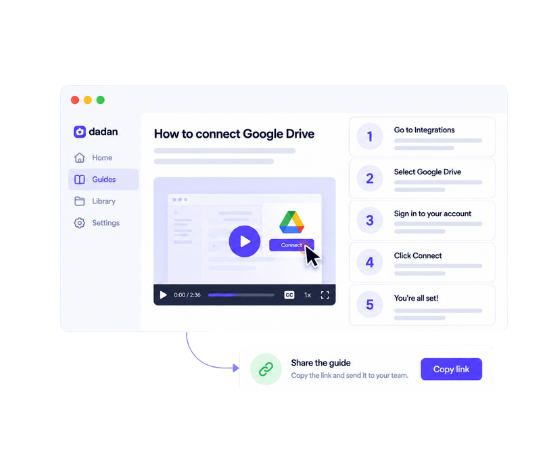
Free Guide Generator:
Create Step-by-Step Guides From Screen Recordings
Turn your screen recordings into clear, visual guides with automatic steps and screenshots. Create and share documentation without writing everything manually.
Join 40,000+ users actively using dadan for Video Creation


Record Once. Get a Step-by-Step Guide Instantly.
Open the Guide Recorder
Open your Dadan browser extension and select Guide. Pick the screen you want to record and choose the language for guides from preferences.
Record Your Workflow
Start recording and click through the entire process from start to finish.
Let Dadan Build the Steps
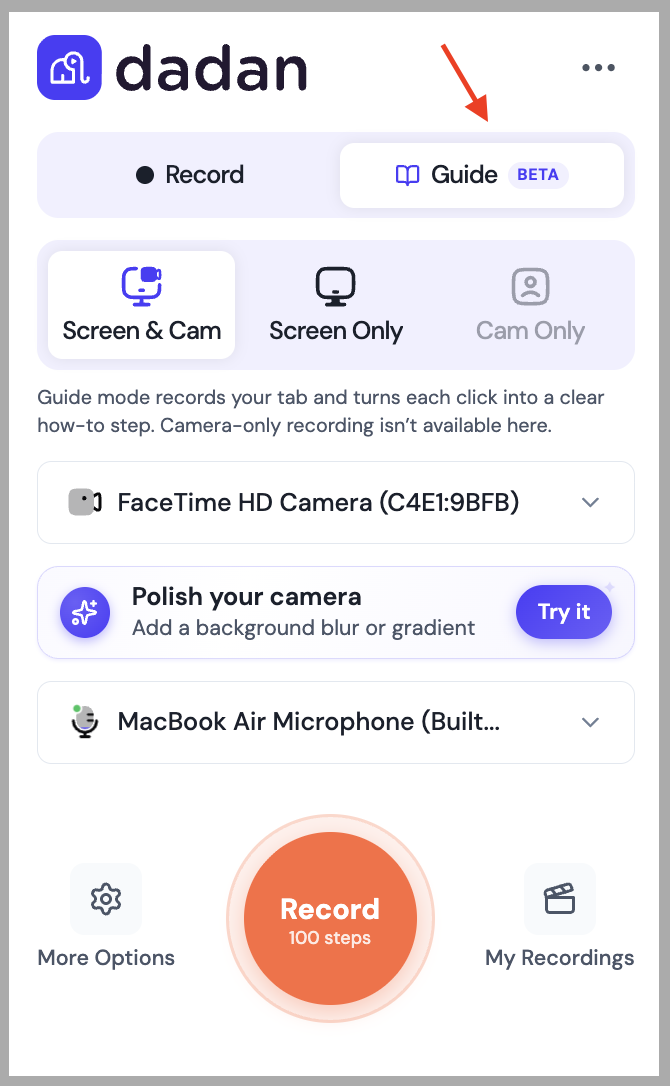
Each click is captured as a step. When you stop recording, Dadan turns the whole thing into a doc-style guide with a screenshot on every step.
Edit and Publish
Rewrite the text on any step, annotate the screenshots, and add or remove steps until it reads right. Then you can share the guide online or share it as a PDF.
Why Use Dadan's Guides Creator?
Create Guides for Every Team and Workflow
Product Walkthroughs & Documentation
Walk prospects, users, or team members through your product screen by screen. Record the workflow once, and Dadan turns each click into a documented step, so you can create guides without writing manuals from scratch.
Employee Training
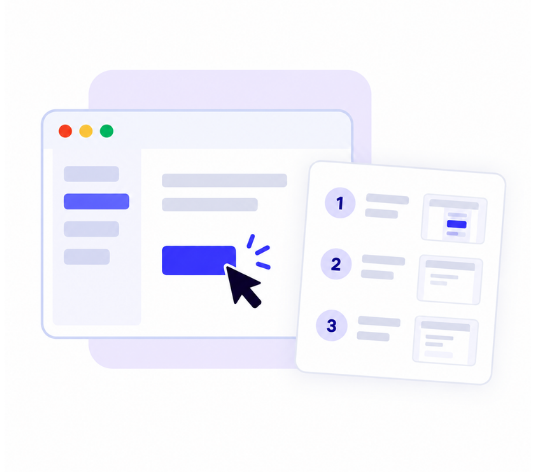
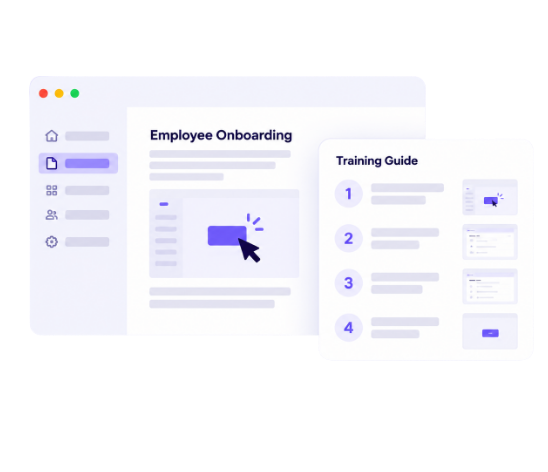
Turn the process you already know into a repeatable training doc. Record it and new hires follow the same steps every time.
Customer Onboarding
Show new customers exactly how to set up and use what they bought, with steps they can revisit whenever they get stuck.
Change Management
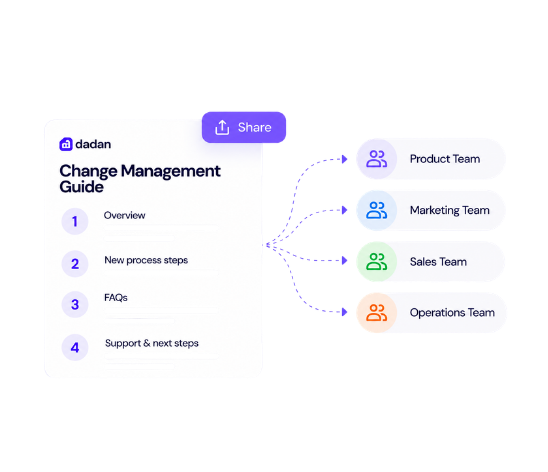
When you roll out a new tool or a new process, most of the questions are the same. Record the new workflow and send the guide, so the rollout doesn't need to be the same walkthrough repeated for every team.
Internal Processes
Capture how your team actually does the work, from expense reports to deployment checklists, so knowledge doesn't live in one person's head.
How-To and Step-by-Step Guides
Answer the "how do I do this" questions once. Record the steps, publish the guide, and send the link the next time someone asks.
Meet Our Happy Customers

"At Youfibre, we’re a remote-first company with team members all over the UK. Dadan lets me work on projects and tasks with my team and keeps us moving fast."
Craig Tomkins
Director of Strategy & Operations

“ I love Dadan, it helps me communicate and get feedback from clients without needing meetings all the time. We use the interactive quizzes to speed up sign-off. ”
Jess Silver
Marketing Agency Owner

"Great tool! I work with retail partners all over the world and Dadan helps me keep those relationships strong."
Lewis Lingard
International Trade Sales Manager
Turn Recordings Into Guides Automatically
Automatic Screenshots
As you click, Dadan grabs the screen behind each step, so the guide will show what you’re pointing at. You can annotate any of them, and you never need to stop mid-task to take a screenshot yourself.
Numbered Steps
When you click through the process, each click becomes its own numbered step in the guide in the same order that you do it. So, whoever reads the guide gets a list of steps to follow instead of only the video to follow through.
Original Recording
Instead of only getting a video recording, Guides gives you both a video and a doc from the same recording. If anyone wants to watch the exact step, they can simply click and play the video.
Written Instructions
Every step in the guide comes with an instruction that you can edit or rewrite. Dadan gives you a draft, but you can sharpen it to make it more relevant to your team or provide more detail.
Guide Editing
You can rewrite the text, annotate screenshots, merge steps, or delete any, and finalize before you share it as a PDF.
Translation
You can translate the finished guide in any of 40+ languages, so the same onboarding doc works for your team across the globe.
Sharing
Publish your guide and share it straight from Dadan, alongside the rest of your video content.
PDF Export
Export the guide to a PDF when someone needs a file instead of a link.
Viewer Engagement
See how your guide performs, which guides people open and which they skip. Track views and engagement on every guide you publish.
Why Create Guides With Dadan?
Turn Your Recordings Into Step-by-Step Guides
FAQs
A guide generator is a tool that turns a recorded process into a written, step-by-step guide. Instead of documenting each step manually, you record the workflow and the tool builds the steps for you.
You record your screen through the Dadan browser extension, and every click you make becomes a separate step. Dadan arranges those steps into a doc-style with a screenshot on each one, and you can edit, reorder, and publish it when from there.
Yes. That's exactly what Guides does. You record the process on screen, and each action is captured as its own numbered step in the finished guide.
Yes. As you record, Dadan captures a screenshot for each step, so your finished guide pairs every instruction with the screen it refers to. You don't have to take or add any images yourself.
Yes. You can rewrite the text on any step, annotate screenshots, reorder or merge steps into one, delete steps, or add a new one manually.
Yes. Once you publish a guide, you can share it from Dadan the same way you share your other content.
Yes. You can translate a finished guide into over 40 languages, which makes it easy to share the same process with teams or customers in different regions.
Yes. You can export a finished guide as a PDF, so you can download it, print it, or share it with people who don't use Dadan.
Yes. Guides are included on every plan, including the free plan, which gives you 2 guides per month at up to 5 steps each. Paid plans raise those limits, up to 25 guides per month at 100 steps each on Business.
Guides work for product walkthroughs, employee training, software documentation, customer onboarding, change management, internal processes, and any how-to content. If it's a process you can click through on screen, you can turn it into a guide.