











Skip links

Online Teleprompter Software with Cam Recorder

Read Scripts Naturally With an Online Teleprompter

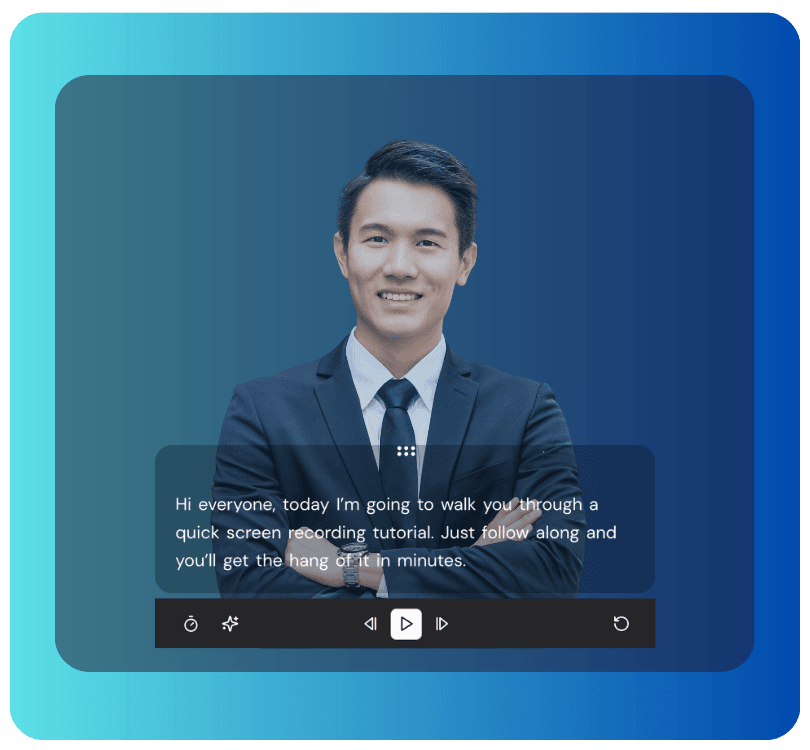
Read from an invisible teleprompt built for online presentations, educational videos, demos, and team updates. No watermark on recordings.

Join 40,000+ users actively using dadan
for Video Creation

telepromptor

How to Use an Online Teleprompter for Video Recording?

Step 1

Add Your Script

Paste your script into the teleprompter. Edit it anytime. Even while recording.

Step 2

Adjust the Teleprompter

Adjust the scroll speed, text size, and spacing to match how you normally speak.

Step 3

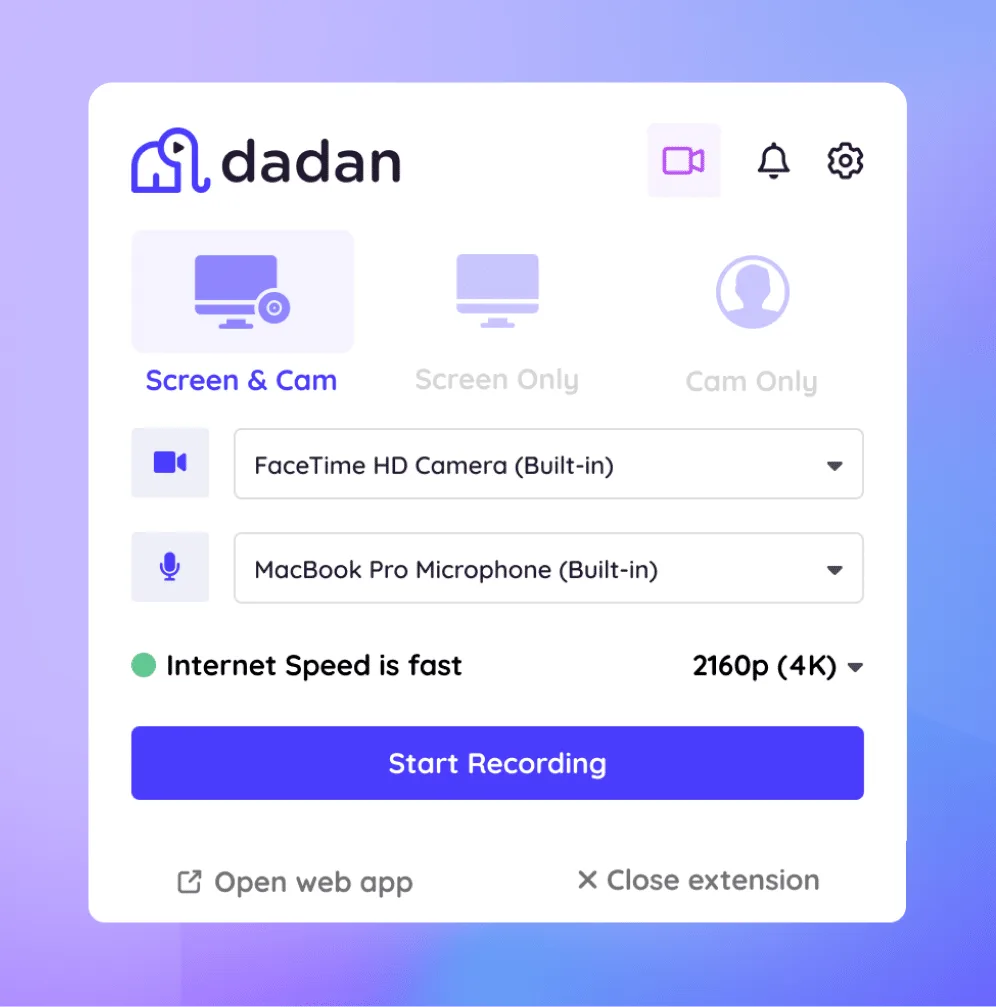
Turn On Camera Recording

Start your webcam (or screen + webcam). The script stays close to your camera view, so you can read while keeping natural eye contact.

Step 4

Record, Pause, or Resume

Start recording. Pause when you need to gather your thoughts. Resume from the same line instead of starting over. Trim mistakes using the built-in editor.

Built for Content Creators, Teams, and Businesses

Video Presentation

Use the teleprompter while recording presentations. Read the talking points while maintaining eye contact with the camera.

marketing
pexels shvets production 7516347 scaled

YouTube Videos

Record scripted YouTube videos without memorizing lines. Suitable for intros, explainers, and long-form content.

Online Courses

Record lessons with consistent delivery across modules. Useful for instructors recording multiple sessions.

Capture Online Training Sessions
pexels linkedin sales navigator 2182969 scaled

Sales and Marketing Videos

Create product demos, walkthroughs, and pitch videos using prepared scripts. Reduce retakes and editing time.

Corporate Training

Record internal training and onboarding videos with aligned messaging across teams.

educators

Meet Our Happy Customers

IMGBG

Teleprompter Features Designed for Creators and Teams

recorder icon

High-Quality Recording

Record crisp, clear video and audio right in your browser or app. Dadan supports screen and webcam capture at solid quality, so your finished video looks polished without extra tools.

submit icon

Adjustable Scroll Speed

Set the text scroll to match your pace. If your delivery is slow and thoughtful, slow it down. If you’re firing through high-energy segments, speed it up with simple sliders.

script icon

Real Time Script Editing

Edit the script while recording. Fix a line. Add a sentence. Remove something that doesn’t sound right when spoken. The teleprompter updates instantly.

script

AI Script Generator

When you don’t know how to start, use it to get a rough script. Something to work with so you’re not staring at a blank screen.

background

Mirror Mode

Flip the script view for setups where standard orientation feels inverted. Great when switching between different camera layouts or recording environments.

screen and webcam record

Screen + Webcam Recording

Record your screen and webcam together while still using the teleprompter. Perfect for tutorials, demos, online courses, and feedback sessions where you want both visuals and a human presence.

integration icon

No Installation Required

This is an online teleprompter web app. Open it in your browser and start. No heavy downloads or lengthy installs. Ideal for quick recordings and spontaneous sessions.

pause icon

Pause and Resume Playback

Pause the recording at any point and pick up right where you left. No need to redo takes.

editor icon

In-built Video Editor

Trim out mistakes, cut silence, or reposition your best moments without exporting to another video editing tool.

Record Professional Videos with Our Online Teleprompter

FAQs

An online teleprompter displays your script on screen while you record. It helps you read smoothly while maintaining eye contact with the camera.

You paste your script, adjust scroll speed and text size, turn on recording, and read while the script scrolls beside your camera.


Yes. Dadan offers a free online teleprompter. Free recordings do not include watermarks.

No. The teleprompter works directly in your browser.

Yes. The teleprompter runs alongside webcam or screen + webcam recording.

Yes. Both can be adjusted before and during recording.

The teleprompter is designed for recording videos. It can also be used as a reference during live sessions.

Yes. You can paste and record scripts in different languages.

Yes. Your scripts and recordings remain private unless you choose to share them.
