Zoom still handles a huge share of the world’s video calls, but the reasons to look for an alternative to Zoom in 2026 are concrete. Its free plan cuts group meetings off at 40 minutes, paid seats stack up fast across a team, and a large share of what lands on a Zoom calendar never needed to be a live call at all.
Is there a good free Zoom alternative?
byu/caprichai inAskTechnology
Below are ten alternatives worth testing, with verified 2026 pricing and the honest limits of each.
What to Look for in a Zoom Alternative
Most people leaving Zoom are running from one specific thing, usually the 40-minute cap or a renewal quote that jumped. A lot of the other differences matter less than the marketing around them.
The points below are the ones that change how a tool actually works for you day to day.
- The free plan’s meeting length and participant cap, since Zoom’s 40-minute limit is what pushes most people to switch in the first place
- Whether recording, transcription, and AI notes come included or are behind a higher tier
- Whether people can join in the browser or have to install an app before they get in
- How the plan is priced, because per-host, per-attendee, and per-seat models produce very different bills for the same headcount
- Security and admin controls, which only matter if you work in a regulated field or handle sensitive calls, and matter a lot if you do
- Whether the call needs to be live because a recorded walkthrough often does the same job without lining up six calendars
That last point is the one most comparison lists skip. A weekly status sync, a product demo, a bug report, an onboarding walkthrough, and a quick project update are all things people default to booking as live meetings, and most of them work better as a recorded video the other person watches on their own time.
That is a different category of tool from Zoom, and it is where this list ends.
10 Best Zoom Alternatives in 2026
If you need people live on a call, start with Meet, Teams, or Webex. If half your meetings are really one-way updates, start with Dadan and skip the call.
1. Dadan
Dadan is not a video conferencing tool, and that is on purpose. It records, edits, hosts, and shares async video, the kind where one person explains something and everyone else watches later. Instead of booking a call, you record your screen and camera and send a link.
For the calls that do need everyone live, Dadan sits next to Zoom or Meet rather than replacing them, and it can record those calls too. Its Meeting Recorder captures Zoom, Google Meet, and Microsoft Teams sessions and saves each one with a transcript.
The reason it belongs on a Zoom list is that a lot of what people use Zoom for was never a conversation. A recorded walkthrough lets the viewer pause and rewind, and leaves something they can search later, which a live call does not.
Dadan also handles the part where most screen recorders stop. You edit the video by editing its transcript, so cutting a rambling bit means deleting the text instead of scrubbing a timeline.
The AI writes the title, description, tags, chapters, and a summary, and it can pull notes out of a recorded meeting. You can drop a quiz, a poll, or a lead form straight into the video, so a demo can capture a reply instead of just playing.
Best for
- Remote and distributed teams cutting down on live status meetings
- Sales reps sending recorded demos and prospecting videos instead of booking calls
- Educators and onboarding leads building tutorials people rewatch
- Anyone who wants the recording, editing, hosting, and follow-up in one place
Key features
- Screen, webcam, or combined recording in the browser, with a desktop app for Windows and Mac and Chrome and Edge extensions
- Transcript-based editing, so you edit the video by editing the text
- AI Assist for transcription, plus auto titles, descriptions, tags, chapters, and summaries
- Interactive quizzes, polls, and lead-capture forms embedded in the video, with CRM routing
- Meeting Recorder that captures Zoom, Google Meet, and Teams calls with transcripts
- Password-protected sharing, custom access settings, and a “Request a Video” link
- 4K recording, video hosting, and 20-plus integrations
Pros
- Removes the calendar coordination a live call needs
- Keeps recording, editing, hosting, and follow-up in one place instead of four tools
- Cheaper than most conferencing suites once you count AI, which is included on Pro rather than sold as an add-on
- Rated 4.8 out of 5 on G2
Cons
- Not a stand-in for live, back-and-forth talk, so you still need a conferencing tool for real-time calls
- The free plan caps each recording at 5 minutes, which is short for a full tutorial
Pricing
- Free
- Lite: $8/month
- Pro: $14/month
- Business: $14/month/seat
2. Google Meet
Google Meet is the easy switch if you already live in Gmail, Calendar, and Drive. It is built into the same account, so there is nothing to install and nothing to learn.
You start a call from a calendar invite or a browser tab, and that is the whole story. The interface is plain to the point of boring, which is exactly why people who just want a call like it.
The free version is fine for one-off meetings, with 100 people and a 60-minute cap on group calls, which already beats Zoom’s 40. Recording, longer calls, and bigger rooms come with a paid Google Workspace plan.
Since 2025 the Gemini AI features are included in every paid tier instead of costing extra, so meeting notes and summaries come with the plan you already pay for.
Best for
- People and companies already paying for Google Workspace
- Small groups that want calls to start from a calendar invite with no setup
Key features
- Runs entirely in the browser with no download for participants
- Recording and 150 to 500 participant support on paid Workspace tiers
- Gemini AI meeting notes and summaries included on paid plans
- Tight links to Calendar, Gmail, and Drive
Pros
- Nothing to install and almost no learning curve
- Included free if you already pay for Workspace, so no separate line item
- Reliable call quality on weak connections
Cons
- Thin as a standalone product, since the value is really the Workspace bundle
- Fewer host and engagement controls than Zoom or Teams for larger sessions
Pricing
- Anyone with a Google Account can create a video meeting, and invite up to 100 participants for up to 60 minutes per meeting at no cost.
3. Microsoft Teams
Teams is to Microsoft 365 what Meet is to Google Workspace, the video layer of a suite you probably already pay for. It does more than Meet, though.
Chat, channels, files, and calls all live in one place, which is why it tends to become the hub a company runs on rather than just its meeting app. If your documents already sit in SharePoint and Outlook, Teams saves you a lot of clicking between tabs.
The free version is genuinely useful for small groups, with unlimited chat and 60-minute group calls for up to 100 people, though there is no recording and only 5 GB of storage.
The paid step most small buyers care about is Teams Essentials, a standalone plan with 30-hour meetings, 300 people, and 10 GB, without making you buy the full Office bundle.
Best for
- Companies standardized on Microsoft 365
- Groups that want meetings, chat, and files in a single workspace
Key features
- Persistent chat and channels alongside video
- 30-hour meetings and 300 participants on paid plans
- Deep integration with Outlook, SharePoint, and the Office apps
- AI meeting notes through Copilot on higher tiers
Pros
- Included at no extra cost if you already have a qualifying Microsoft 365 plan
- Replaces several tools at once for Microsoft-heavy shops
- Strong admin and security controls
Cons
- Heavy and cluttered if all you want is a quick call
- Pricing is confusing because Teams is bundled differently across six-plus Microsoft plans
Pricing
- Microsoft 365 Business Standard with Copilot: ₹1955/user/month
- Microsoft 365 Business Basic: ₹170/user/month
- Microsoft Teams Essentials: ₹115/user/month
4. Webex
Webex, made by Cisco, is what regulated industries reach for. The pitch is security, compliance certifications, and Cisco’s infrastructure behind the call, which is why you see it in banks, hospitals, and government far more than in startups.
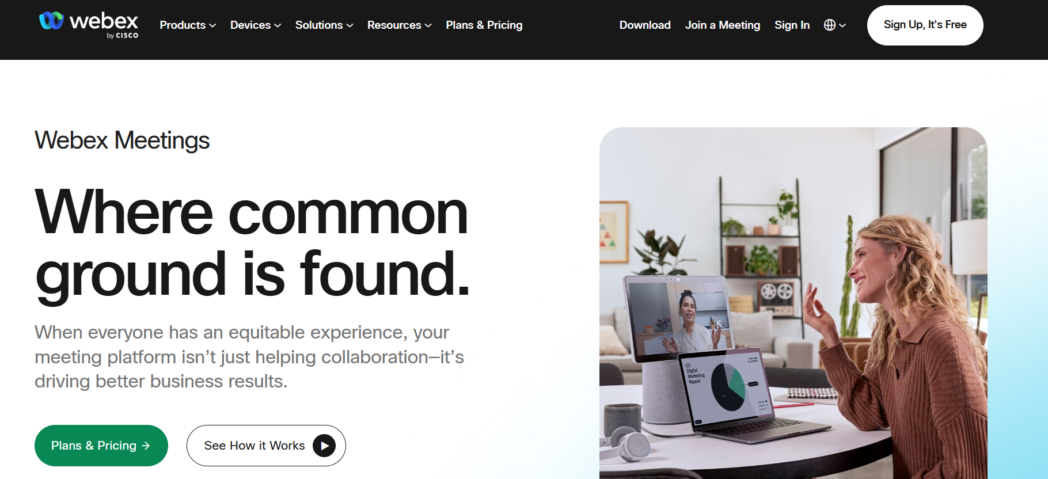
The video is solid and the noise cancellation is among the best going.
For everyday use the paid Webex Meet plan covers it, with 24-hour calls, 200 people, cloud recording, and an AI assistant for summaries. The free tier tracks Zoom closely, with a 40-minute cap and 100 people, so it is really there to let you test before you buy.
Reviewers do knock the interface for looking dated, and it sits around 4.2 out of 5 on G2, partly for that reason.
Best for
- Regulated industries with strict security and compliance needs
- Organizations already running Cisco infrastructure
Key features
- Enterprise-grade security and compliance certifications
- 24-hour calls and 200 participants on the Meet plan
- Built-in AI assistant for summaries and transcription
- Strong noise cancellation and call reliability
Pros
- One of the most secure options in the category
- Reliable at scale for large organizations
- AI features included on the entry paid plan
Cons
- Interface feels dated next to Zoom and Meet
- Overbuilt and pricey for a small group that just wants calls
Pricing
- Free
- Webex Starter: ₹9360/user/year
- Webex Business: ₹12300/user/year
- Webex Enterprise: Custom
5. GoTo Meeting
GoTo Meeting is for people who want a meeting tool that works and nothing they have to figure out. It has been around a long time, it does screen sharing, recording, and transcription without fuss, and it does not also try to be your chat app or your phone system.
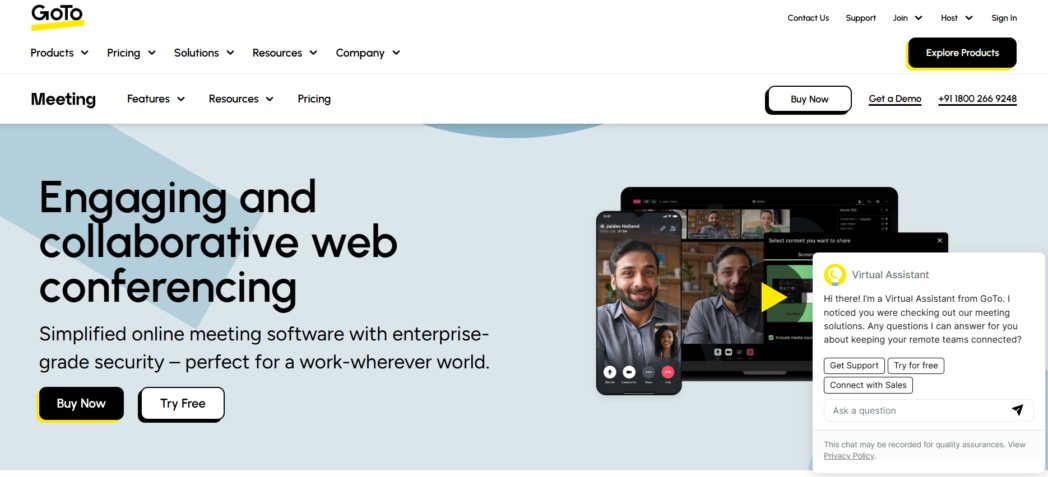
That focus is the whole pitch, and for a lot of small businesses it is the right one.
The catch is there is no free tier, so you are paying to find out whether you like it. The Professional plan handles up to 150 people. The Business plan adds cloud recording, AI transcription, and a smart assistant that writes notes and action items, plus a higher 250-person cap.
Best for
- Small businesses that want reliable meetings with a short learning curve
- Anyone who finds Zoom and Teams overloaded with features they never use
Key features
- Personal meeting rooms and unlimited meetings
- Cloud recording and AI transcription on the Business plan
- Smart assistant with notes and action items
- Calendar integrations with Google and Outlook
Pros
- Simple and stable, with a reputation for just working
- Clear two-tier pricing that is easy to reason about
- Good mobile apps
Cons
- No free plan, so you commit to paying to test it properly
- Occasional audio glitches show up in user reviews, and it sits around 4.2 to 4.4 out of 5
Pricing
- Professional: $12/organizer/month
- Business: $16/organizer/month
- Professional: Custom
6. Zoho Meeting
Zoho Meeting is the cheapest credible option here, and it makes the most sense if you already use other Zoho apps like CRM or Projects. It covers the basics, screen sharing, recording, polls, and calls up to 24 hours, at a price that undercuts nearly everyone. It will not win on polish, and the video handling has real limits, one being that it shows a single feed at a time.
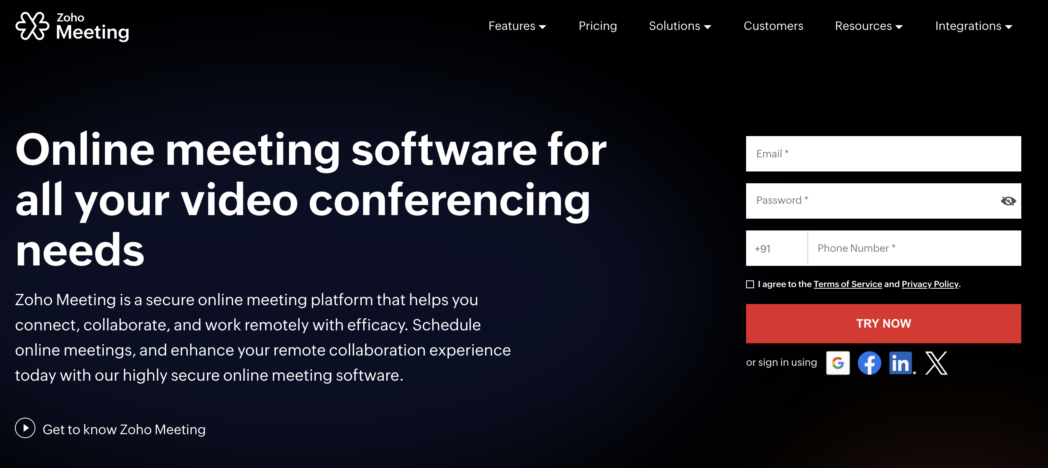
For a buyer counting every dollar, that is a fair swap.
The Meeting product holds up to 250 people, and Zoho sells a separate Webinar product for bigger events up to 5,000. There is a free tier to test on, and the paid Standard and Professional plans run a few dollars per host a month, a fraction of what the big names charge.
Best for
- Budget-conscious small businesses
- Companies already using the Zoho ecosystem
Key features
- Meetings up to 24 hours with up to 250 participants
- Recording, polls, and annotation
- A separate Webinar product for large audiences
- Native links to Zoho CRM and the wider Zoho suite
Pros
- The lowest per-host pricing among mainstream options
- Rated well for value, around 4.6 out of 5 on Capterra
- No credit card needed to start
Cons
- Basic video experience, including showing one feed at a time
- Most valuable when you are already inside Zoho, less compelling on its own
Pricing
- Free
- Standard: ₹50/host/month
- Professional: ₹125/host/month
7. Whereby
Whereby is built around one idea, that nobody should have to download anything to join a call. You send a room link, the other person clicks it, and they are in, straight from the browser on any device.
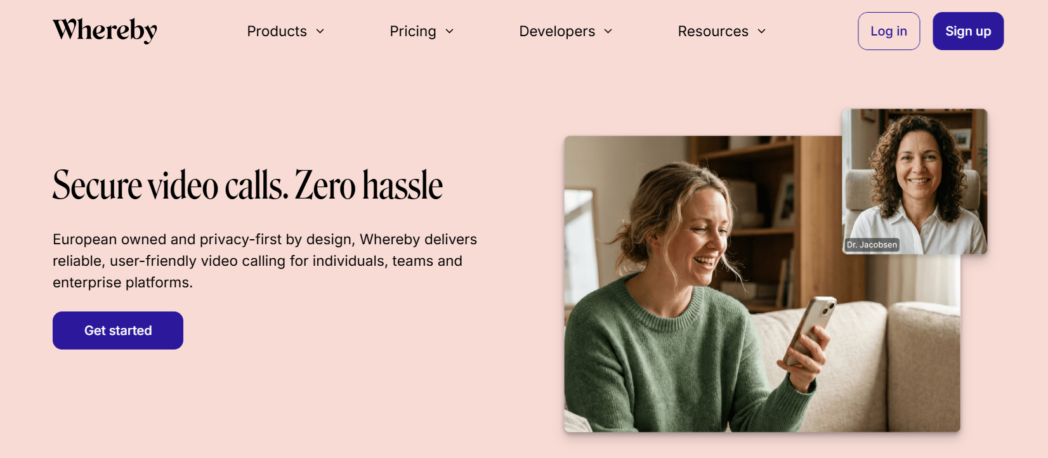
That makes it very good for calls with clients or candidates who should not have to install software just to talk to you. It also has an embeddable API, so you can put Whereby video inside your own product or site.
The free plan gives you one room for small calls. Pro raises the room to 100 people and adds recording, custom branding, and multiple rooms. It is not built for a big internal all-hands, it is built for quick one-to-one and small-group calls with people outside the company.
Best for
- Client calls, interviews, and consultations with external guests
- Product teams that want to embed video into their own app or site
Key features
- Fully browser-based with no download for anyone
- Embeddable video rooms through an API
- Custom branding and a custom subdomain on paid plans
- Recording and 100-participant rooms on Pro
Pros
- The lowest possible barrier for guests to join a call
- Clean, simple interface that non-technical people navigate instantly
- The embed option is genuinely useful for building video into a product
Cons
- The free plan is limited to one room and a small group, so it caps quickly
- Not built for large internal meetings or webinars
Pricing
- Free
- Pro: $10.99/month
- Business: $13.99/month/host
8. Jitsi Meet
Jitsi Meet is the answer when you want full control and no bill. It is free and open source, runs in the browser over WebRTC with no account needed, and you can either use the hosted version or run it on your own servers.
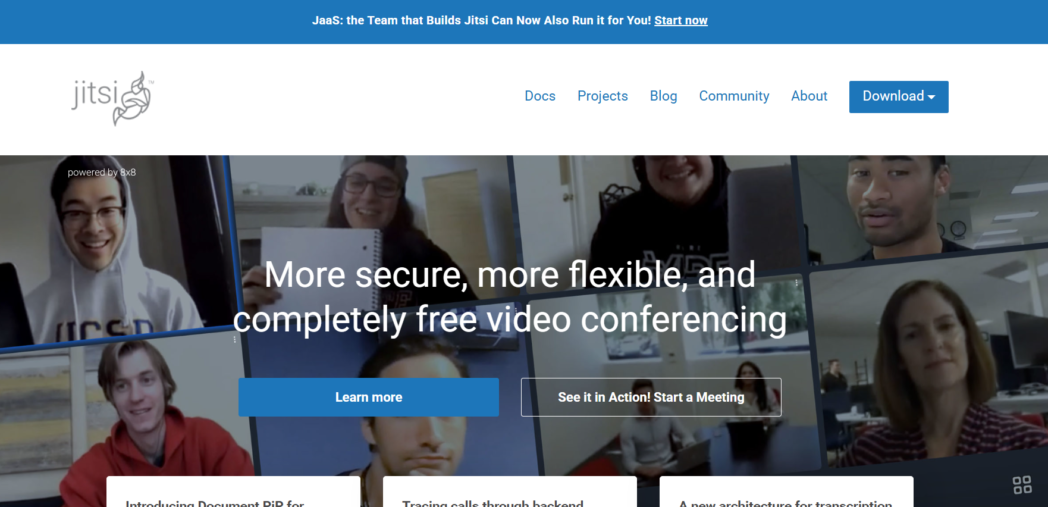
That self-hosting option is the real draw for privacy-minded groups and developers, because your call data never touches someone else’s cloud.
The cost of that freedom is no vendor support and no polished admin layer unless you build it. For a technical group that cares about data control, that is a fair deal. For a non-technical group that wants someone to call when a meeting breaks, it is not.
Best for
- Privacy-focused organizations that want to self-host
- Developers who want to customize their own meeting infrastructure
Key features
- Free and open source with no account needed to join
- Browser-based over WebRTC, no install required
- Self-hostable for complete data control
- Screen sharing, chat, and scalable group calls
Pros
- Genuinely free, with no per-user cost at any scale
- Full control over your data if you self-host
- Rated around 4.3 out of 5 by users despite a small review base
Cons
- No official support, so problems are yours to solve
- Self-hosting takes real technical skill to set up and maintain
Pricing
- Free. The hosted meet costs nothing, and self-hosting costs only your own server time.
9. RingCentral
RingCentral is the option when you want one tool for calls, video, and chat instead of three. It is a business phone system first, called RingEX, that folds video meetings and team messaging into the same app.
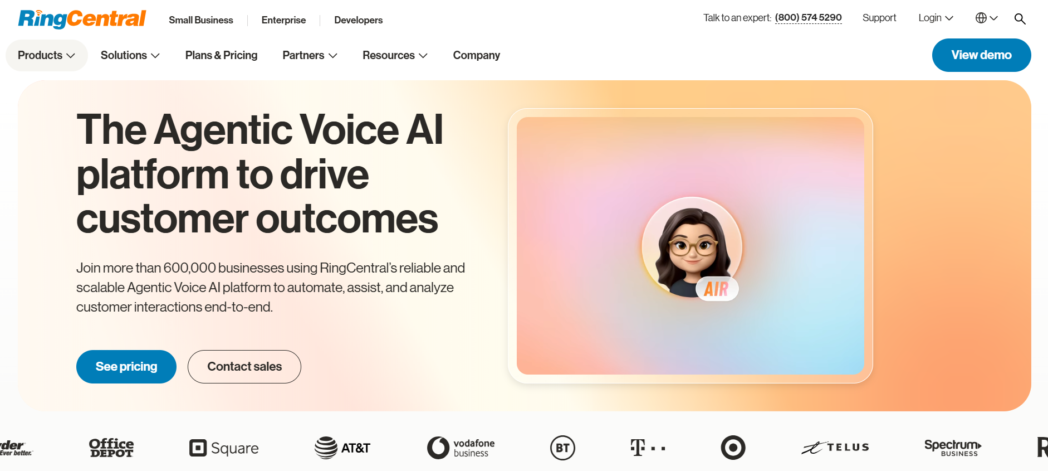
That is the pitch for companies tired of paying separately for Zoom, a phone line, and Slack. If your team makes a lot of real phone calls alongside video, that is the reason to look at it.
For video on its own it is more than you need, but it holds up. Meetings run to 100 people on the lower plans and 200 on the top one, with AI call transcription included from the entry tier.
There is a free video-only product called Video Pro, capped at 50 minutes and 100 people, though the phone system itself has no free plan.
Best for
- Companies that want phone, video, and messaging in one platform
- Sales and support teams that make real phone calls alongside video
Key features
- Business phone, video meetings, and team chat in one app
- Video meetings up to 100 people, or 200 on the Ultra plan
- AI call transcription and captions from the entry plan
- 300-plus integrations including Salesforce and HubSpot on higher tiers
Pros
- Replaces several separate tools, which can lower the total bill
- Reliable calling backed by a mature platform
- AI transcription included rather than sold as an add-on
Cons
- Overkill and pricey if you only want video, since the value is the phone system
- The real cost climbs fast once you add SMS, AI, and other boosters
Pricing
- Core: $20/user/month
- Advanced: $25/user/month
- Customer Engagement Bundle with AIR: Custom
- AI Customer Engagement Bundle: Custom
10. Livestorm
Livestorm is the odd one out here, because it is not built for internal meetings. It is built for webinars, virtual events, and customer-facing demos.
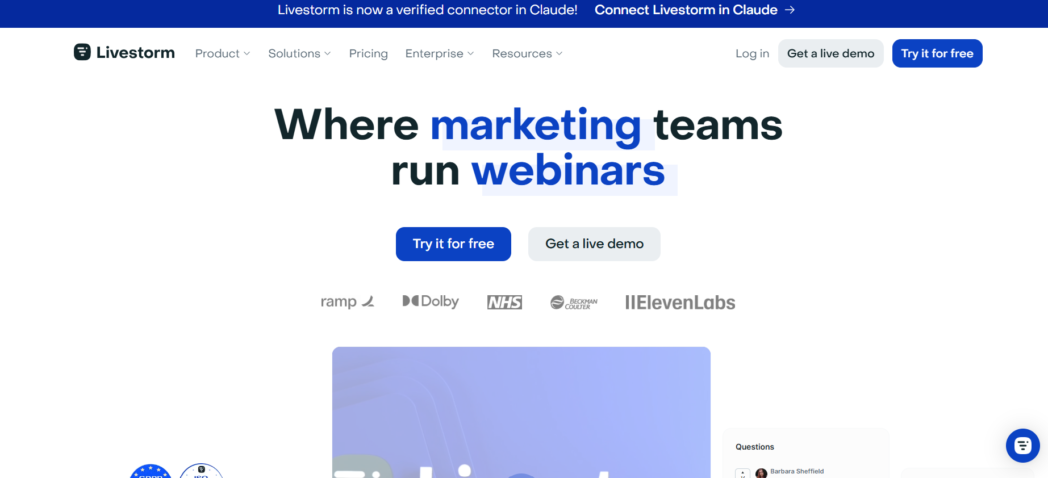
If your reason for leaving Zoom is that Zoom Webinars is expensive or clunky, Livestorm is the more focused choice. It runs entirely in the browser, so attendees join without a download, and it comes with the event machinery that general meeting tools bolt on awkwardly, registration pages, email reminders, polls, and analytics.
The free plan is trial-grade, capped at a small audience and short sessions, so it is for testing rather than running real events.
Paid plans open up bigger audiences, longer sessions, and the automation that makes repeat webinars manageable. The pricing moved around a lot in 2026, so treat any figure as provisional until you check it.
Best for
- Marketing and events groups running regular webinars
- Customer-facing demos and product launches with registration and follow-up
Key features
- Browser-based with no download for attendees
- Registration pages, email reminders, polls, and Q&A built in
- Analytics on attendance and engagement
- Automated workflows for recurring events
Pros
- Purpose-built for events, so the event features are first-class
- Attendees join instantly in the browser
- Detailed engagement analytics
Cons
- The wrong tool for everyday internal meetings
- Pricing has been volatile in 2026 and higher tiers are custom-quoted
Pricing
- Pro: $3/attendee
- Enterprise: Custom
Conclusion
Which one replaces Zoom depends on what Zoom is doing for you. If you need live calls and already pay for Google Workspace or Microsoft 365, the answer is Meet or Teams, because it is already in the bill.
The part none of them touch is the meeting you did not need to have. A recorded update that people watch on their own time drops the scheduling, hands the viewer the controls, and leaves something they can search later.
That is what Dadan does, and for the standups, demos, and status updates that fill a calendar without needing anyone live, it beats every name above at that one job.
Record your next update instead of booking it and see how much of the week comes back. Try Dadan free at dadan.io.
FAQs
What is the best alternative to Zoom in 2026?
If you use Google Workspace, Google Meet is the natural fit, and if you use Microsoft 365, Teams is. To cut down on live meetings altogether, Dadan replaces recorded-style meetings with async video.
What is the best free Zoom alternative?
Google Meet and Microsoft Teams both have strong free plans, with 60-minute group calls for up to 100 people, which beats Zoom’s 40-minute cap. Jitsi Meet is fully free and open source with no hard limits, and Dadan’s free plan covers async video with 25 videos and 2 GB of storage.
Which Zoom alternative is best for business meetings?
Microsoft Teams and Google Meet are the strongest for regular business meetings because they fold video into the suite you already use. Webex is the better choice when security and compliance are non-negotiable for your industry.
Which Zoom alternative offers meeting recording?
Most paid plans include it, among them Google Meet Business Standard, the paid Teams tiers, Webex Meet, GoTo Meeting Business, and Zoho Meeting. Dadan records Zoom, Google Meet, and Teams calls directly through its Meeting Recorder and saves each one with a transcript.
What is the best Zoom alternative with AI meeting notes?
Dadan, Webex, Teams with Copilot, and Google Meet with Gemini all generate summaries and notes from a call. Dadan goes further by turning a recording into searchable chapters, titles, and an editable summary.
Can I use a Zoom alternative without downloading software?
Yes. Google Meet, Webex, Whereby, Jitsi Meet, Livestorm, and Dadan all run in the browser, so people can join or record without installing anything. Whereby is built specifically around no-download guest access.
Which Zoom alternative is best for remote teams?
For the async side, where remote work causes the most calendar conflict across time zones, Dadan lets you send a recorded update that people watch when they are online instead of everyone meeting at once.
Is Dadan a good alternative to Zoom?
For the large share of meetings that are really one-way updates, demos, or walkthroughs, yes, Dadan replaces them with recorded video that is faster to watch, includes editing and AI notes, and records your live calls when you do need them.