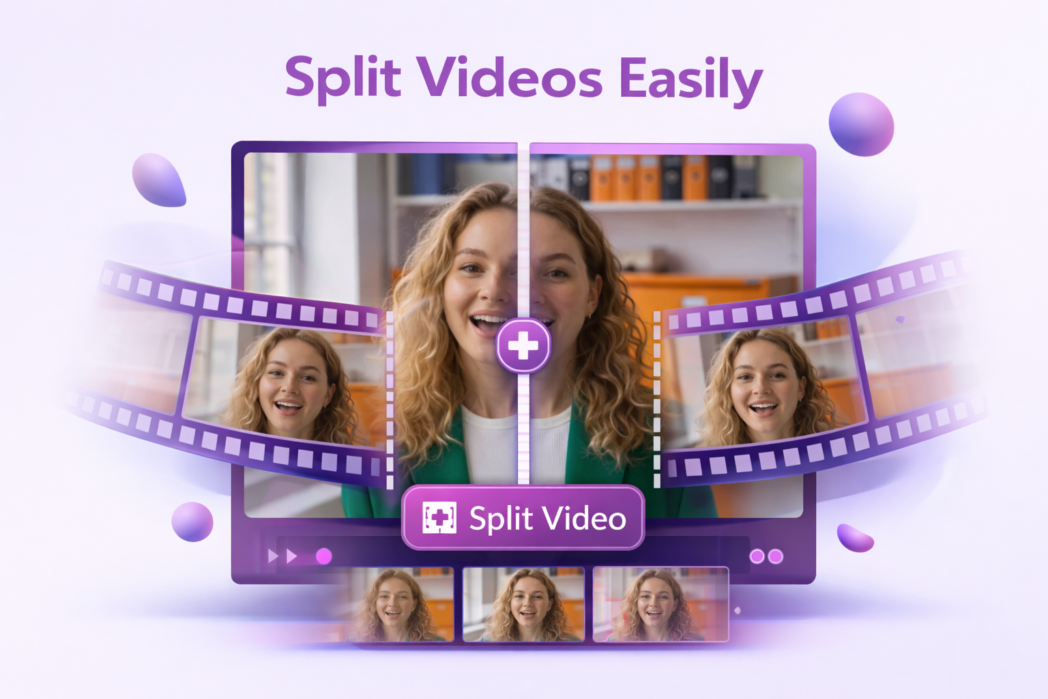
How to Split a Video Online into Multiple Segments?
1
Step 1:
Upload your video file.
2
Step 2:
Add split points where you want each segment to begin or end.
3
Step 3:
Export the video as separate clips.
Split Long Videos Without the Mess
Maintain Original Video Quality
Splitting a video does not affect its quality. Each segment is saved at the same resolution and clarity as the original file, so nothing is lost in the process.
No Watermark
Every clip you download is completely clean. There are no watermarks, no branding overlays, and no restrictions. Your video, exactly as you split it.
Secure File Handling
Your videos are processed directly in your browser and are never stored on our servers. Your files stay private from upload to download.
Upload your video to Dadan, mark the points where you want to split it, and click the split button. Your clips will be ready to download individually within seconds.
Yes. Dadan lets you add multiple split points across a single video, so you can divide a long recording into as many segments as you need in one go.
No. Splitting each clip retains the same resolution and quality as the original file. Nothing is re-encoded or downgraded.
Dadan’s video splitter supports MP4, WEBM, MOV, MKV, and AVI files, covering the most widely used video formats across devices and platforms.
Yes. Dadan works in any modern mobile browser, so you can upload, split, and download clips from your phone without installing an app.