How to Resize Video Frame for Different Aspect Ratios
1
Step 1:
Add the file you want to reformat.
2
Step 2:
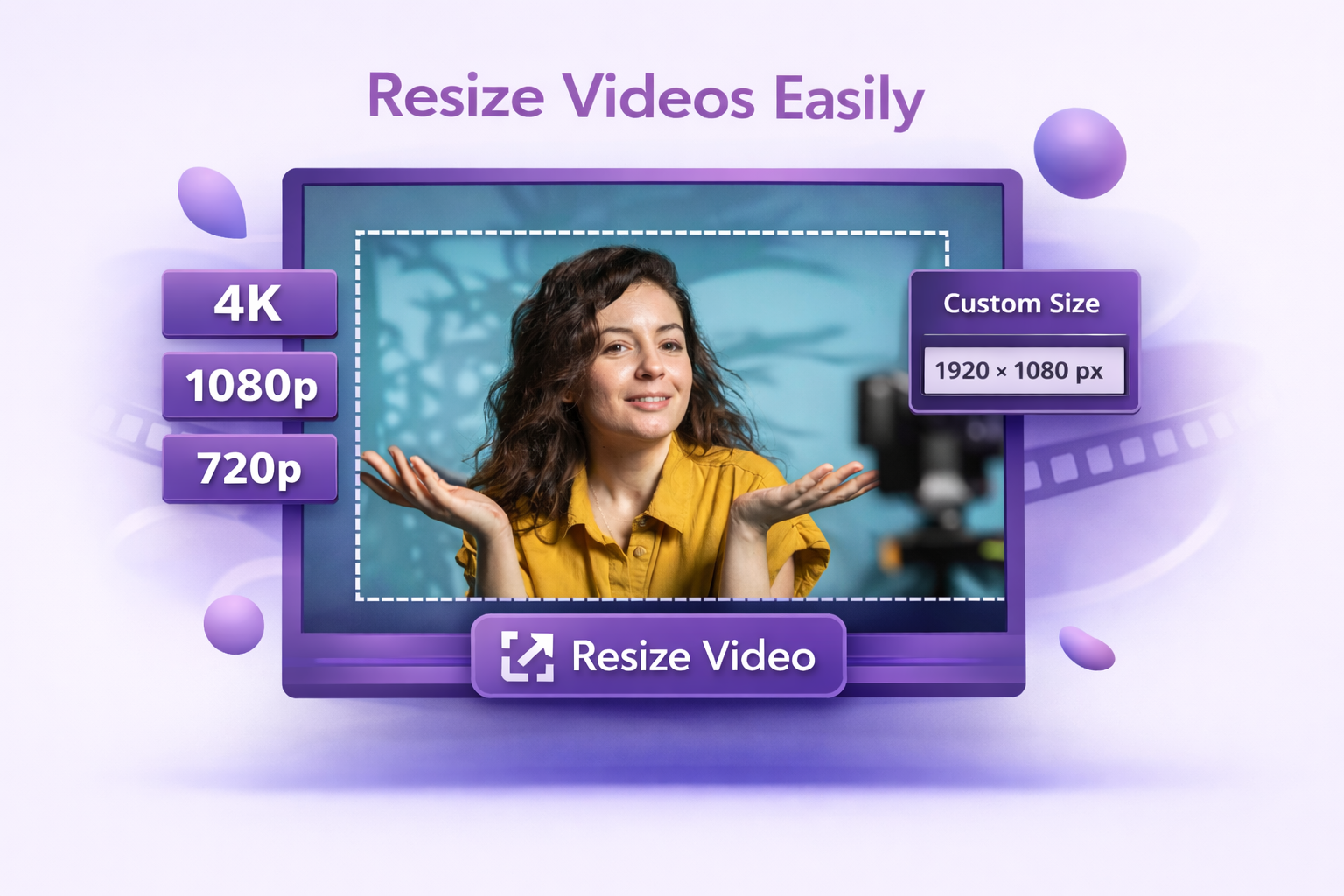
Select your aspect ratio from the platform presets or enter your own dimensions.
3
Step 3:
Apply the change, reposition the frame if needed, and save.
The Right Format for Every Platform
Convert Videos In Click
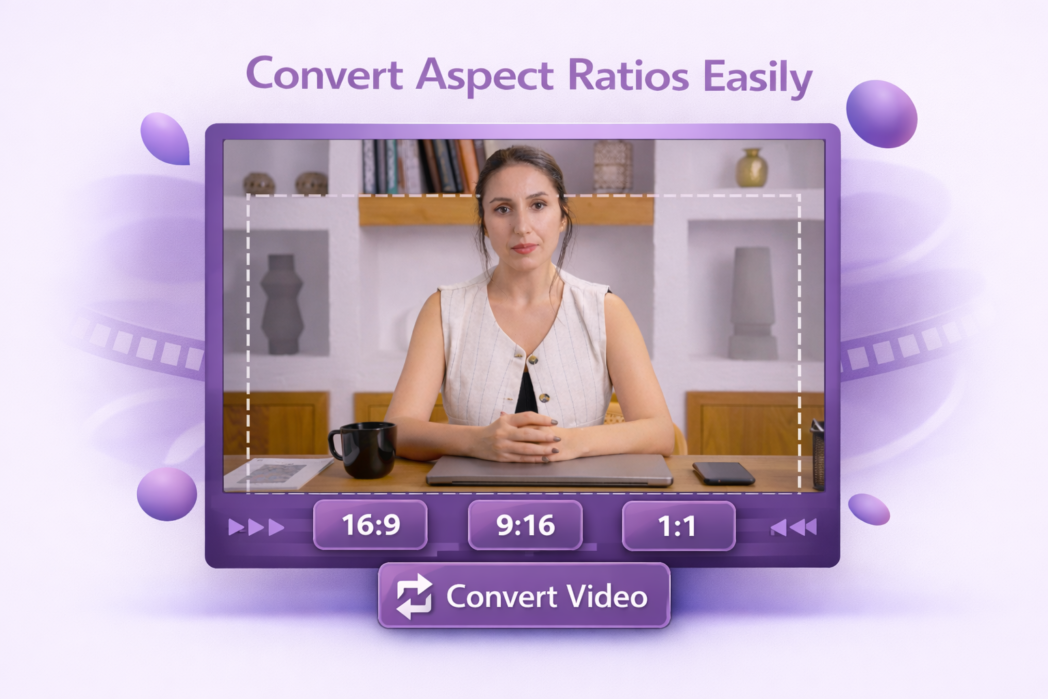
Switching between aspect ratios takes one click. Select the ratio you need, and the frame adjusts automatically. No manual resizing, no fiddling with dimensions, no timeline editing required.
Adjust Frame Position
When the aspect ratio changes, not every part of the original frame will fit. Dadan lets you reposition the content within the new frame so the most important parts of the video stay visible.
Presets For Social Media
Landscape for YouTube, square for Facebook, and vertical for Instagram Reels and TikTok. The presets are already set up with the right dimensions for each platform. Pick the one you need, and the tool handles the rest.
Upload your video, select the aspect ratio you need from the available presets or enter custom dimensions, and download the reformatted file.
It depends on where the video is going. 16:9 is standard for YouTube and most desktop viewing. 9:16 is used for Instagram Reels, TikTok, and YouTube Shorts. 1:1 works well for Facebook and Instagram feed posts. 4:3 still appears in some presentations and older broadcast formats.
The resolution within the frame you keep stays the same. If the new ratio requires adding space around the video, those areas are filled with a background rather than stretched content, so the original footage is not distorted.
Yes. Switching from 16:9 to 9:16 is one of the most common uses of this tool, particularly for repurposing landscape recordings into content for Instagram Reels, TikTok, or YouTube Shorts.
Dadan supports 16:9, 9:16, 1:1, and 4:3 as standard presets, along with custom dimensions for any use case that falls outside those formats.