How to Flip a Video Online in Simple Steps using Video Flipper?
1
Step 1:
Upload the video you want to flip. Drag it onto the page or browse your device to find it.
2
Step 2:
Select horizontal to mirror left to right, vertical to flip top to bottom.
3
Step 3:
Download your flipped video, watermark-free and ready to use wherever you need it.
More Control Over How Your Video Looks
Flip Horizontally & Vertically
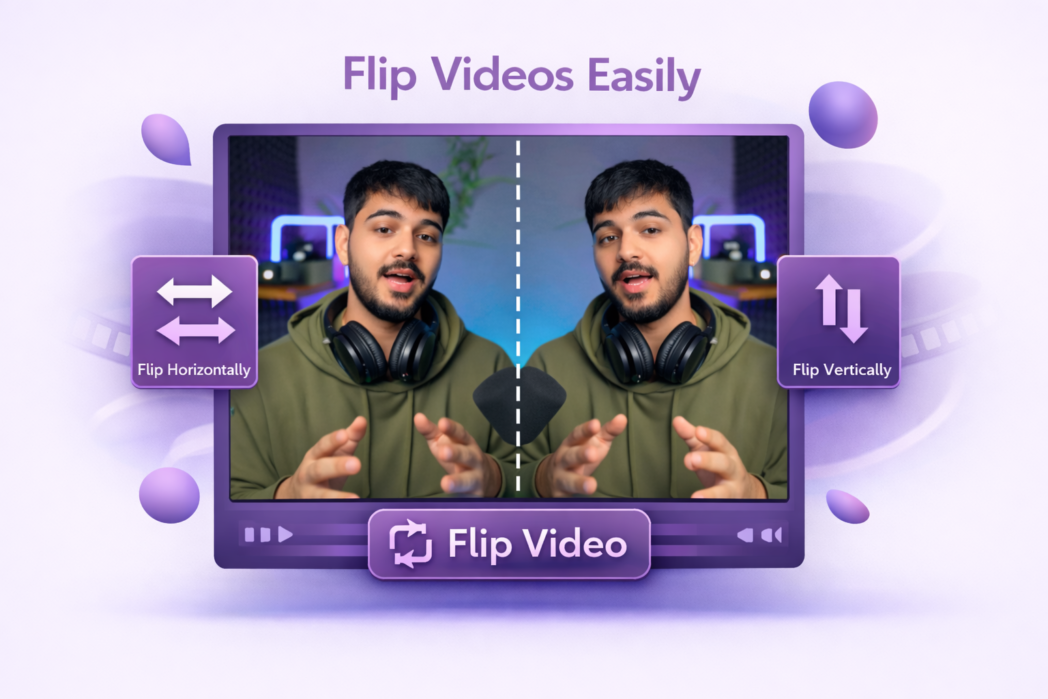
Flip left to right to correct a mirrored recording and top to bottom to invert the frame. It covers the most common reasons people need to flip footage, front-facing camera recordings, mismatched clip directions, or specific framing needs.
Preview Before Export
Check the result before saving anything. If the flip is not what you expected, change the direction and preview again.
Multiple Export Quality
When you are ready to download, choose the output quality that fits how the video will be used. A higher quality setting for publishing, and a smaller file when you just need to share it quickly.
Upload your video to Dadan, select the flip direction you need, preview the result, and download. The whole process takes under a minute and requires no account or software.
Rotating changes the angle of the video, turning it 90°, 180°, or 270°. Flipping mirrors it along an axis, either left-to-right or top-to-bottom.
Yes. Flipping only changes the direction of the frame, it does not affect resolution, bitrate, or any other quality setting. The output file matches the quality of the original.
The most common reason is front-facing camera footage, where text, logos, or even faces can appear mirrored. It also comes up when combining clips that were shot from opposite angles and need to match direction.
Dadan works in mobile browsers, so there is no app to download. Just open the page, upload your file, and flip it from wherever you are.