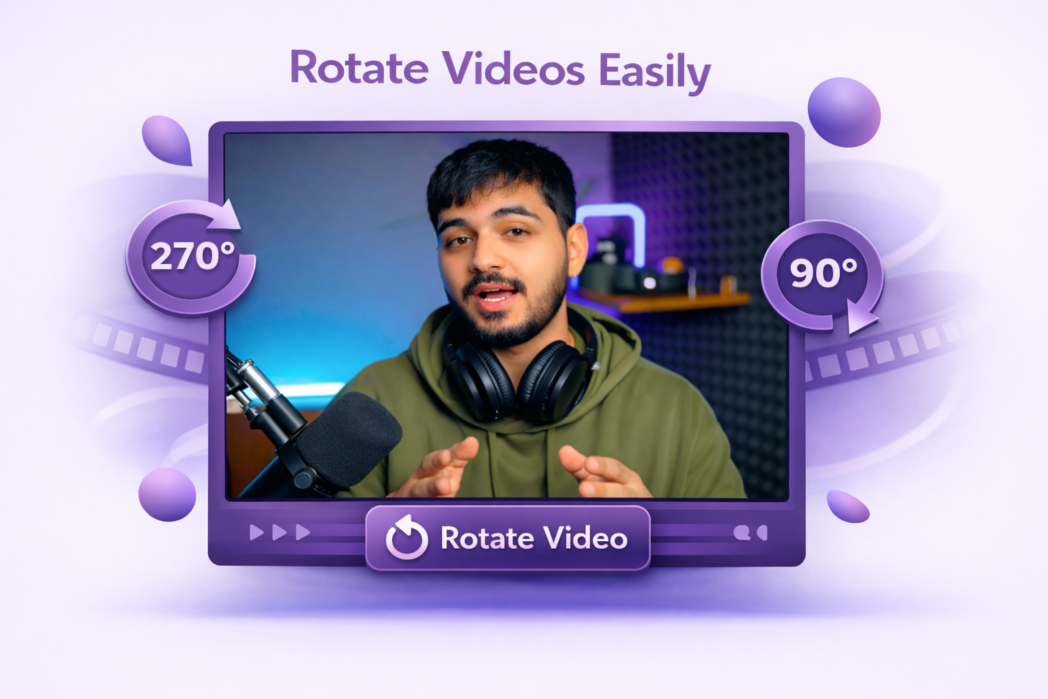
How to Fix Video Orientation Online Easily using Video Rotator?
1
Step 1:
Add the file that needs correcting. Drag it onto the page or browse your device to find it.
2
Step 2:
Pick 90°, 180°, or 270°, depending on how far off the orientation is.
3
Step 3:
Hit rotate and save your fixed video, watermark-free and ready to share.
Fix Orientation Problems Without the Fuss
Rotate Videos By 90°, 180°, Or 270°
Whether a video was recorded sideways on a phone or came out upside down from a camera, Dadan lets you correct it in one step. Choose from 90°, 180°, or 270° rotation, and the file is adjusted immediately.
Handle Large Video
Dadan is built to process large files without issues. You are not limited to short clips or small file sizes, so you can rotate full-length recordings just as easily as shorter ones.
Browser-Based
Everything runs directly in your browser. There is nothing to download or install, and no account is needed.
Upload your video to Dadan, select the rotation angle you need, and click rotate. Your corrected file is ready to download in seconds.
Yes. Select 90° to fix a sideways video, or 180° to flip an upside-down one. The adjustment is applied immediately, and the result is available to download straight away.
No. Rotating a video only changes its orientation, it does not affect the resolution, bitrate, or any other aspect of the file’s quality.
Dadan supports 90°, 180°, and 270° rotation, covering the most common orientation corrections needed for footage recorded on phones, cameras, and other devices.
Yes. Dadan works in any modern mobile browser, so you can upload, rotate, and download videos from your phone or tablet without installing an app.