Stop juggling tools. Dadan lets you record your screen, edit by transcript, convert MKV to MP4, extract audio, and compress videos. All in your browser.

https://tools.dadan.io/crop-video
How to Crop a Video Online in Simple Steps?
1
Step 1:
Upload your video file onto the page or click to browse. Supports MP4, MOV, MKV, AVI, and more.
2
Step 2:
Select the area of the frame you want to keep. Adjust freely until it looks right.
3
Step 3:
Download your cropped video.
A Simple Tool That Gets Out of Your Way
Remove Unwanted Areas
Whether it’s a cluttered background, a distracting border, or a section of the frame that simply does not belong, cropping lets you remove it cleanly. The result is a more focused video that works better across platforms and screen sizes.
Adjustable Crop Frame
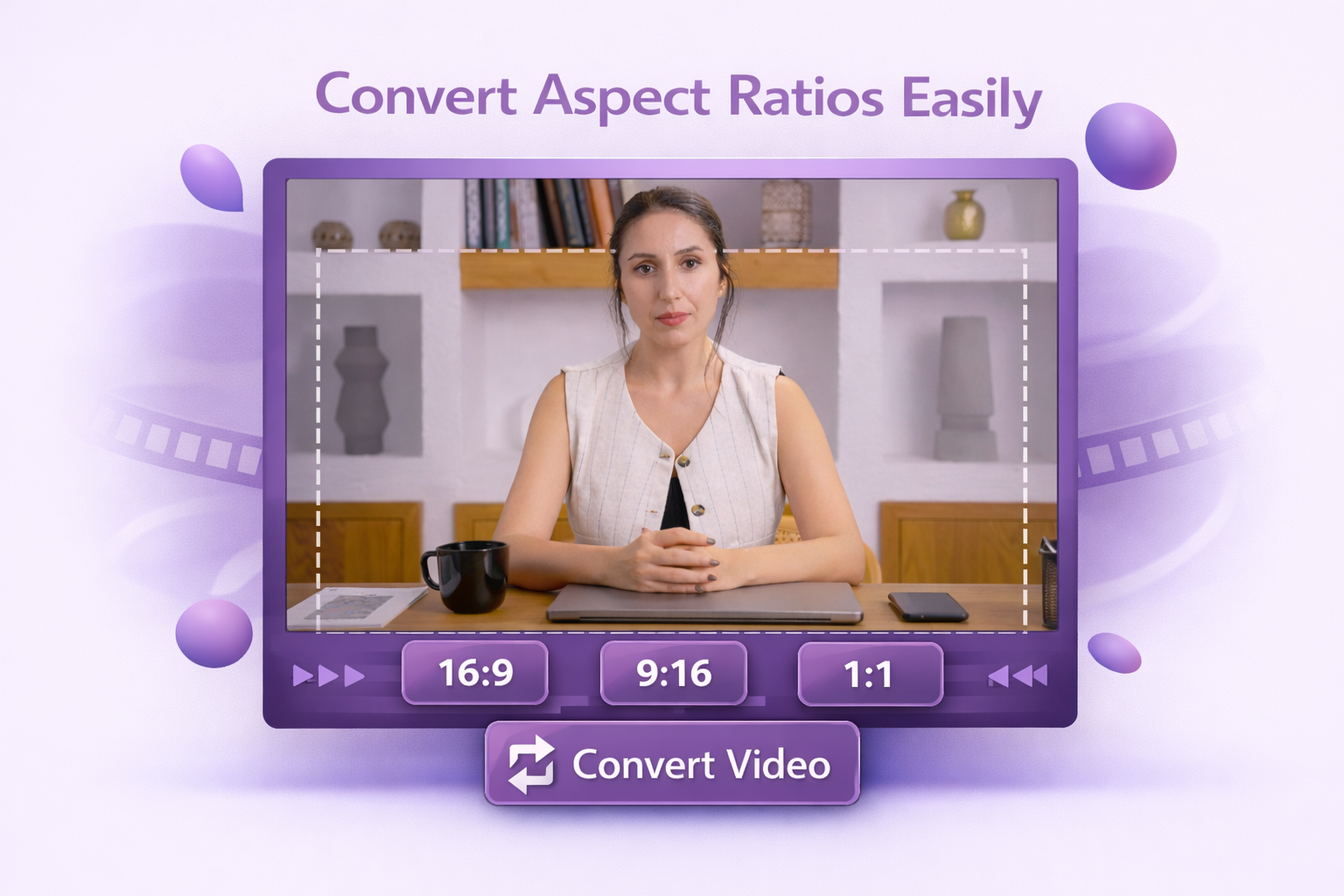
Move and resize the crop area freely until it frames exactly what you need. You can crop to standard aspect ratios like 16:9, 9:16, or 1:1, or set your own dimensions.
Fast And Secure
Your video is processed directly in your browser. The cropped version is ready to download in seconds.
Explore More Tools
FAQs
Upload your video to Dadan, drag the crop frame to the area you want to keep, and click crop. Your file is ready to download in seconds.
Yes. The crop tool lets you drag and resize the frame freely, so you can cut out borders, reframe the subject, or remove any part of the frame you do not need.
No. Cropping only removes the edges of the frame, the area you keep stays at the same resolution and quality as the original file.
You can crop freely to any dimensions, or choose from standard aspect ratios such as 16:9, 9:16, 1:1, and 4:3 to match the requirements of different platforms and screens.
Yes. Dadan runs in any modern mobile browser, so you can upload, crop, and download videos from your phone or tablet without installing anything.