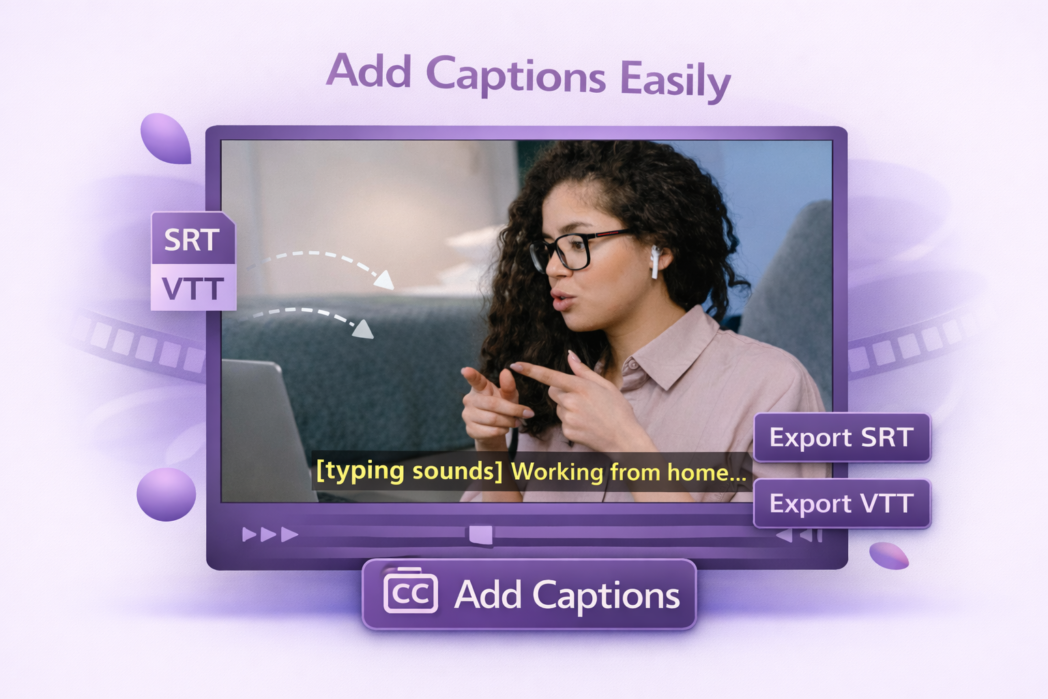
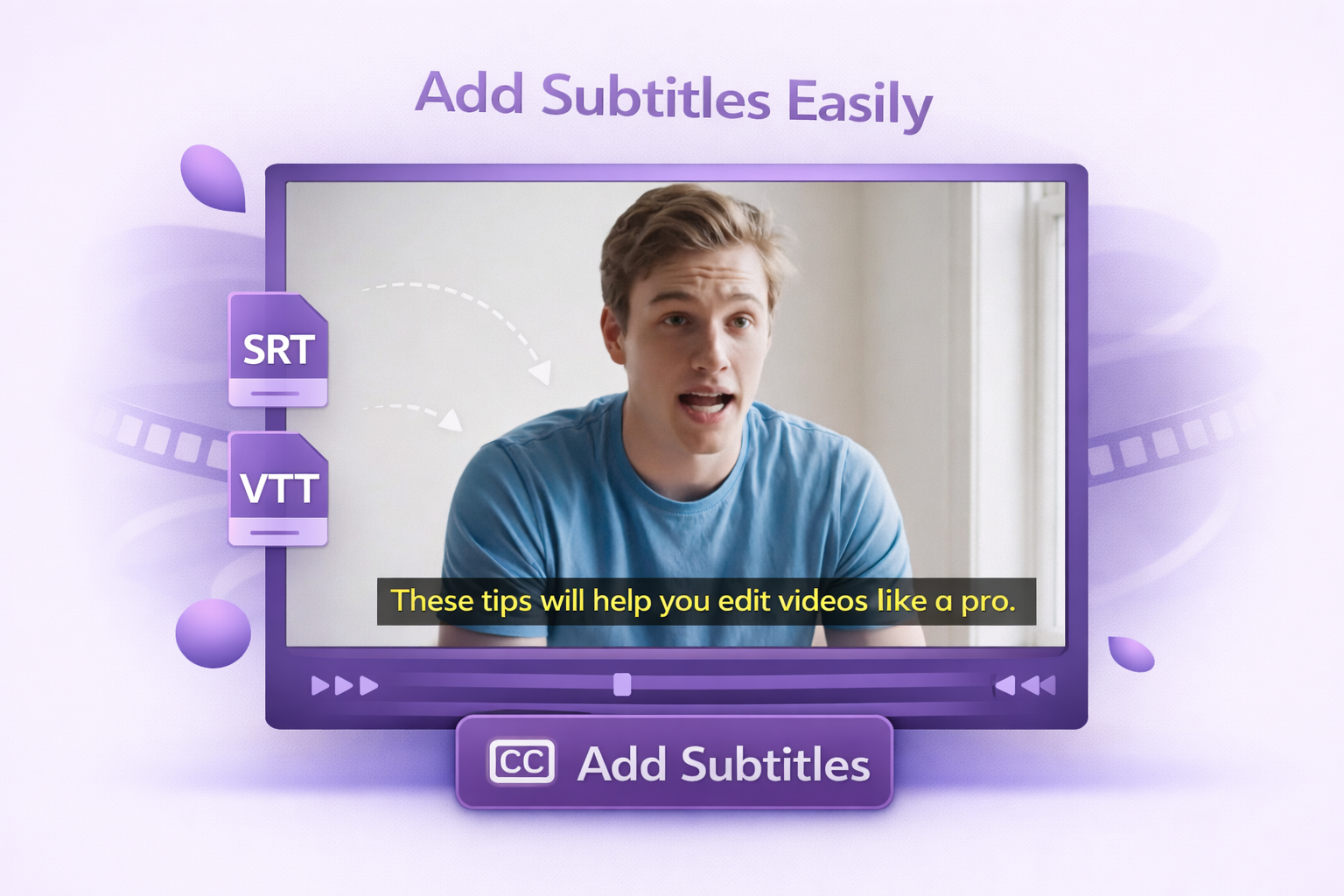
Upload your video and SRT or VTT file containing your captions.
2
Step 2:
Play back the video with captions overlaid to check timing and readability.
3
Step 3:
Download the video with captions built in, ready for upload to any platform.
Made for Accessibility, Built for Social Feeds
Import Captions
Bring in an existing SRT or VTT file and attach it to your video without retyping anything. Useful when your captions came from a transcription service, a prior project, or your team’s accessibility workflow. The tool reads both formats directly.
Real-Time Preview
Watch the captioned video before you export. Spot timing that’s out of sync, text that runs too long for the line, or moments where a caption covers something important on screen. Fix it now.
Export Options
Download the video with captions embedded so they display on every player, or keep the caption file separate so viewers can toggle them on and off. Pick whichever fits where the video is going to live.
Captions are written for viewers who cannot hear the audio. They include dialogue, speaker labels, and sound effects like [door slams] or [music playing]. Subtitles are written for viewers who can hear the dialogue but do not understand the language, so they cover only the dialogue.
This tool is built around importing an existing SRT or VTT file. To write captions from scratch or edit them inside the video, use Dadan’s main video editor, which generates captions from your transcript and lets you edit the text, timing, and placement directly.
Embedded captions stay visible on every player and are the safer choice for social platforms that do not support caption file uploads. Keeping the caption file separate lets viewers toggle captions on and off on platforms that support it, like YouTube.
If your SRT or VTT file includes sound effects and speaker labels, they render on export exactly as written. The tool does not generate them for you. Most transcription services give you the option to include these when they produce the caption file.
Yes. Embedded captions are the standard for Reels, Shorts, and TikTok because most viewers watch without sound, and those platforms do not always support separate caption files. Export with captions built into the video and upload as normal.