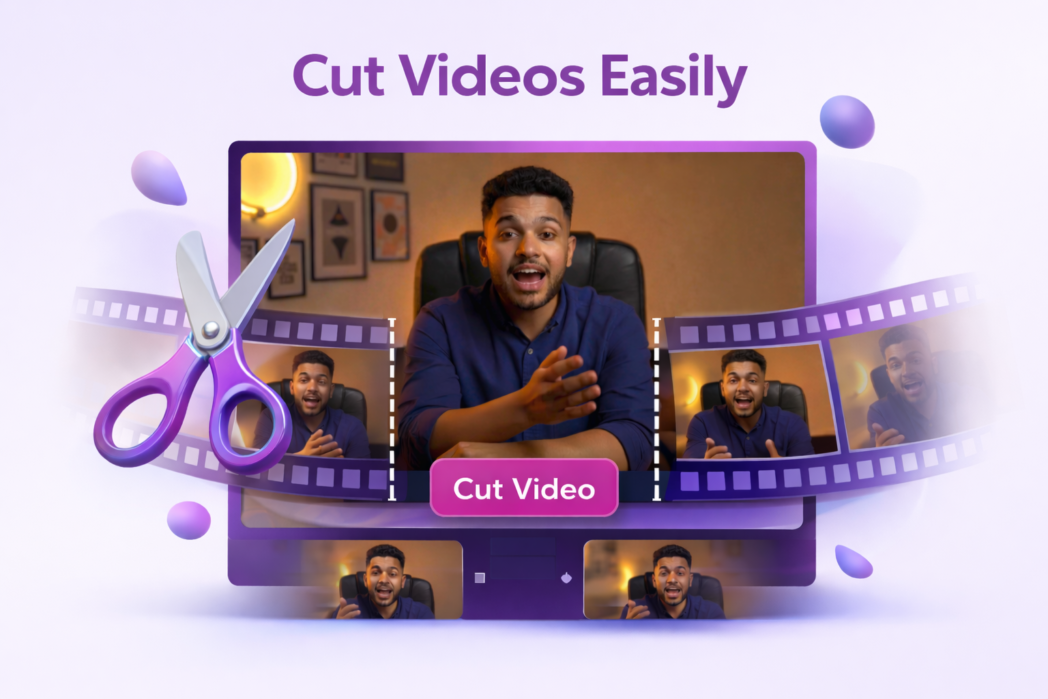
Choose the exact section you want to keep and remove the rest without overcomplicating the process.
No Quality Loss
A good video cutter keeps the output clear and usable, so you can shorten the file without ending up with something blurry or rough.
Multiple Video Formats
Work with common video file types, including MP4, WEBM, MOV, MKV, and AVI. That gives you more flexibility when you’re cutting files from different devices, editors, or tools.
Use Dadan. Upload the file, select the part you want to keep, and export the cut version. The process is simple and does not require advanced editing knowledge.
Yes. An online video cutter lets you remove extra footage without opening full editing software or learning a complex workflow.
Not necessarily. Cutting removes sections from the timeline, but it does not have to reduce the quality of the remaining video.
This tool supports common video formats such as MP4, WEBM, MOV, MKV, and AVI.
Yes. If the tool runs in your browser, as Dadan does, you can use it on both mobile and desktop.