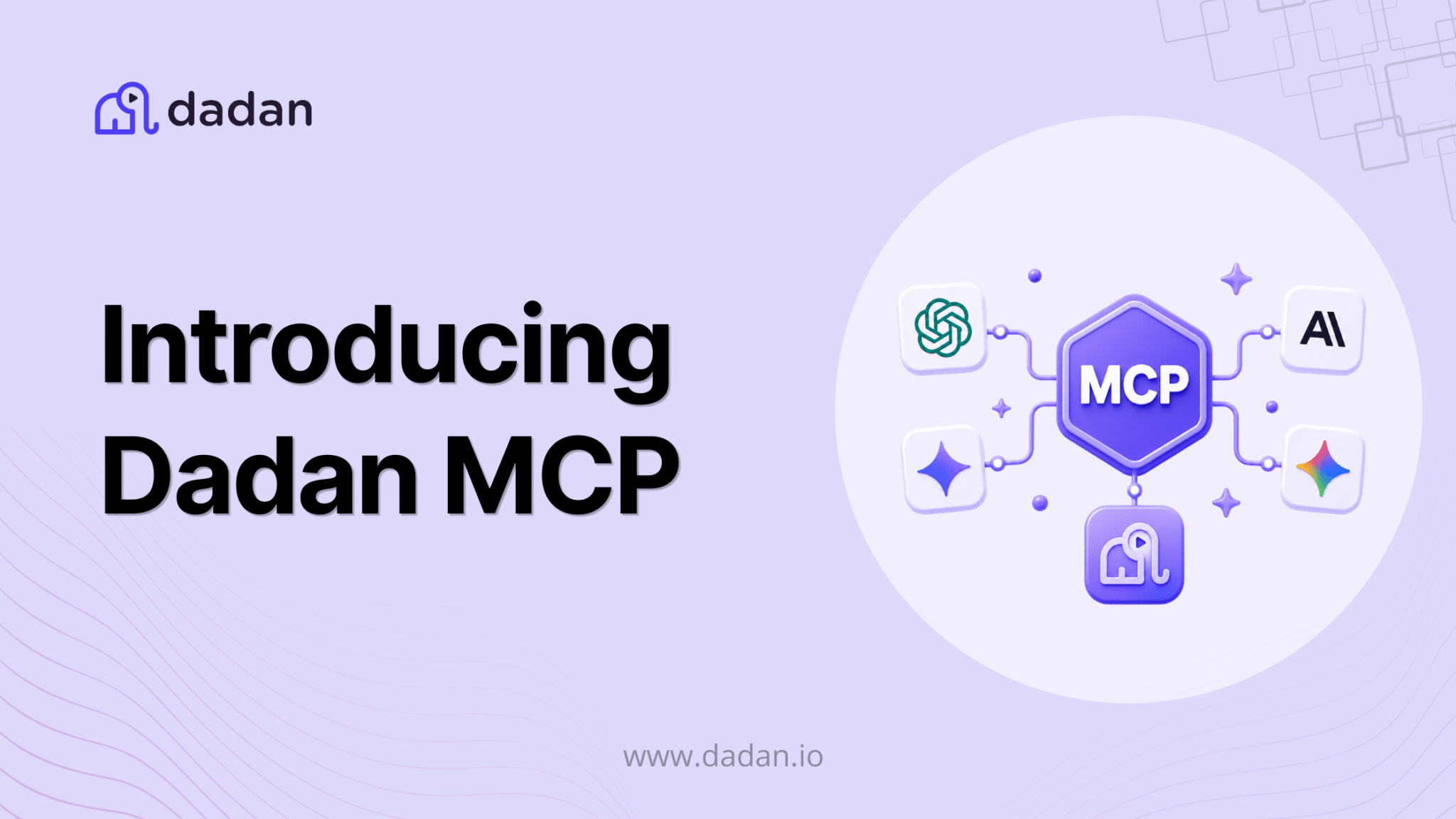
One month after Dadan 2.0, we have another big one for you.
In June we shipped Dadan 2.0: a new interface, advanced video editor, deeper analytics, better engagement tools, a redesigned dashboard.
Today we are going one step further. Instead of making you come to Dadan, we are putting Dadan inside the tools you already have open all day.
Say hello to the Dadan MCP Server.
What it actually is
MCP (Model Context Protocol) is the emerging standard for connecting AI assistants to real software. Dadan MCP is our official endpoint for it.
Connect it once, and your AI assistant can reach into your Dadan workspace directly: your recordings, transcripts, AI summaries, engagement analytics, captured leads, playlists, folders, and teams.
One endpoint. 70 tools across 13 capability areas. All callable in plain English.
No API key. No client secret. No code.
What you can do with it
Here is the part we are most excited about. These are not hypothetical. Type them and they work.
Find things without opening a tab
“Search my Dadan videos for onboarding.” “Summarize my last product demo.” “What did we say about pricing in the Q3 kickoff recording?”
Search runs across titles, tags, and what is actually said inside your videos.
Record and process meetings
“Record my meeting at meet.goto.com/957471421.” “Transcribe it, write meeting notes, and show me who spoke the most.”
Edit without an editor
“Trim this to the first 30 seconds and add a title card.” “Reframe this to vertical and blur the region with the customer’s email.” “Add background music and a punch-in zoom at 0:42.”
Translate for a global audience
“Translate this video into Spanish and Arabic.”
Build engagement and capture leads
“Add a poll at 0:15 and a lead form at the end.” “Show me every lead captured from my demo videos this month.”
Read your numbers
“How is my library performing this month?” “Which video has the best completion rate?”
Keep things organized
“Create a folder called Campaigns and move these four videos into it.” “Make a playlist called Best Demos, add this video, and give me the share link.” “Create a recording request titled ‘Record your intro’ and send me the link.”
You never need to know an internal ID. Refer to things by name, or paste a Dadan link.
Why this matters
Until now, video work meant context switching.
You were writing a follow-up email in one window, then jumping into Dadan to find the demo, grab the timestamp, copy the share link, check whether the prospect actually watched it.
With Dadan MCP, that whole loop collapses into one sentence in the chat you already had open.
The bigger shift: your video library stops being an archive you visit and becomes a resource your AI can actually use.
Every transcript is searchable context. Every analytics number is queryable. Every lead form response is one question away.
We think this changes how you operate Dadan. Not a little. Fundamentally.
Setting it up takes about two minutes
Claude (Pro, Max, Team, or Enterprise)
- Settings, then Connectors, then Add custom connector
- Name it Dadan, paste https://mcp.dadan.io/, click Add
- Click Connect and sign in with your Dadan account
- Enable Dadan in your conversation’s tools menu
- Ask “Ping my Dadan server.” A pong means you are live.
For Claude Code, run: claude mcp add –transport http dadan https://mcp.dadan.io/
ChatGPT (free plan, paid plan, chatgpt.com on web only)
- Settings, Security and login, turn on Developer mode
- Settings, Plugins, click +, paste the endpoint, set Authentication to OAuth, click Create
- Sign in to Dadan in the browser window that opens
- New chat, + menu, Developer mode, Dadan
Cursor Use the one-click install, or Cursor Settings, MCP, Add new MCP server. Works in Agent mode on all plans that include MCP.
VS Code (1.102+ with GitHub Copilot) Command Palette, MCP: Add Server, HTTP, paste the endpoint.
Anything else Windsurf, Gemini CLI, the official MCP SDKs, or your own stack. Standard streamable HTTP with OAuth 2.1.
Full setup guides for every client: mcp.dadan.io
One common gotcha: make sure the URL includes the /mcp path. The bare domain serves the docs page, not the protocol.
It is free to connect
Connecting costs nothing and requires no separate purchase. You sign in with your own Dadan account and it runs on your existing plan, free tier included.
Reads are always free: search, transcripts, analytics, playback. Editing and AI actions draw on your plan’s normal allowances (storage, meeting minutes, AI credits). Nothing new to buy.
Your data stays yours
We built this with per-user auth from day one.
- Every call runs as you, against Dadan’s own permission checks. There is no master credential.
- Your videos, transcripts, and leads stay on the Dadan platform. They do not live on the gateway.
- Sign-in tokens are encrypted at rest and scoped to your account. Gateway tokens expire within an hour.
- Revoke access anytime, from your AI client or from Dadan.
Sign-in works through Google, Microsoft, or email, exactly like the Dadan apps.
Also Read: Introducing Snap Record for Mac & Windows
Try it and tell us what breaks
This is the first version. We have a long list of things we want to add, and we would rather build that list from what you actually try to do with it than from what we guessed in a planning doc.
So please: connect it, throw real work at it, and tell us where it falls short. What did you ask for that it could not do? What did you expect to work that did not?
Email us at [email protected]. We read every one.
Connect now: mcp.dadan.io
Not on Dadan yet? Start free, then come back and plug it in.
Bonus Read:
How to Use ChatGPT and Dadan for Video Creation
How Do You Set Up Dadan MCP in ChatGPT and Claude Without Code?
Zero to Global: Dadan’s First Year in Product, Users, and What’s Next