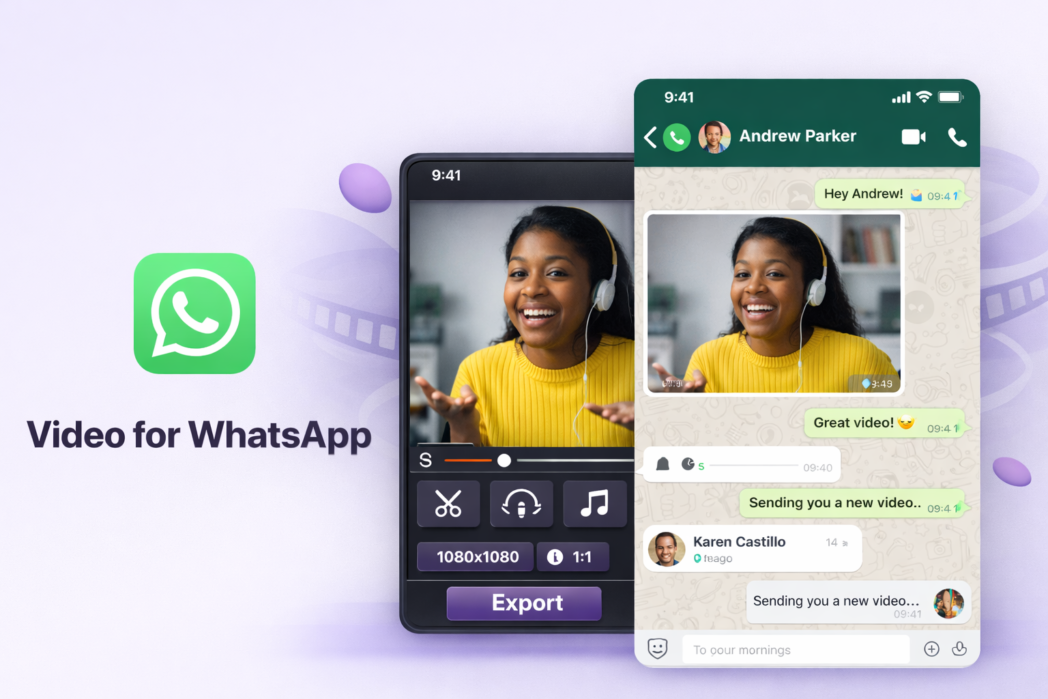
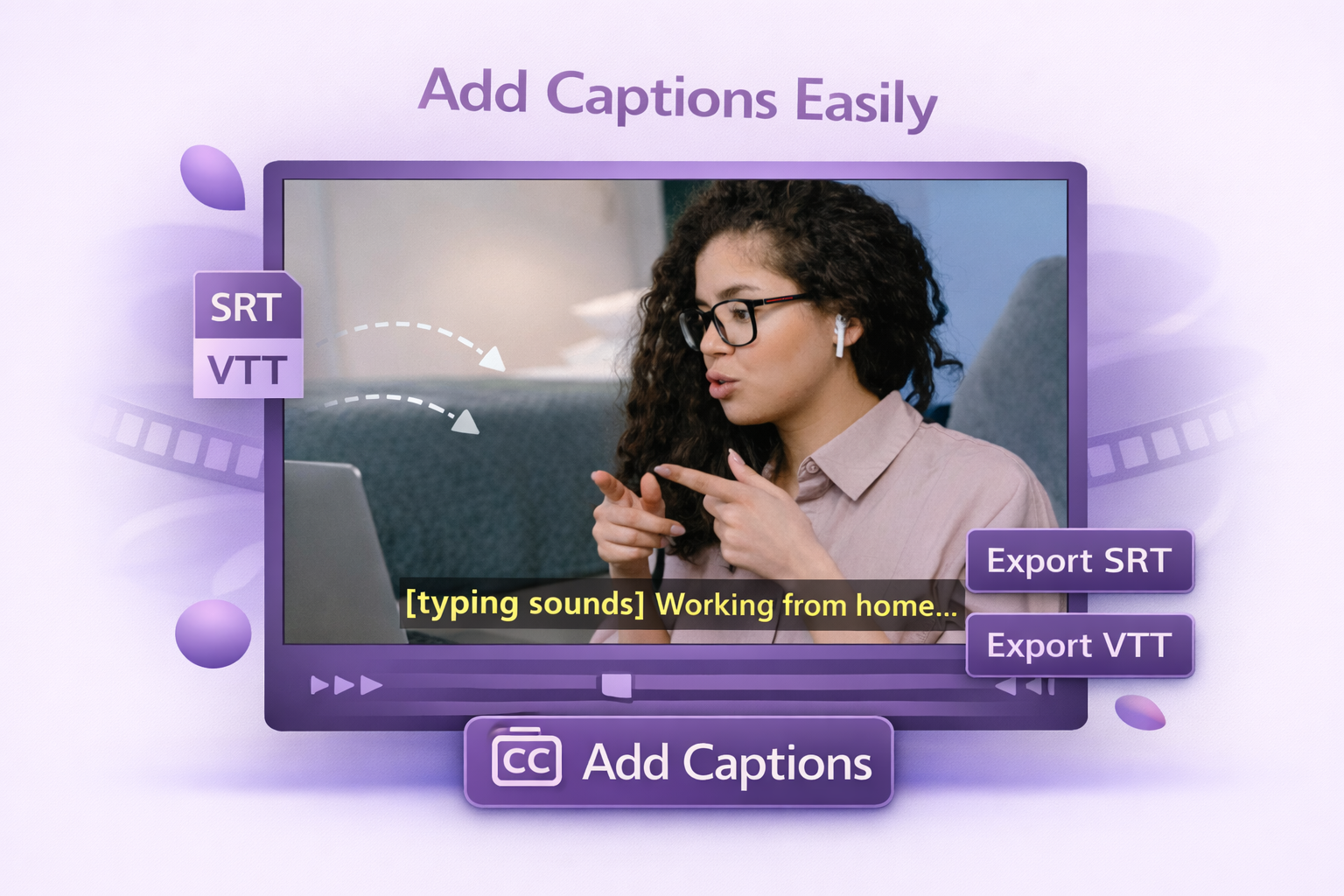
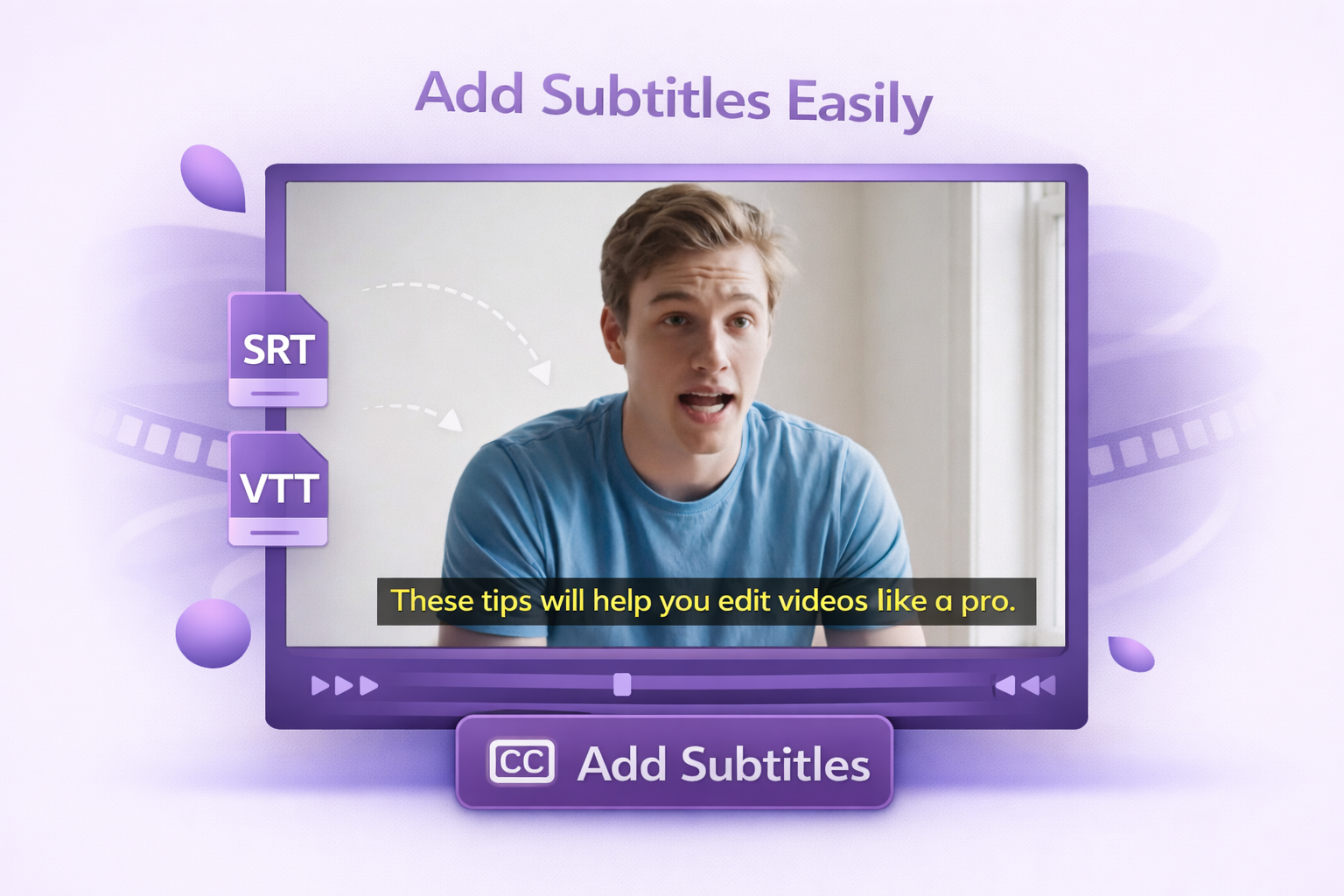
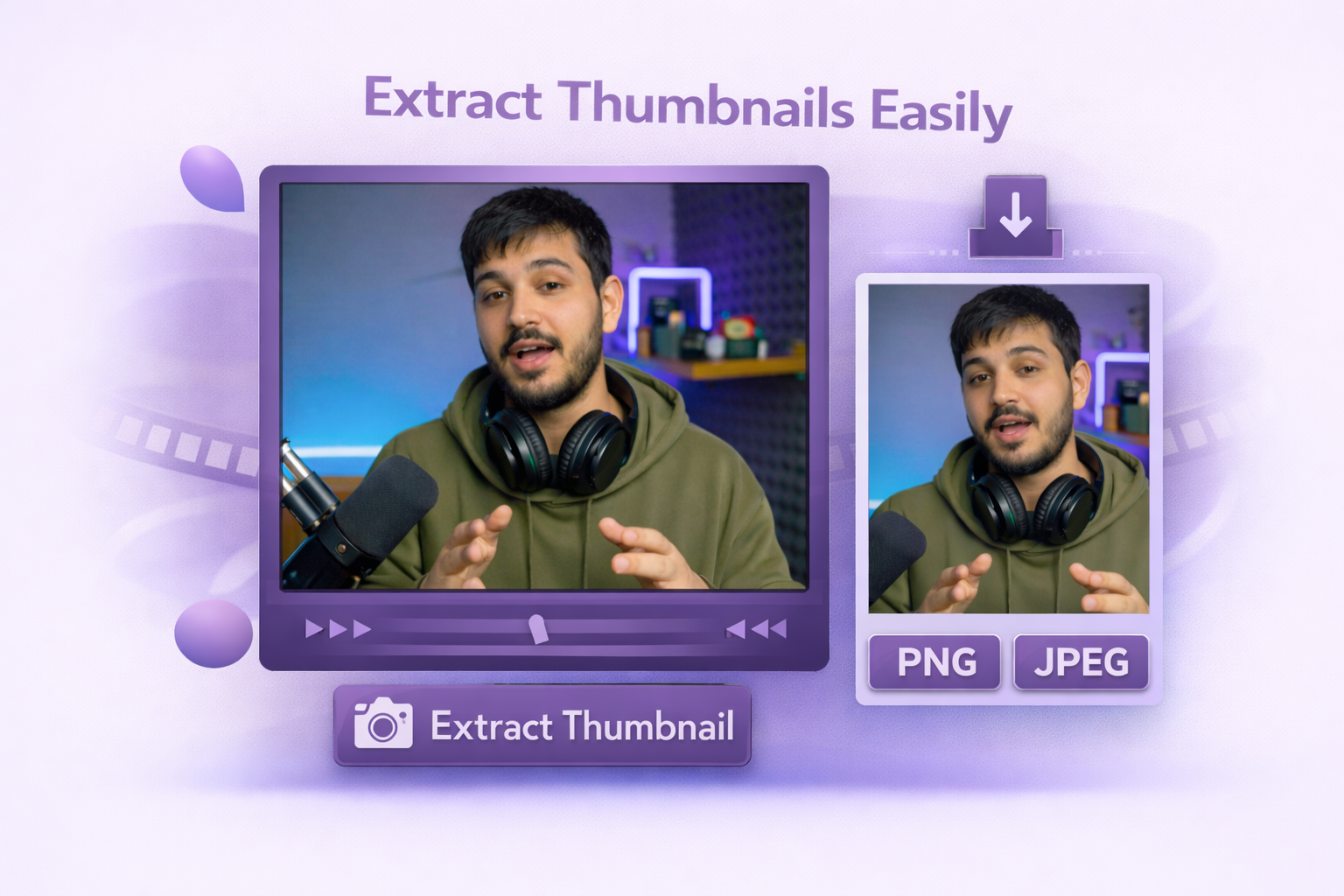
One tool, way more than one job. Record, edit, compress, and add AI insights and CTAs to your videos, all inside Dadan.

https://tools.dadan.io/video-for-whatsapp
How to Compress Videos for WhatsApp Without Losing Quality?
1
Step 1:
Upload your video to Dadan's WhatsApp Video Compressor.
2
Step 2:
Set your target file size or let Dadan optimize it automatically.
3
Step 3:
Export and send directly on WhatsApp.
Compress Videos for Faster WhatsApp Sharing
One Click Video Compression
Reduce video file size for WhatsApp in a few clicks. Compress large files quickly so they are easier to send, upload, and share across chats without breaking the flow.
Quality Preserving Compression
Compression doesn’t have to mean blurry. Dadan uses the codec combination WhatsApp handles best to reduce file size while keeping your video looking sharp.
Optimize for WhatsApp Size Limits
Make large videos easier to share on WhatsApp. Compress files before sending so they upload faster and fit better for mobile sharing.
Explore More Tools

- Posted:

- Posted:

- Posted:

- Posted:

- Posted:

- Posted:

- Posted:

- Posted:

- Posted:
FAQs
When sent as regular media (via the Photos & Videos option), WhatsApp limits video files to 100 MB at up to 720p resolution. When sent as a document, the limit rises to 2 GB, and WhatsApp skips its automatic compression, so the video quality stays intact.

Upload your video to Dadan, and it’ll compress the file using encoding to bring it under WhatsApp’s 100 MB media limit. You can also send a compressed file as a document if you want to preserve full quality.
It depends on how it’s compressed. Reducing bitrate or resolution always introduces some blur, but a well-optimized 720p export will look significantly better than a file that WhatsApp recompresses on its own.
MP4 is the most reliable format for WhatsApp. But it also accepts AVI, MKV, and 3GP, but MP4 with H.264 offers the widest playback compatibility across devices.
Yes, up to a point. If the source video is strong and the compression is handled well, you can reduce file size without wrecking the image.