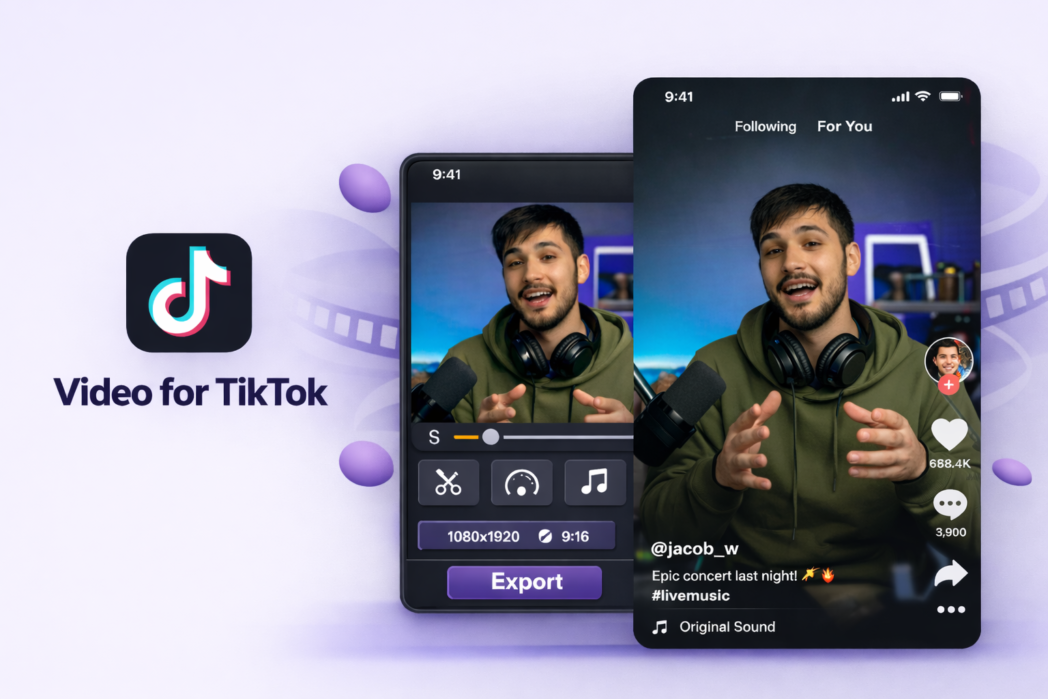
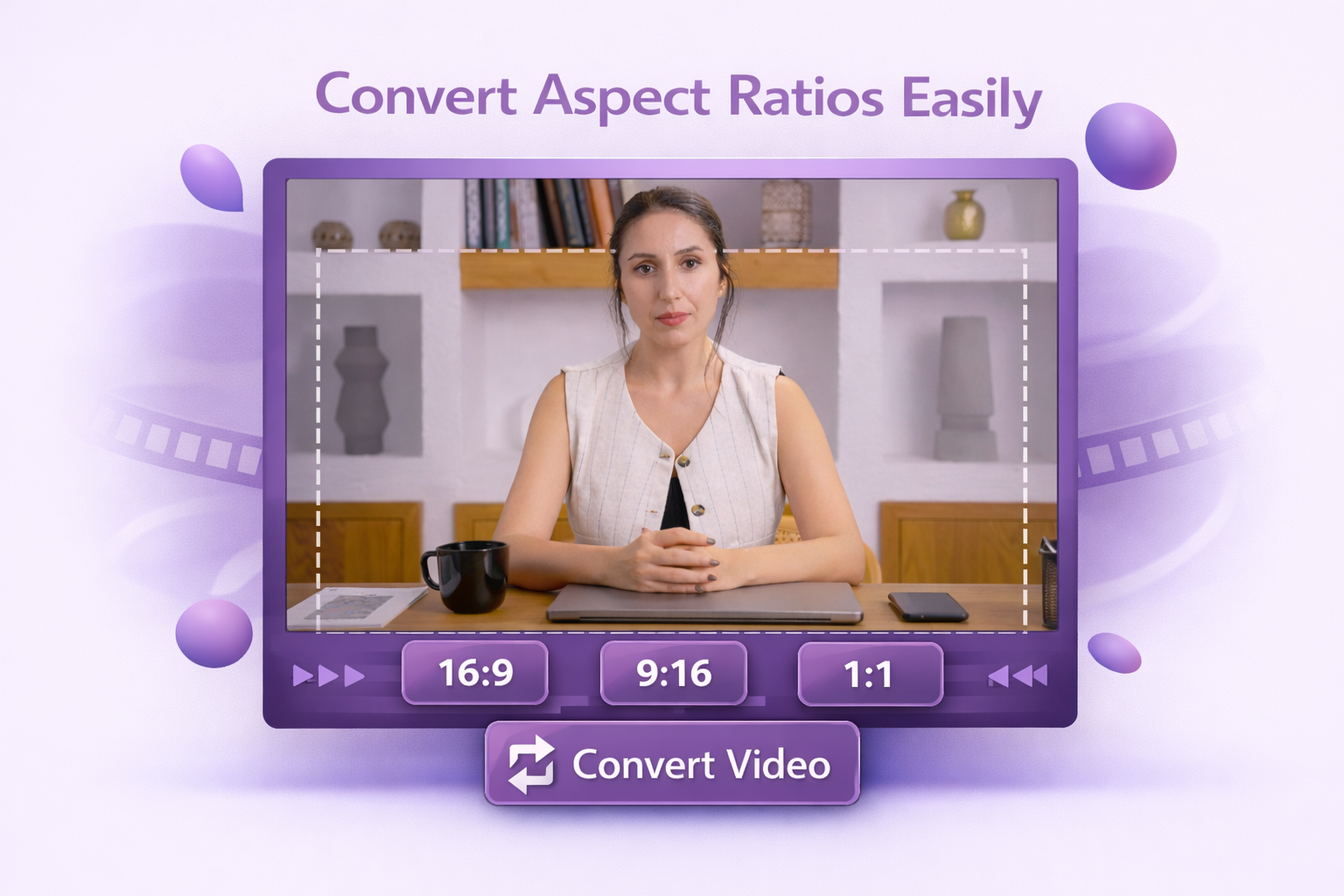
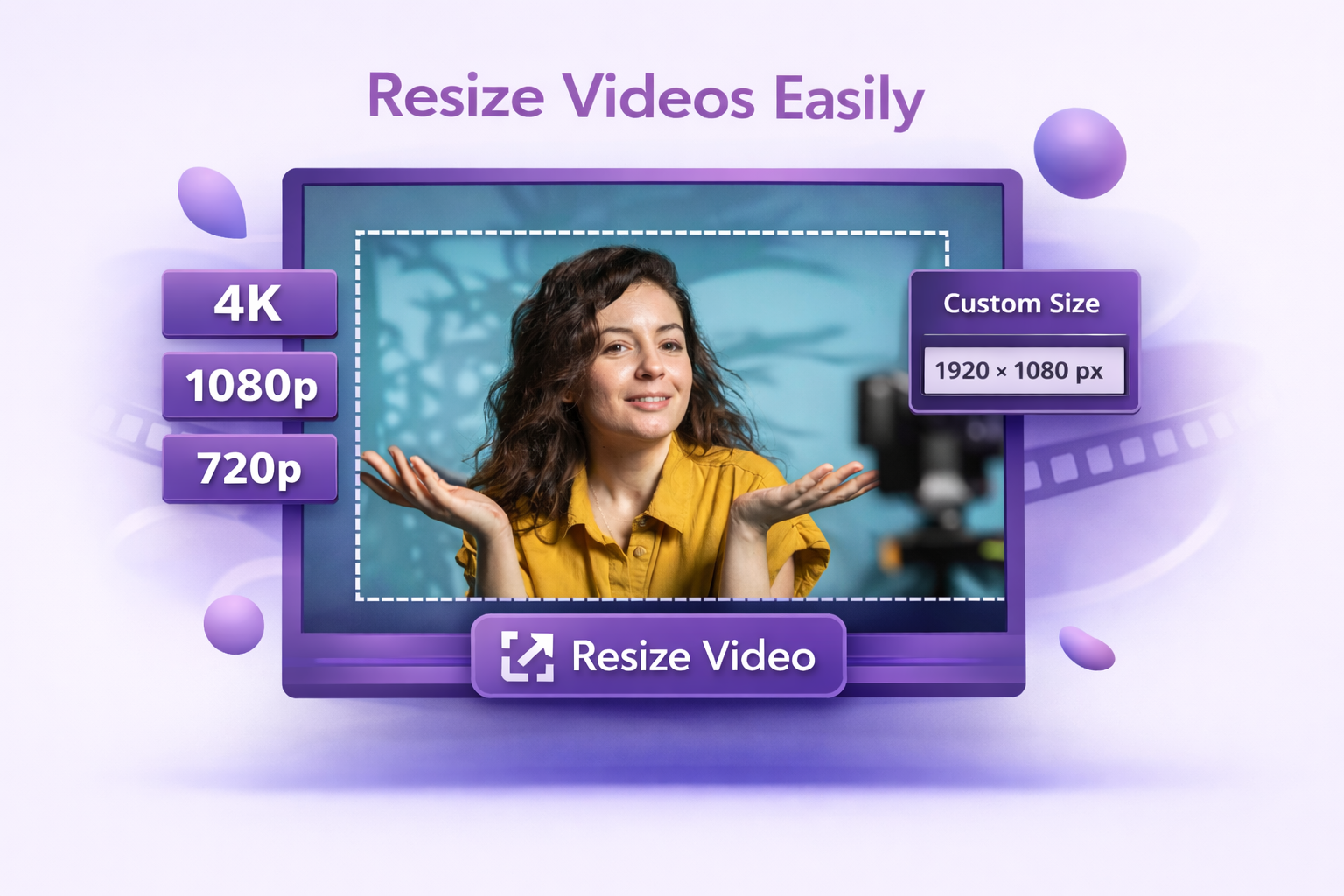
Set your video to TikTok’s recommended 1080×1920 px (9:16) in one click. Horizontal and square footage gets reframed so your content stays centered and nothing important gets cut off.
No Quality Loss
Dadan exports at 1080p with the settings TikTok handles best, so your video starts clean and stays that way after upload.
Instant Preview Before Export
See exactly how your resized video looks before you download it. Check framing, safe zones, and proportions, then export when you’re satisfied.
The usual TikTok format is 9:16 vertical, and 1080×1920 is the common target for clean full-screen playback on phones.
Yes. You can resize a horizontal video for TikTok by adjusting the frame and repositioning the content inside a vertical layout.
Resizing itself doesn’t reduce quality, but TikTok does compress every video on upload. Exporting at 1080p before uploading gives the platform a high-quality source to work with, which minimizes visible compression in the final result.
TikTok supports MP4, MOV, MPEG, 3GP, and AVI. MP4 with the H.264 codec is the most reliable option across devices and produces the most consistent results after TikTok’s processing.
Use the correct aspect ratio, export a high-resolution file, avoid repeated re-exports, and upload a properly sized final version.