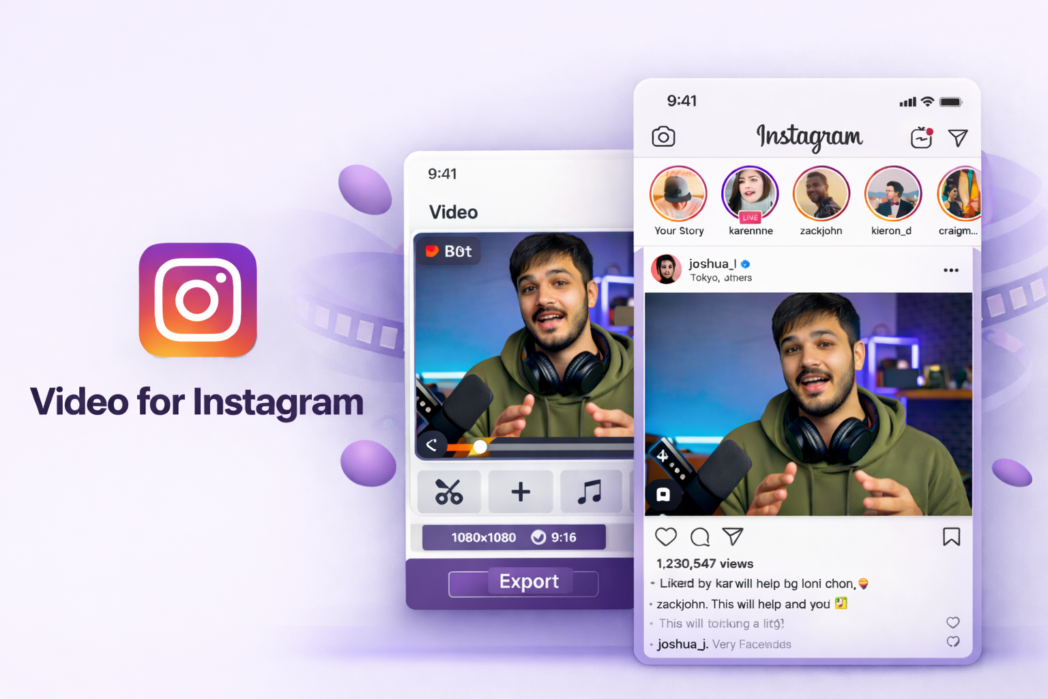
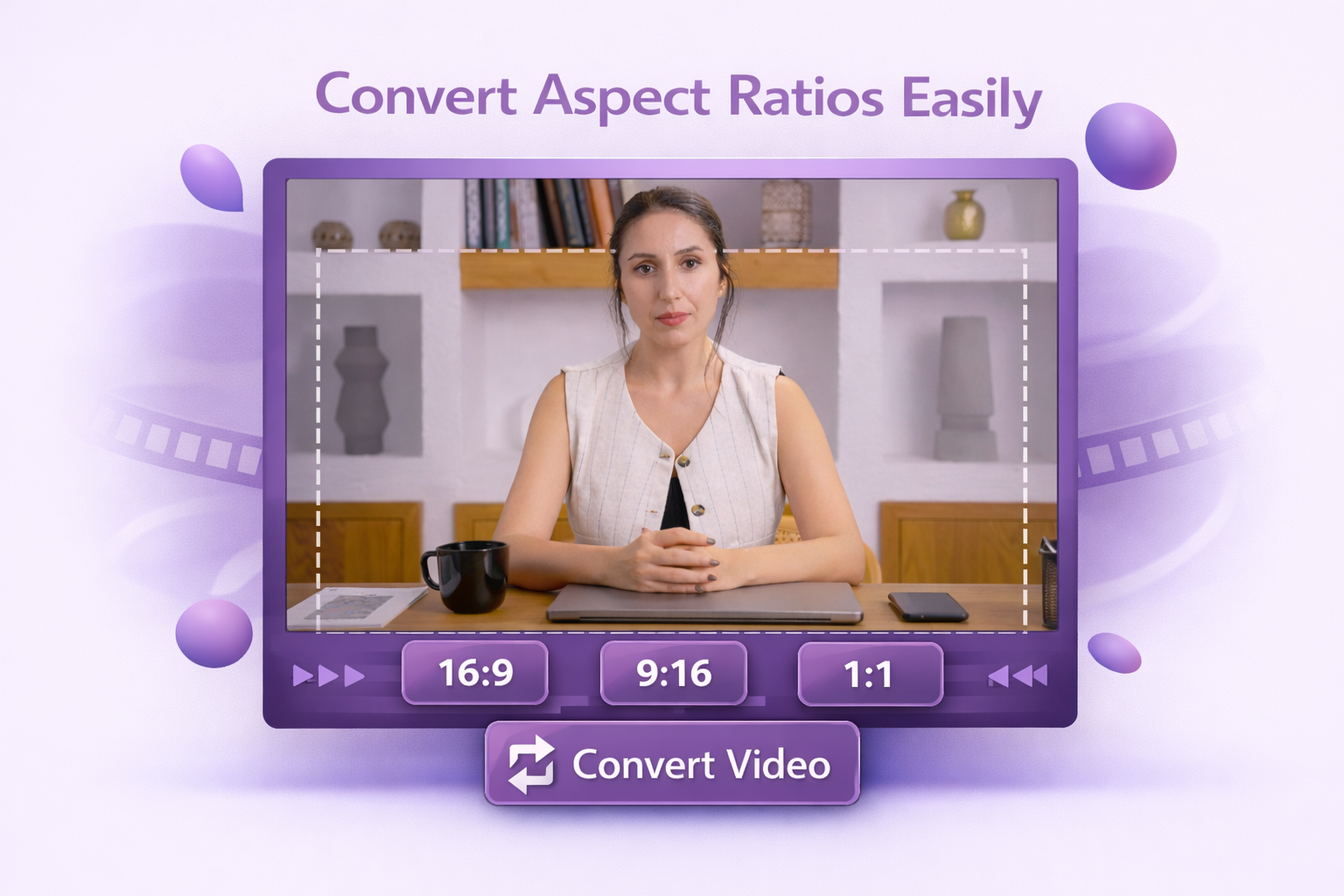
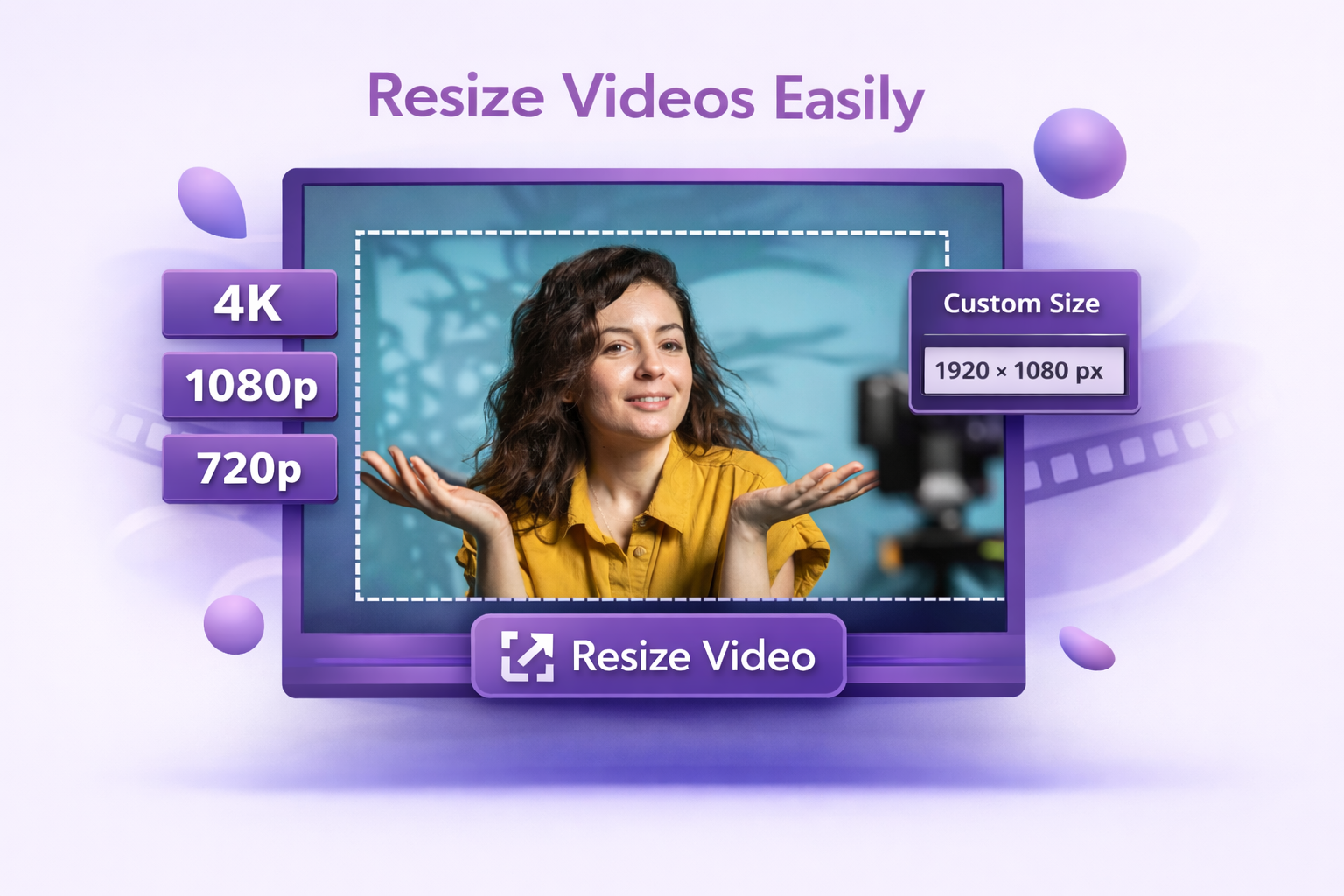
Resize your video for Instagram formats in a few clicks. Choose the layout, adjust the frame, and export a version that’s ready for Reels, Stories, or Feed.
Upload your video to Dadan's Instagram Video Resizer.
2
Step 2:
Choose your target format.
3
Step 3:
Export your resized video and upload it directly to Instagram.
Resize Videos for Every Instagram Format
Custom Video Resizing
Resize videos for different Instagram placements with the format that fits best. Choose the right size for Reels, Stories, or Feed, then adjust the frame before export.
No Quality Loss
Keep your video clear and sharp while resizing. Create Instagram-ready videos without stretched visuals, awkward crops, or blurry output.
Quality Optimization
Make videos in the right size and layout before uploading so your content looks cleaner on Instagram and reduces formatting issues after posting.
Reels and Stories usually work best in a vertical format. Feed videos can be vertical, square, or landscape, depending on the post style. The best choice depends on where the video will appear.
Yes. Dadan can help you reframe horizontal footage into the 9:16 format, letting you control what stays in frame.
Resizing won’t reduce quality. Starting with a good source file also helps maintain better output quality.
MP4 is one of the most commonly used formats for Instagram uploads. Other standard video formats may also work, depending on the file.
Export at 1080p, H.264 codec, 3,500–5,000 kbps bitrate, constant frame rate (minimum 30fps), and match the exact aspect ratio for your placement.