🎉 Introducing Dadan Guides: Record Once. Create SOP & Step-by-Step Guides in 40+ Languages.
Your videos can do more than play. Add forms, CTAs, and AI insights with Dadan.
Upload your video file.
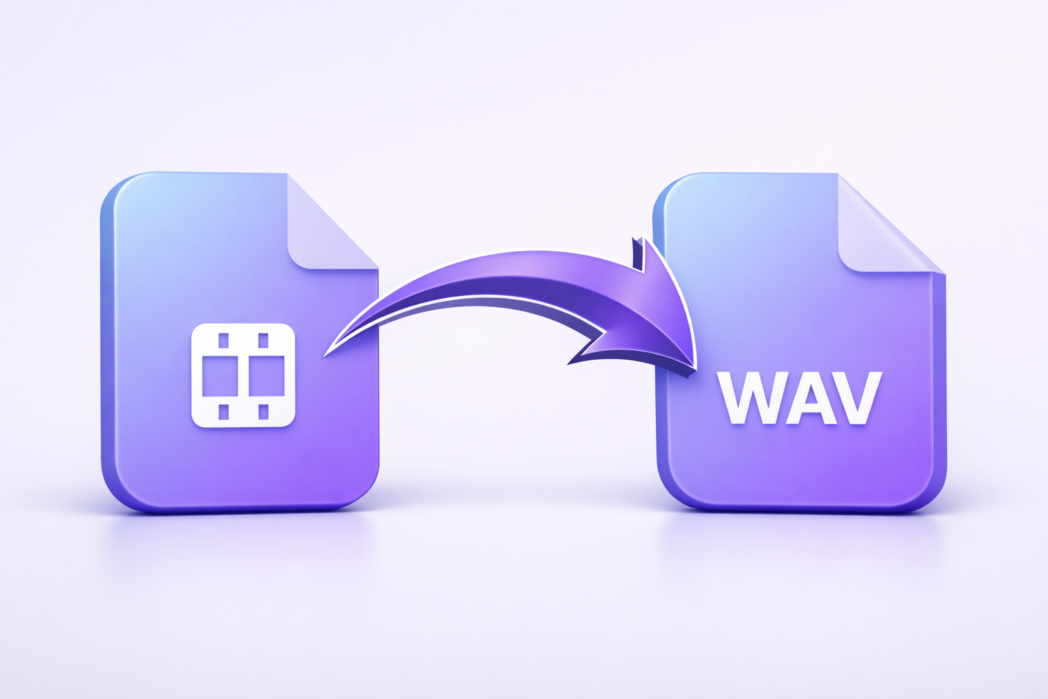
Convert the video to WAV.
Download the extracted audio.
Convert video to WAV without signing up or creating an account first.
Get WAV audio that stays clear and ready for editing, saving, or playback.
Once the conversion is complete, you can download the WAV file right away.
A Video to WAV converter is a tool that extracts audio from a video file and saves it as a WAV file.
Upload the video file, start the conversion, and download the WAV file when it is ready.
WAV is often preferred when you want uncompressed audio for editing, archiving, or higher audio detail.
It will not improve the original sound, but it can preserve the extracted audio in WAV format without extra compression.
That depends on the converter, but many common video file types can usually be converted to WAV.
Yes. After the conversion finishes, you can download the WAV file directly.
Adding {{itemName}} to cart
Added {{itemName}} to cart