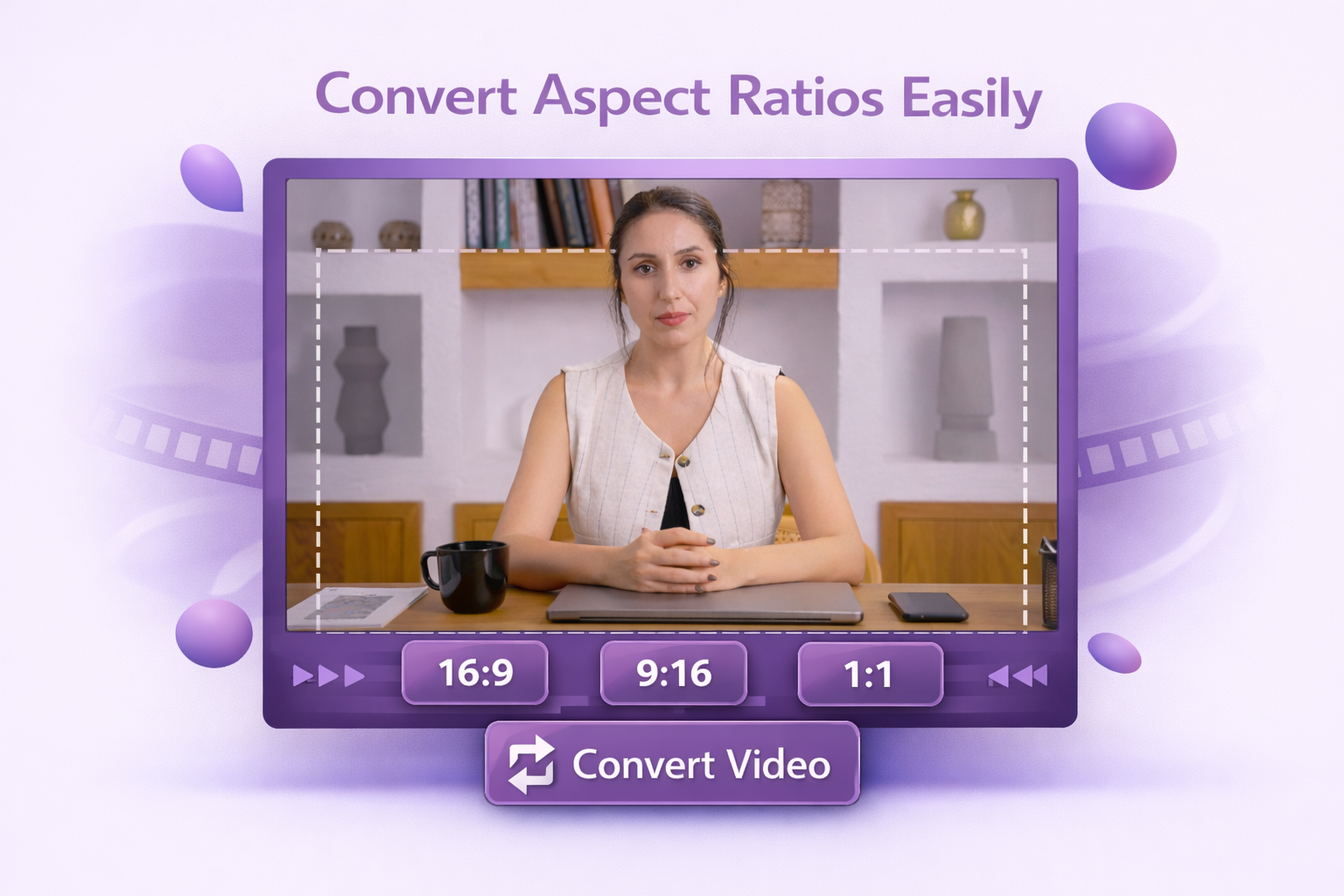
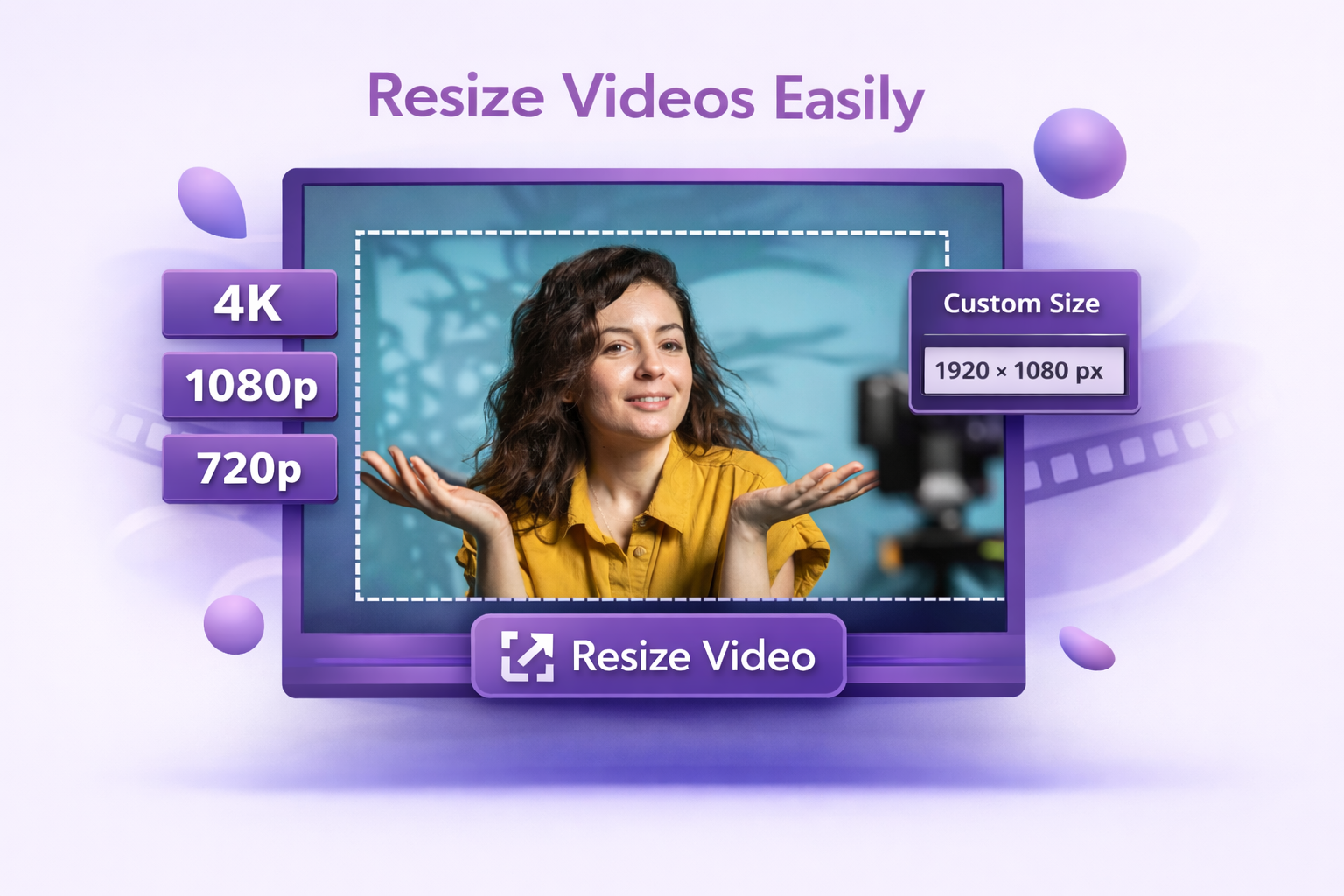
Facebook uses different dimensions across placements. Reels and Stories need 1080 1920 px (9:16) for full-screen vertical. Feed works best at 1080×1350 px (4:5) for portrait orientation or 1080×1080 px (1:1) for square orientation. Dadan resizes your video to whichever format you’re targeting.
Horizontal or Vertical Videos
Work with horizontal, vertical, or square videos and adjust the frame before export. Makes it easier to repurpose existing content for Facebook without awkward cropping or missing details.
Instant Preview Before Download
See your resized video before you export. Check framing, aspect ratio, and safe zones. Facebook’s UI covers roughly 250 px at the top and bottom of Reels and Stories, so keeping key content clear of those edges matters.
For Facebook Reels, the vertical 9:16 aspect ratio is the standard recommended format. For Facebook Feed, 1:1 and 4:5 are commonly recommended, while horizontal formats are also supported depending on placement.
Yes. A 16:9 horizontal video needs to be reframed to fit the 9:16 Reel format properly. Dadan lets you control what stays visible in the new vertical frame. Without reframing, Facebook will add black bars on either side, which takes up screen space and reduces engagement.
Resizing itself doesn’t reduce quality, but Facebook re-encodes every video it receives. Exporting at 1080p gives Facebook a clean source file to work with and minimizes compression artifacts in the final result.
For Facebook video placements, Meta commonly lists MP4 and MOV as supported file types, and some feed specs also mention GIF in ad contexts. For regular video uploads, MP4 remains the safest everyday choice.
Export at the target resolution and keep your frame rate at 30fps or higher. For Reels and Stories, leave at least 250 px of clearance at the top and bottom of the frame to avoid Facebook’s UI covering key content.