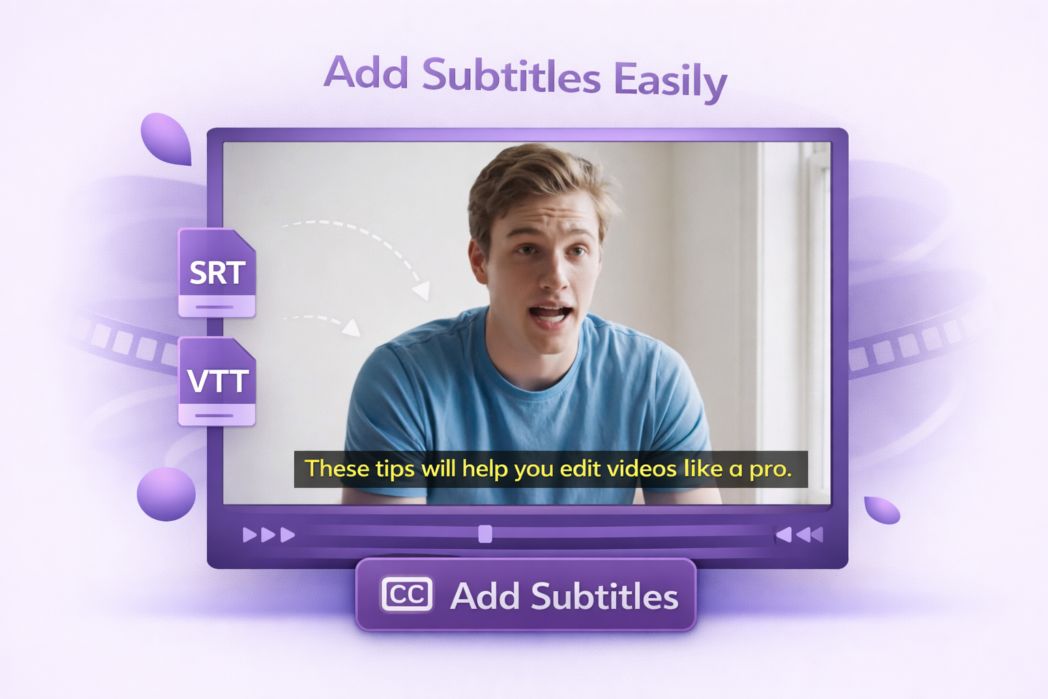
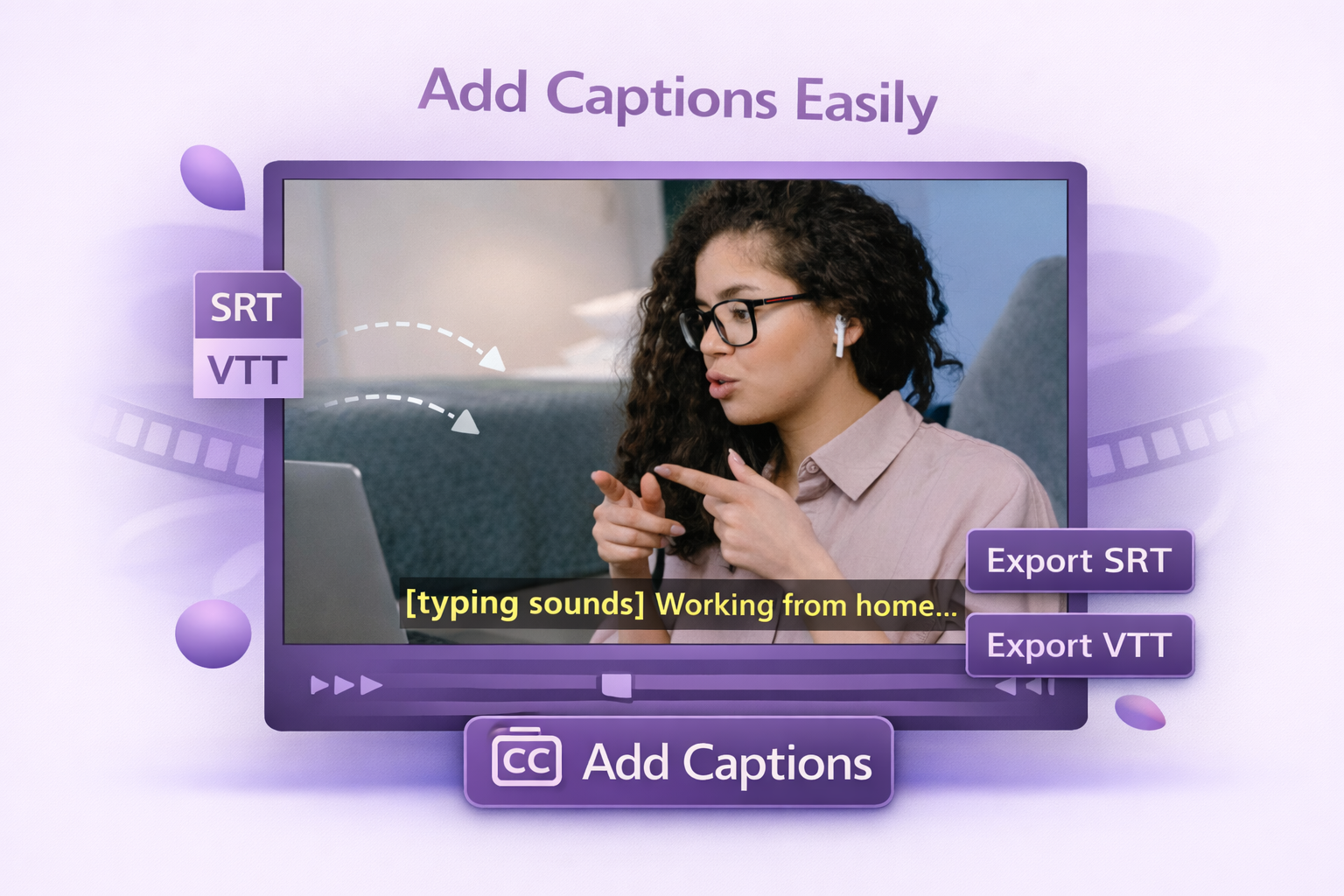
Both of the most widely used subtitle formats are covered. SRT works for almost every player and social platform. VTT is the standard for web video and HTML5 players. Upload whichever file you already have. No format conversion needed first.
No Signup Required
Upload your video and your SRT or VTT file, export, and you are done. No login screen, no free trial countdown, no export limit.
Live Preview
Watch your video with subtitles overlaid before you export. If the timing is off or a line is wrong, you can catch it here.
Upload your video and your subtitle file to the tool. Preview how they line up, then export the video with captions built in. No software to install.
Yes. The tool accepts both. SRT is the most common format and is supported by most players. VTT is standard for web and HTML5 video.
Yes. The exported video has the subtitles burned in, so they display on any player without a separate caption file.
This tool is built for importing a subtitle file and attaching it to a video, not full caption editing. If your timing is off, adjust the SRT or VTT file and re-upload. For full caption editing, styling, and AI-generated subtitles, use Dadan’s main video editor.
Free, with no signup. There is no watermark on the exported video. Dadan’s full platform, which includes AI transcription, interactive elements, and hosting, also has a free plan.