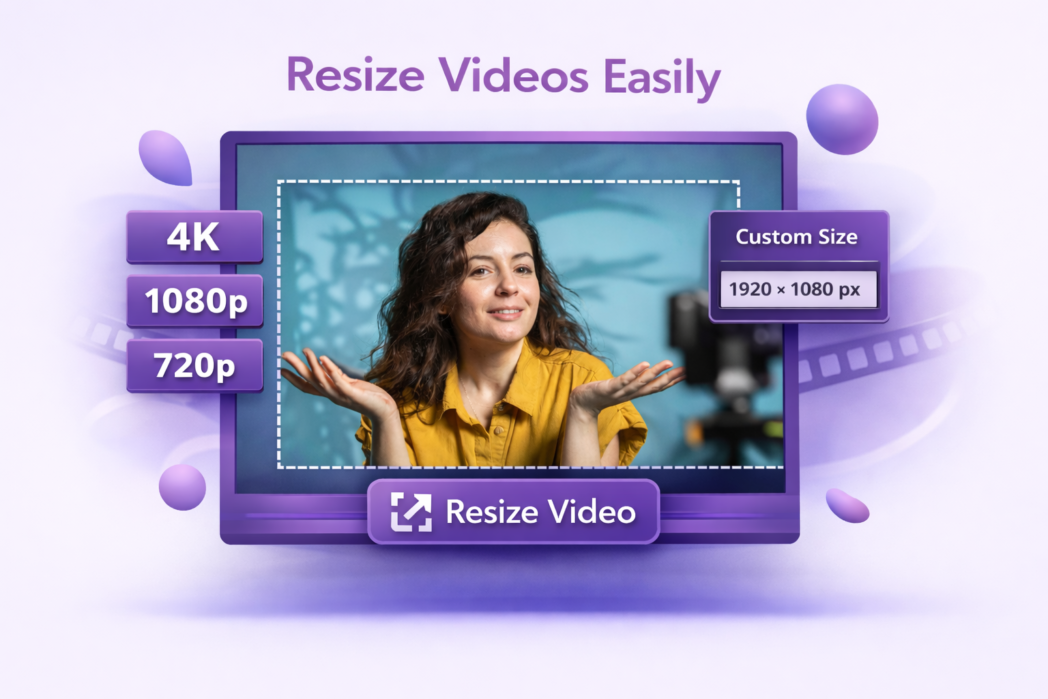
Choose your dimensions, platform preset, or enter custom width and height values to match your exact requirements.
3
Step 3:
Click resize and download your file.
The Right Size for Every Platform
Preset Sizes For Social
Dadan includes ready-made size presets for the platforms you already use, like YouTube, Instagram, TikTok, LinkedIn, and more. Select the platform, and the dimensions are set automatically.
Instant Download
Once the resize is done, your file is available to download straight away. There is no email link, and no account is needed to access your file.
No Watermark
Every resized video you download is completely clean. No branding or overlays. Only your video in the size you need.
Upload your video to Dadan, select a preset or enter your own dimensions, and click resize. Your file is ready to download in seconds.
Yes. You can enter any width and height values you need, so the tool works for standard platform formats as well as custom dimensions for presentations, websites, or client deliverables.
Resizing to smaller dimensions generally has minimal impact on visual quality. Scaling a video up beyond its original resolution will reduce sharpness, so it is best to resize down or keep it at the same size where possible.
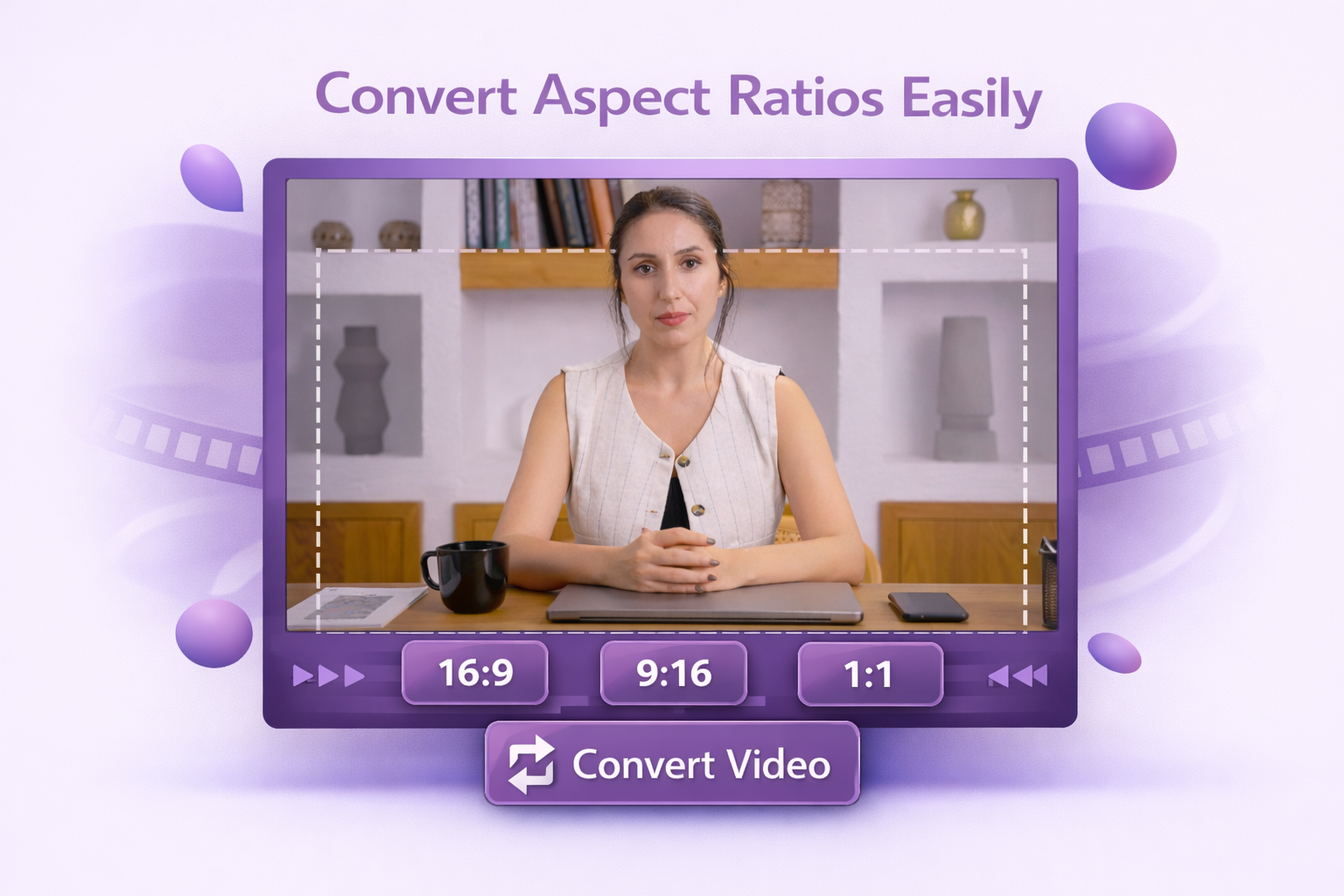
Dadan supports standard aspect ratios including 16:9, 9:16, 1:1, and 4:3, as well as custom dimensions for any use case.
Yes. Dadan includes platform presets for Instagram, YouTube, TikTok, and LinkedIn, so you can resize your video to the right format without having to look up each platform’s specifications manually.