Upload your video to Dadan's YouTube Video Resizer.
2
Step 2
Choose your format: Shorts or standard YouTube.
3
Step 3:
Export and upload directly to YouTube.
Sized Right for Every YouTube Format
Resize for All YouTube Formats
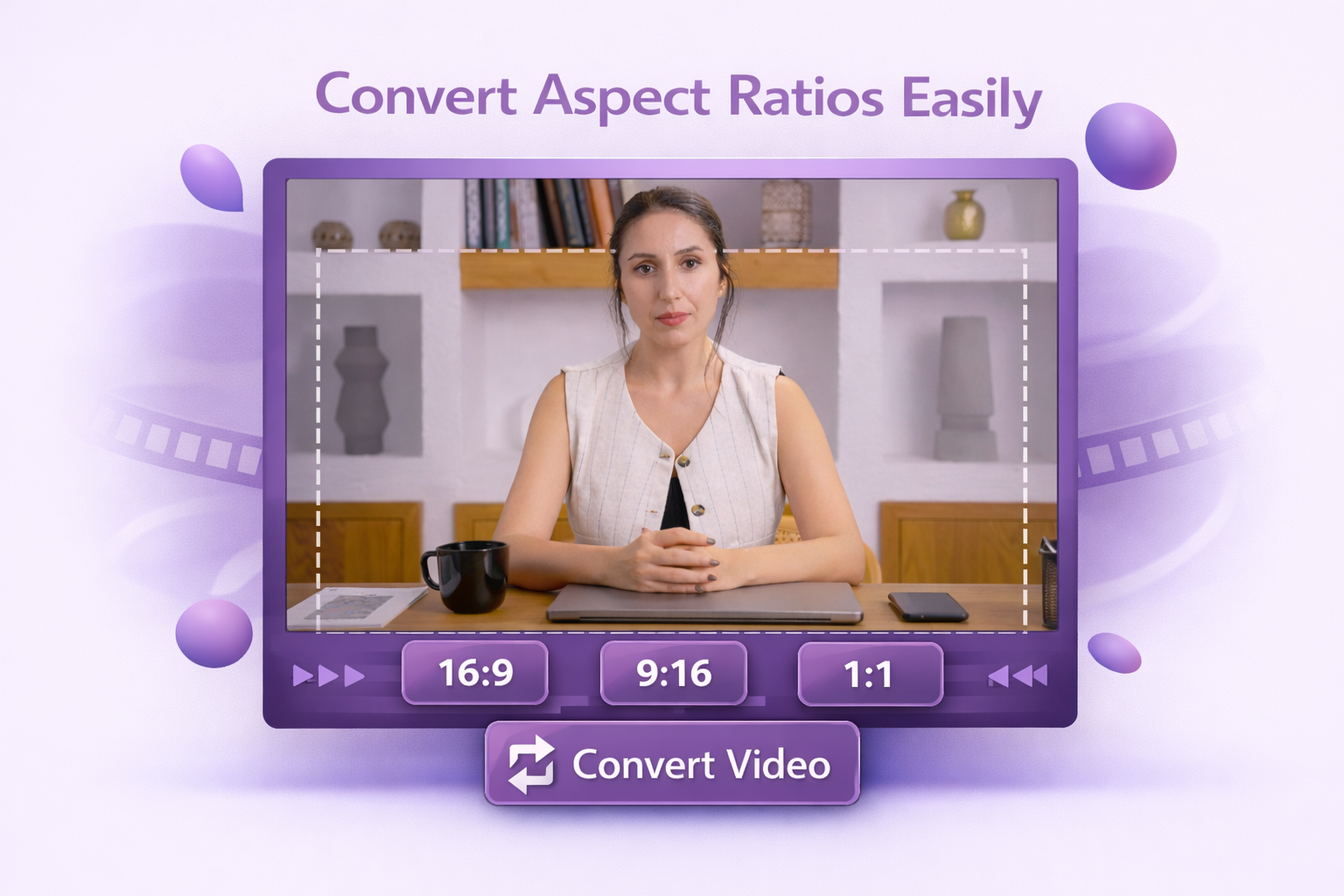
For Shorts, that’s 1080×1920px at a 9:16 aspect ratio, vertical, full-screen, and algorithm-friendly. For standard uploads, 1920×1080px (16:9) is the go-to. Dadan handles both, including the reframing when you’re converting horizontal footage into a vertical Short.
YouTube Quality Optimization
YouTube compresses every upload. Dadan exports videos with settings that give YouTube’s processing the least reason to degrade your video. The cleaner the source, the sharper the result on screen.
Real Time Preview
Preview the resized frame before export so text, faces, products, and key motion stay visible in the final cut.
For regular YouTube videos, 16:9 is the standard aspect ratio. For Shorts, YouTube supports square or vertical videos, and 9:16 vertical is the most common format for a full-screen Shorts experience.
Yes. A 16:9 horizontal video can be reframed into a 9:16 Short by cropping toward the focal point of the shot. Keep the primary subject centered within the inner safe area of the 9:16 frame. Simply rotating the video without reframing will leave large black bars on either side, which defeats the purpose of the vertical format.
Resizing itself won’t reduce quality, but YouTube reprocesses every video it receives. To minimize compression artifacts, export at 1080p (1080×1920 for Shorts). Uploading in 4K doesn’t improve Shorts quality, as YouTube caps Shorts at 1080p regardless of the upload resolution.
YouTube supports several upload formats, including MOV, MPEG, MP4, AVI, WMV, FLV, 3GPP, WebM, and DNxHR. MP4 is still the safest everyday choice for most creators.
Export at 1080p with a constant frame rate of 30 fps or 60 fps. Make sure your aspect ratio exactly matches the format. Keep important content within the central area of the frame to avoid YouTube’s UI elements covering key visuals.