Skip links

Free Online Video Cropper

Crop videos online to remove unwanted edges, resize your frame, or optimize videos for YouTube, Instagram, TikTok, LinkedIn, and presentations. No downloads, no watermark, and no editing experience required.

These are Dadan’s free tools. Upload your video below to get started👇. Want to do more? Stop juggling tools. Dadan lets you record your screen, edit by transcript, convert MKV to MP4, extract audio, and compress videos. All in your browser.
video crop
https://tools.dadan.io/crop-video

How to Crop a Video Online in Simple Steps?

1

Step 1:

Upload your video from your computer. Supports MP4, MOV, AVI, MKV, WebM, and other popular formats.

2

Step 2:

Choose the crop area. Drag the crop frame to remove distractions, black bars, unwanted objects, or resize your video for social media.

3

Step 3:

Preview and download. Export your cropped video with its original quality preserved.

A Simple Tool That Gets Out of Your Way

Remove Black Bars & Unwanted Areas

Remove borders, empty space, watermarks you’ve added yourself, or distracting objects around the edges to create cleaner videos.

Perfect Social Media Sizes

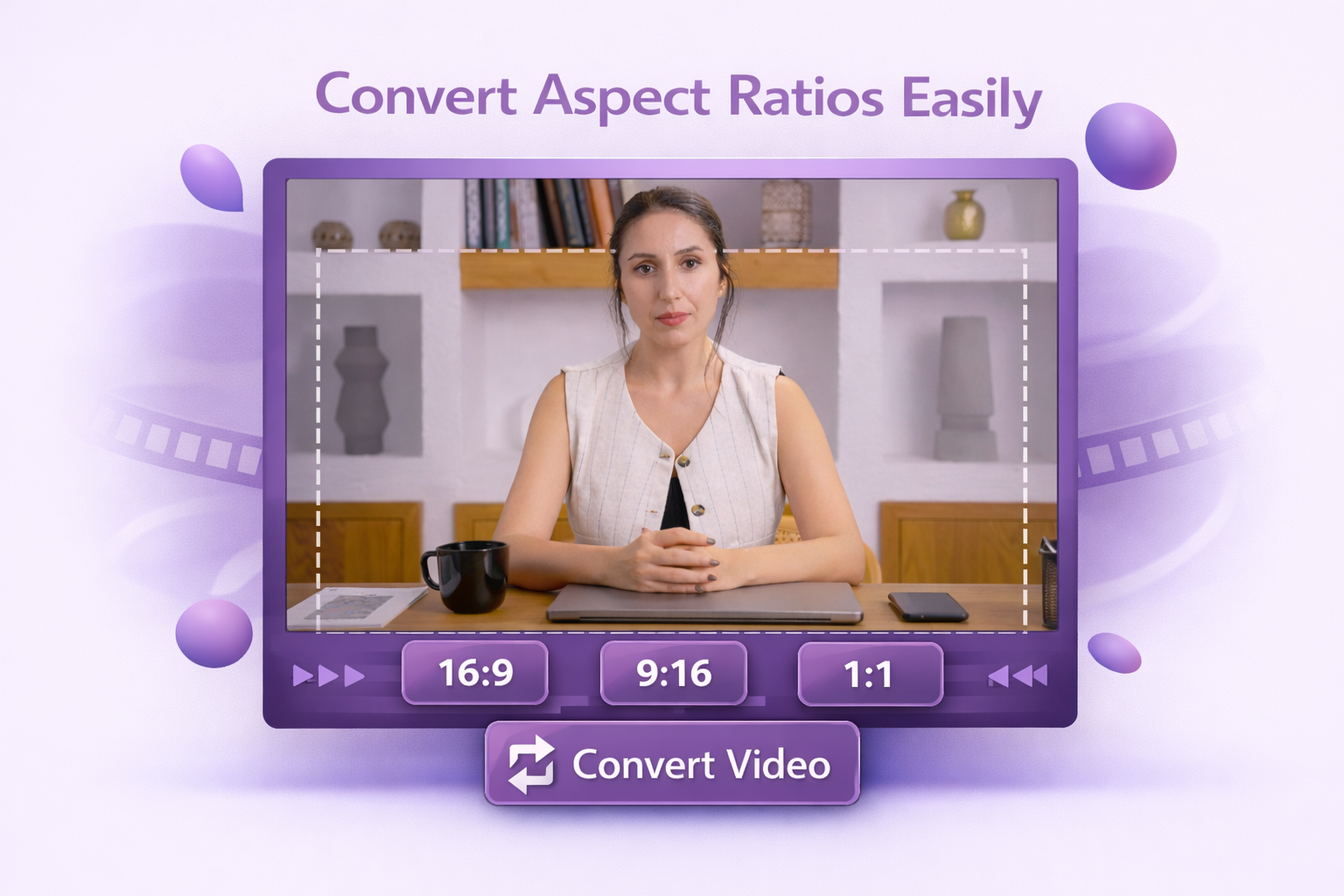
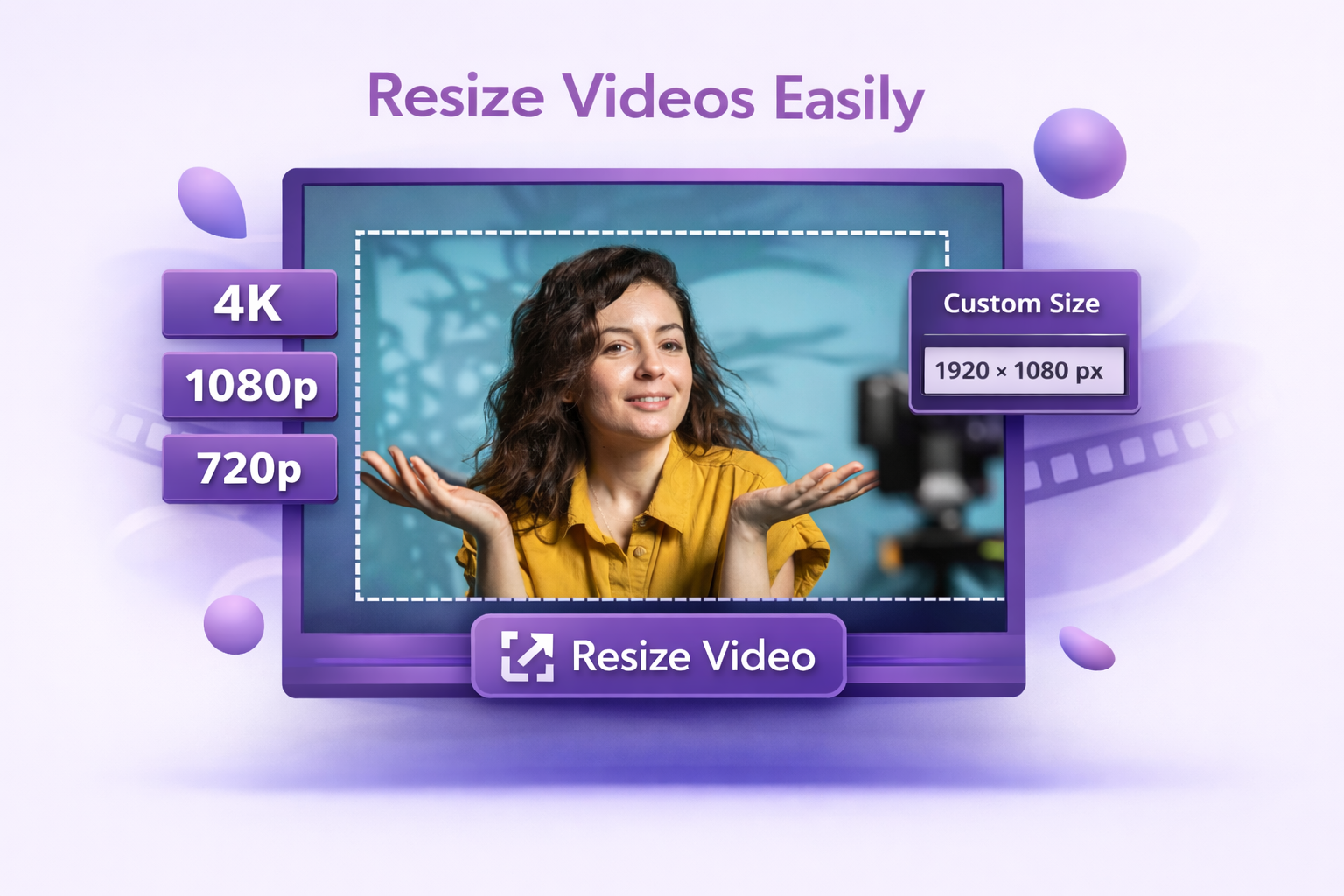
Crop videos for YouTube, Instagram Reels, TikTok, Shorts, LinkedIn, Facebook, or custom dimensions without needing advanced editing software.

Preserve Video Quality

Crop only the area you need while maintaining sharp playback for presentations, marketing videos, tutorials, and customer demos.

Explore More Tools

FAQs

  • Upload your video, drag the crop frame around the area you want to keep, preview the changes, and download the cropped version. No software installation is required.