Every social platform expects a specific video size. Upload in the wrong dimensions and the video gets cropped, letterboxed, or compressed in ways you did not intend.
In this guide, we’ll cover the exact specs each platform requires in 2026, how to convert your video to match them using a free browser-based resizer, and what to keep in mind when repurposing one video across multiple platforms.
Why Video Size Matters for Social Media
Video size here means dimensions and aspect ratio, not file size in megabytes. File size is a compression problem. Dimensions are a framing problem, and that is what this article is about.
When you upload a 16:9 horizontal video to Instagram Reels, the platform adds black bars on either side and shrinks the content to a strip in the middle of the screen.
A 9:16 vertical video uploaded as a standard YouTube video gets letterboxed top and bottom. In both cases, the video takes up roughly half the screen space available. The rest is dead space.
That is the visible cost. The less obvious one is reach.
Instagram, TikTok, and YouTube Shorts all prioritize content in their preferred format. Vertical 9:16 content on Reels and TikTok consistently outperforms letterboxed horizontal content in engagement and distribution. Instagram’s own creator guidance recommends 9:16 for Reels and flags that content under 90 seconds gets preferred placement in the Explore feed. TikTok’s algorithm deprioritizes non-vertical content entirely.
Beyond reach, there is a visibility issue as well. Every platform overlays UI elements on specific parts of the frame like action buttons on the right, captions and creator info at the bottom, channel info at the top.
On TikTok, the bottom 350 pixels and right edge are covered. On Instagram Reels, the bottom 400 pixels and top 250 pixels. If your subject or text sits in those zones, viewers see a Follow button instead of your content.
So, getting the dimensions right is not optional if you want the video to be seen.
Social Media Video Size Requirements
Video size 9:16 at 1080 x 1920 pixels is the dominant spec across short-form video in 2026. It covers Instagram Reels, TikTok, YouTube Shorts, Facebook Reels, and Stories on every major platform.
Beyond that, the specs split by platform and format:
| Platform | Format | Aspect Ratio | Resolution | Max Length |
| Instagram Reels | Vertical | 9:16 | 1080 x 1920 | 3 min (under 90 sec recommended) |
| Instagram Feed | Portrait | 4:5 | 1080 x 1350 | 60 min |
| Instagram Stories | Vertical | 9:16 | 1080 x 1920 | 60 sec per segment |
| TikTok | Vertical | 9:16 | 1080 x 1920 | 10 min record/60 min upload |
| YouTube Shorts | Vertical | 9:16 | 1080 x 1920 | 3 min |
| YouTube long-form | Landscape | 16:9 | 1920 x 1080 | 12 hours |
| Facebook Reels | Vertical | 9:16 | 1080 x 1920 | 90 sec |
| Facebook Feed | Landscape/Square | 16:9/1:1 | 1280 x 720 / 1080 x 1920 | 240 min |
| WhatsApp Status | Vertical | 9:16 | 1080 x 1920 | 30 sec |
Two patterns worth noting here are that Instagram is the only platform where Feed video (4:5) has different ideal dimensions from Reels (9:16), which means the same export can look fine in one tab and badly cropped in another. WhatsApp Status is more about its strict 30-second, 16 MB limits.
Supported file formats across all these platforms are MP4 and MOV. H.264 or H.265 encoding, 30 fps, AAC audio. MP4 is the safest universal choice.
How to Convert Video Size for Social Media for Free
Dadan’s video resizer runs in the browser, requires no account, and exports without a watermark. It supports MP4, MOV, MKV, and AVI, and includes presets for every platform listed above. Upload, pick your target size, reposition the frame if needed, and download.
Below is what each platform needs and how to set it up.
1. Instagram (Reels, Feed, Stories)
Reels and Stories need 1080 x 1920 at 9:16.
Feed video is 1080 x 1350 at 4:5. Instagram’s feed still favors the 4:5 portrait ratio because it occupies more vertical screen space than square or landscape while not requiring full-screen viewing.
If you are posting the same content to both Reels and Feed, design for 4:5 in terms of where your subject sits, then export at 9:16. The 4:5 area sits centered inside the 9:16 frame, so the subject works for both views.
Instagram’s UI overlays the bottom 400 pixels and top 250 pixels of the Reel frame. Keep text, faces, and anything a viewer needs to see away from those zones. The profile grid also crops your Reel cover to a 3:4 ratio (1080 x 1440), so keep the focal point centered.
2. TikTok
1080 x 1920 at 9:16. TikTok is the least forgiving platform for non-native formats. Non-vertical content is actively deprioritized by the algorithm.
The interface uses the right edge for action buttons and the bottom 350 pixels for the caption and creator info. Center your subject horizontally and keep important content above the lower third.
If your source footage is horizontal (a podcast clip, a screen recording, a presentation), converting to 9:16 means deciding which part of the frame to keep.
A resizer with frame repositioning lets you slide the visible area around until the subject is centered. Without repositioning, you get an automatic center crop, which often cuts off the edges of what matters.
3. YouTube
Two formats, both are important. Long-form is 1920 x 1080 at 16:9. This is the standard landscape spec for regular YouTube videos and the format most cameras and screen recorders export in by default.
Shorts need 1080 x 1920 at 9:16. If a video is under 60 seconds and vertical, YouTube classifies it as a Short automatically. Keep important content within the centered 1080 x 1440 area, the bottom 400 pixels carry heavy UI overlay.
There is no single aspect ratio that works well for both long-form and Shorts. If you are publishing the same content in both formats, you need two exports.
4. WhatsApp
WhatsApp Status is 9:16 at 1080 x 1920, capped at 30 seconds and 16 MB. The aspect ratio is rarely the issue here. File size is.
A 30-second vertical video at standard bitrate usually comes in under 16 MB, but if yours does not, the fix is compression (reducing bitrate), not resizing (changing dimensions).
For sharing via WhatsApp chat rather than Status, the file size limit is 2 GB and aspect ratio does not matter. The recipient sees whatever you send.
5. Facebook
Facebook accepts the widest range of formats on this list. Feed videos work in 16:9 (1280 x 720), 1:1 (1080 x 1080), or 4:5 (1080 x 1350). Reels require 9:16 at 1080 x 1920. Stories use 9:16.
For Facebook Reels, the safe zone differs slightly from Instagram. Keep important elements within a 4:5 area centered inside the 9:16 frame.
Facebook’s UI overlays (creator name, description, action buttons) sit in different positions than Instagram’s, so elements near the bottom and right edges are at risk even if they cleared Instagram’s layout.
How to Resize Videos for Each Platform – Step-by-Step
The workflow in Dadan’s video resizer is three steps regardless of platform. What changes is which preset you pick and how you reposition the frame.
Instagram Reels
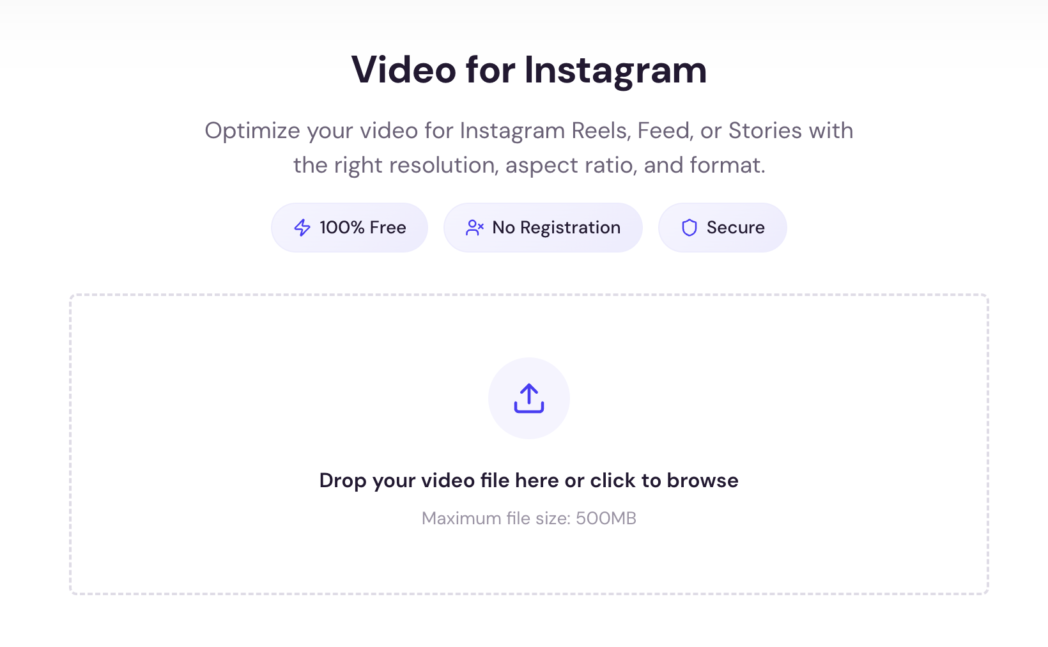
Step 1: Open Dadan’s video resizer and drag your file onto the page.
Step 2: Select the Instagram Reels preset. Dadan sets the dimensions to 1080 x 1920 (9:16) automatically.
Step 3: If your source is horizontal, use Dadan’s frame repositioning to slide the visible area until your subject sits centered and outside the bottom 400-pixel UI zone. Download.
TikTok
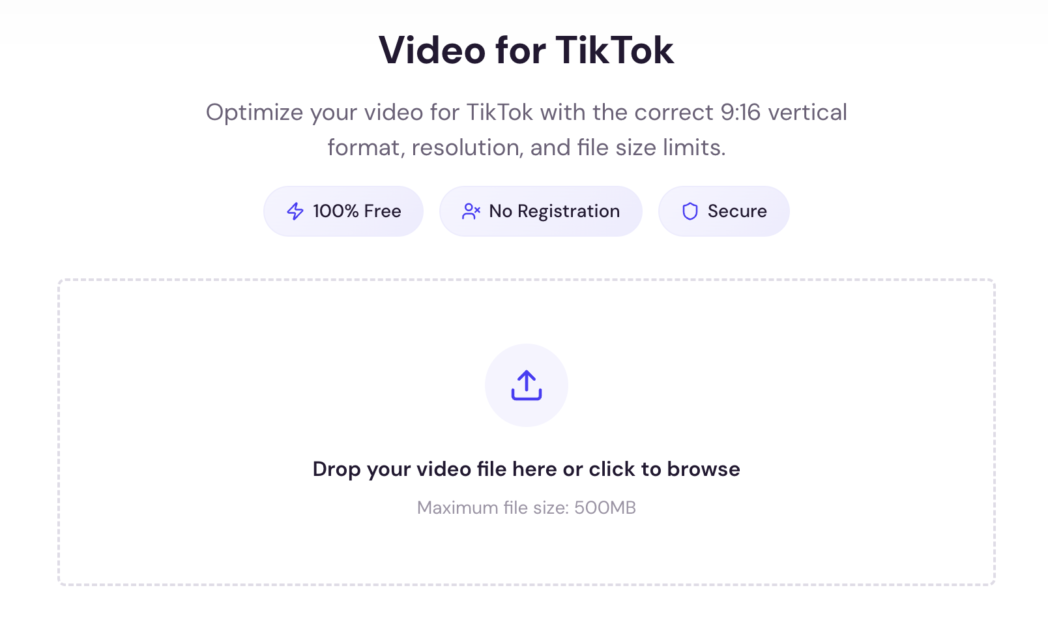
Step 1: Upload your video to Dadan.
Step 2: Select the TikTok preset (9:16, 1080 x 1920). If you need exact control, Dadan also accepts custom dimensions.
Step 3: Reframe so the subject sits centered horizontally and above the lower third. Download.
YouTube Shorts
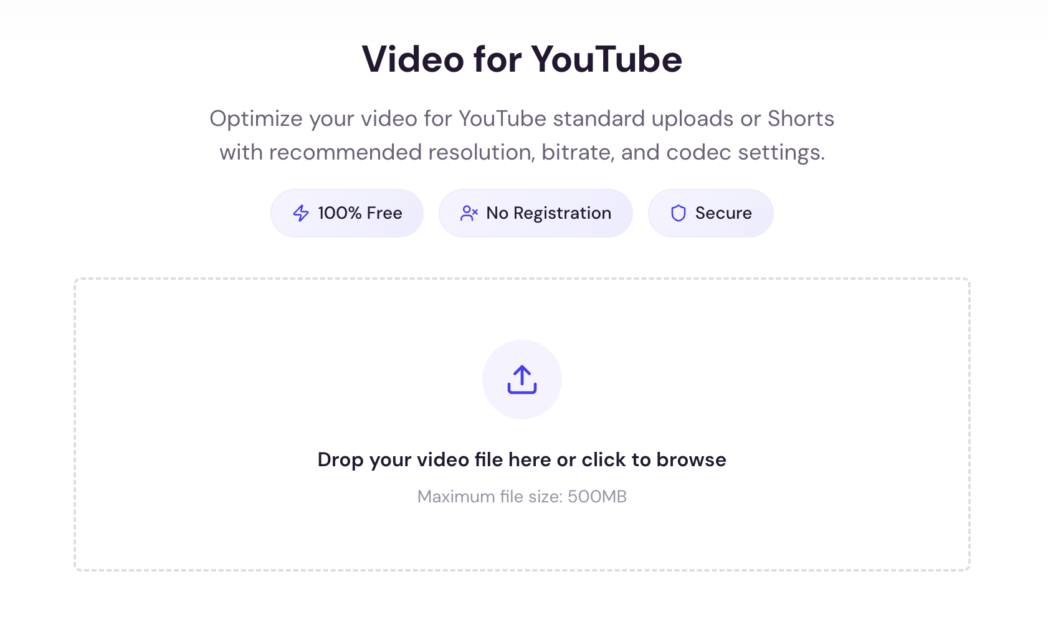
Step 1: Upload your video to Dadan.
Step 2: Select the YouTube Shorts preset (9:16, 1080 x 1920).
Step 3: Reposition the frame so the subject stays within the center 1080 x 1440 area.
Step 4: Download from Dadan, then upload to YouTube.
YouTube Long-Form
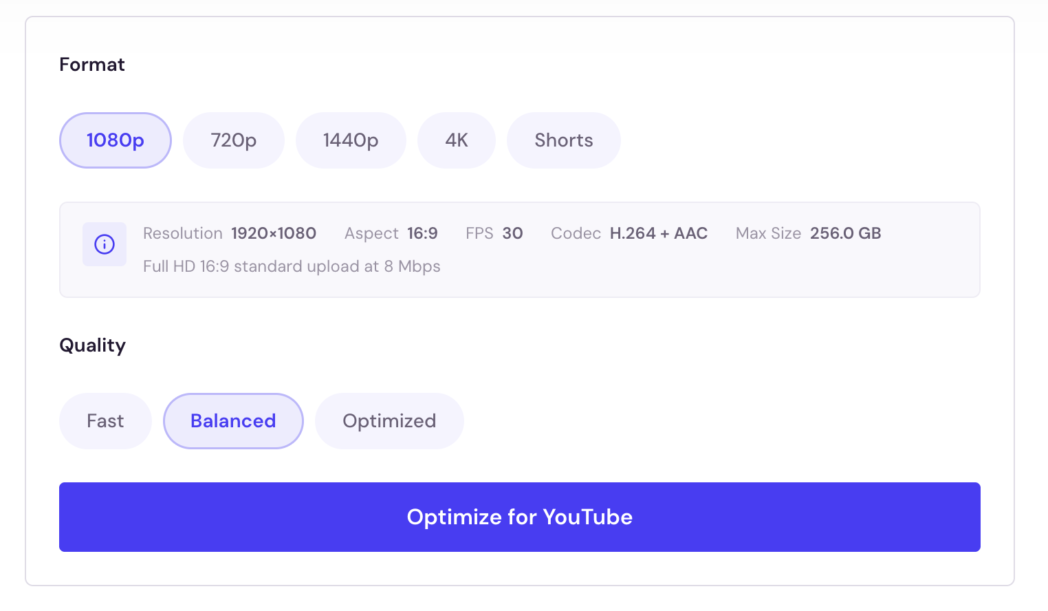
Step 1: Upload your video to Dadan.
Step 2: Select the YouTube preset (16:9, 1920 x 1080).
Step 3: If your source is vertical, you will get pillarboxing (black bars on the sides).
Step 4: You can accept that or fill the side space with a blurred background. Download.
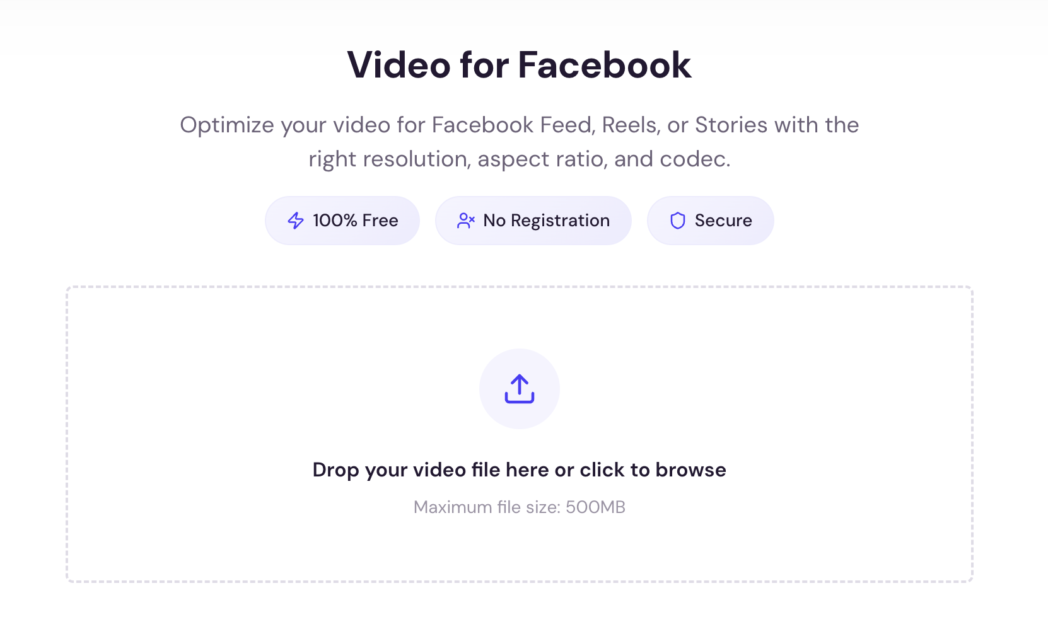
Step 1: Upload your video to Dadan.
Step 2: Select the preset that matches your target. Dadan includes presets for Facebook Feed (16:9 or 1:1), Reels (9:16), and Stories (9:16).
Step 3: Reframe if needed. Download.
WhatsApp Status
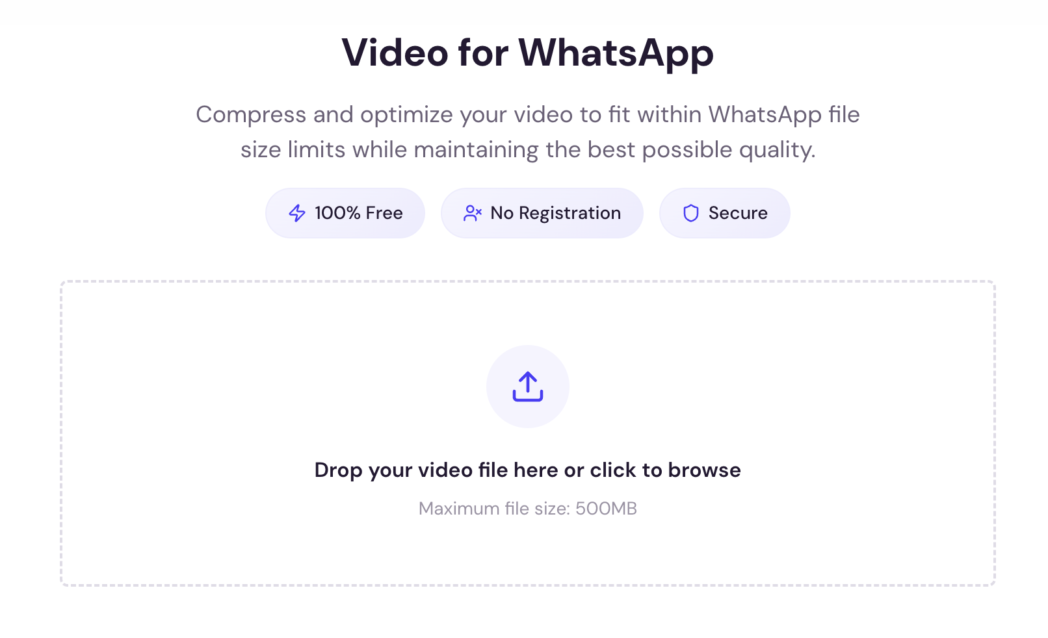
Step 1: Upload your file to Dadan. If it is longer than 30 seconds, trim first.
Step 2: Select the WhatsApp Status preset (9:16, 1080 x 1920).
Step 3: Download. If the file exceeds 16 MB, compress it before posting. Dadan’s MP4 compressor handles that.
Features of the Video Resizer Tool
Dadan’s resizer is built around one job which is getting your video into the right dimensions for the platform you are posting to, without quality loss and without requiring a download or account.
Here is what that looks like.
Platform Presets
Dadan includes presets for YouTube, Instagram, TikTok, Facebook, and LinkedIn. Pick the platform, and the tool sets width, height, and aspect ratio automatically. No manual entry needed for standard social formats.
Custom Dimensions
For anything outside the preset list, such as a banner ad, a client-specific spec, or a website embed, you can type in custom width and height values.
Frame Repositioning
When you change aspect ratio, not every part of the original frame fits inside the new dimensions. Frame repositioning lets you slide the visible portion of the video around so the subject stays in view instead of getting cropped from the center by default.
A landscape video converted to vertical without repositioning loses whatever was on the left and right edges. With repositioning, you control exactly what stays. This is where most of the practical value is.
No Quality Loss
The pixels that remain inside the new frame keep their original resolution. Nothing is stretched, blurred, or upscaled.
No Watermark, No Signup, No Install
Dadan runs in the browser. Upload, resize, download. It supports MP4, MOV, MKV, and AVI as input formats. Output is MP4.
A Note on “AI Video Converters”
Some tools in this category use subject-tracking algorithms to automatically detect the main subject and keep it centered when changing aspect ratio. Dadan’s resizer does not do this. It gives you manual control over frame position.
For most resize jobs, manual repositioning is faster and more predictable than an algorithm guessing where the subject is.
Best Practices for Social Media Videos
Getting the dimensions right is the baseline. These are the habits that separate videos that perform from videos that upload correctly but still underperform.
- Shoot vertical from the start if the content is going to short-form platforms. Cropping horizontal footage to 9:16 always means losing the left and right edges, which usually means losing context.
- Design for the most restrictive platform first. Instagram has the strictest safe zones of the major platforms. Content that works within Instagram’s UI overlay constraints will clear TikTok and YouTube Shorts without adjustment. The reverse is not true.
- Keep critical content in the centered middle two-thirds of the frame. This rule covers every platform’s UI overlays without requiring you to memorize exact pixel counts per platform.
- Export at the platform’s native resolution. Uploading at 4K to a platform that displays at 1080p triggers re-compression and quality loss. Instagram compresses anything above 1080 x 1920 back down. Export at the target resolution, not above it.
- Do not burn platform-specific text into your master file. “Follow me on TikTok” baked into the video is a problem when you post it to Instagram. Add platform-specific CTAs and captions at the upload stage.
- Test on the actual platform before publishing. A video that previews correctly in your editor can still have UI elements overlapping critical content once it is on the feed. Post to a private account first or check the in-app preview.
Conclusion
Every platform listed here publishes its preferred dimensions. The work is knowing what those dimensions are and having a way to convert between them without re-shooting or losing quality.
9:16 at 1080 x 1920 covers the majority of short-form video in 2026. For everything else, a resizer with the right presets handles the conversion in three steps.
Bonus Read: How to Convert Any Video Format Online (MP4, WebM, MOV & More)
FAQs
What is the best video size for Instagram Reels?
1080 x 1920 pixels at 9:16. Export at exactly this resolution for the sharpest result. Keep the focal point within the centered 1080 x 1440 area to avoid Instagram’s UI overlays.
How do I resize a video for TikTok without losing quality?
Use a resizer that lets you set exact dimensions (1080 x 1920) rather than re-encoding at a lower quality setting. Resizing changes the frame boundaries, not the resolution of the pixels you keep.
Can I convert one video for multiple social media platforms?
A single 9:16 vertical export works for Instagram Reels, TikTok, YouTube Shorts, and Facebook Reels. Those four share the same dimensions. YouTube long-form needs 16:9, and Instagram Feed performs better at 4:5, so full cross-platform coverage usually means 2 or 3 exports from one master file.
What is the ideal video format for WhatsApp status?
9:16 vertical, 1080 x 1920, under 30 seconds, under 16 MB. MP4 with H.264 encoding is the safest choice. If the file exceeds the size limit, compress it before uploading. WhatsApp’s own compression is aggressive and visibly degrades quality.
How can I resize videos online for free?
Upload to Dadan’s video resizer, pick a platform preset or enter custom dimensions, reposition the frame, and download. No signup, no watermark, no software to install.
Does resizing a video reduce quality?
Not on its own. Resizing changes the dimensions of the frame. The pixels inside the kept area stay at their original resolution. Quality degrades when a video is upscaled beyond its source resolution or re-encoded at a lower bitrate. As long as you are not making the video larger than the original or compressing it heavily, the output matches the input in quality.
What are standard social media video dimensions?
Four ratios cover nearly all social video in 2026. 9:16 (1080 x 1920) for vertical short-form like Reels, TikTok, Shorts, Stories. 16:9 (1920 x 1080) horizontal for YouTube long-form, LinkedIn, X. 1:1 (1080 x 1080) for square like Facebook and Instagram feed. 4:5 (1080 x 1350) for portrait like Instagram and Facebook feed, where vertical real estate matters but full-screen is not the goal.
Recommended Readings:
- How to Extract Thumbnail from Video From This Free Tool
- How to Convert Any Video Format Online (MP4, WebM, MOV & More)
- How to Cut, Crop, Mute, and Resize Any Video for Free