You’re in the market looking for a durable screen recorder Chrome extension. If you have just started with the research, buckle up, it will be an overwhelming ride. For starters, this market is crowded. What makes it even trickier is that most brands don’t make it clear which features you get for free and which ones you’ll need to pay for.
This is exactly what we will tackle in this blog post. We will cut through the chaos, lay out the differences between free and paid features, and share real user reviews so you can confidently choose the best screen recorder extension
5 Best Screen Recorder Chrome Extension you must check out now
We picked only the 5 most popular screen recorder Chrome extensions to keep this blog concise and share the best options available. We suggest you start with this blog post, and then do your own research to add more tools to the list. You can follow our simple approach of breaking down the features based on pricing to evaluate the other tools.
|
Screen Recorder |
Free |
Paid |
| Screencastify | – Record up to 10 videos, each up to 10 minutes long. – Capture browser tab, desktop, or webcam footage. – Basic video trimming and editing. – Store up to 10 videos in your Screencastify library. – Share videos via direct link or upload to Google Drive. |
– Starter: $7/user/month, Pro: $10/user/month (billed annually)
– Unlimited video creation and storage. |
| dadan | – Record screen, webcam, and mic in up to 720p resolution. – 5-minute video length per recording, up to 25 videos. – Offline recording and local video saving. – Basic screen drawing and annotation tools. – Password-protected share links and downloadable videos. |
Lite: $8/user/month
– Unlimited video length and storage. |
| Loom | – Record up to 25 videos, each up to 5 minutes long. – Screen, webcam, or both (picture-in-picture) recording. – 1080p video resolution. – Instant link sharing and basic viewer engagement. – Video storage in your Loom library. |
Business: $15/user/month
– Unlimited video recording length and storage. |
| ScreenPal | – Record screen, webcam, or both with no watermark. – Select area or full-screen recording. – Add narration and use drawing tools during recording. – Basic video editing (trim, crop, add text and shapes). – Unlimited video uploads to ScreenPal’s free hosting account. |
Deluxe: $3/month (billed annually), higher tiers available
– Advanced video editing (animations, overlays, transitions). |
| Vidyard | – Record screen, webcam, or both in up to 4K resolution. – Unlimited video creation and ad-free playback. – Trim unwanted video segments and add speaker notes. – Instant sharing via direct link with no bandwidth limits. – Basic viewer analytics (view counts, notifications). |
Starts at $59/seat/month
– Advanced video editing (stitching, custom thumbnails). |
1. dadan
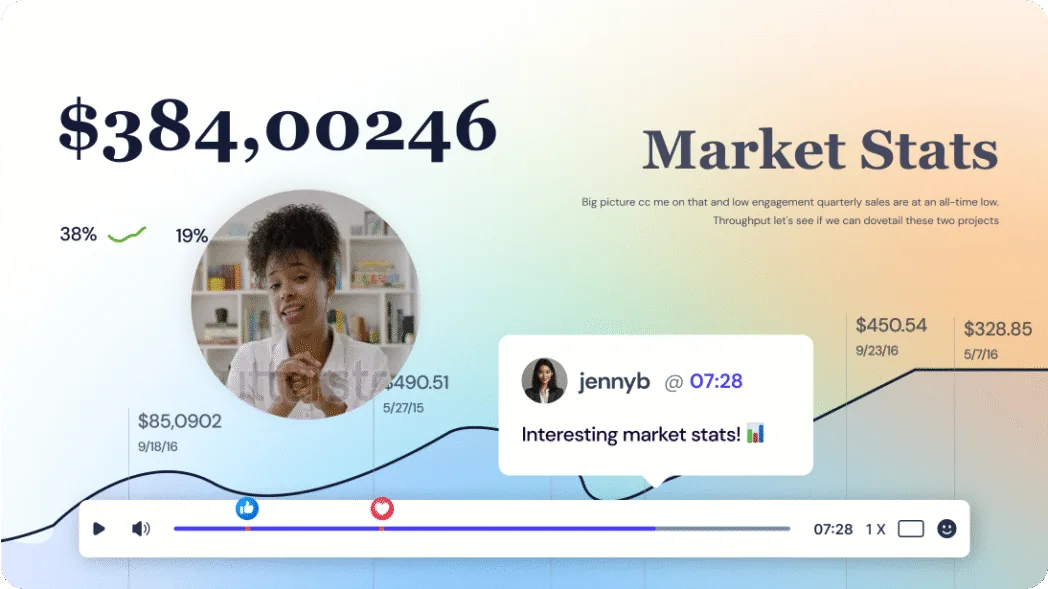
dadan is an all-in-one video platform designed for effortless screen recording, editing, and sharing directly from your browser or desktop. It’s especially popular for its intuitive interface and robust feature set, including AI-powered enhancements, interactive elements, and deep analytics.
dadan’s Chrome extension makes it easy to record your screen, webcam, and microphone, with a focus on quick sharing and collaboration. Its free plan is generous, while the paid plan unlocks advanced editing and AI features
Features (Free Plan)
- Record screen, webcam, and microphone in up to 720p resolution
- 5-minute video length per recording, up to 25 videos
- Offline recording and local video saving
- Basic screen drawing and annotation tools
- Password-protected share links and downloadable videos
Features (Paid Plan)
Lite plan starts at $8/user/month
- Unlimited video length and unlimited video storage
- 4K video recording and advanced editing tools
- AI-powered features: auto-transcriptions, summaries, meeting notes
- Interactive elements: quizzes, polls, custom thumbnails, video chapters
- Advanced privacy controls, analytics, and third-party integrations
What users say about dadan
“Dadan has the most easy to use UI to get you create and edit videos in just 2 minutes. I managed to record my first video and then edit it online without any hassle. I am not a pro video editor, but the interface is simple-I felt like I am a pro editor. They are constantly introducing new features and integrations which are even more interesting to watch. Bang for your buck!”
Review website: G2
2. Screencastify
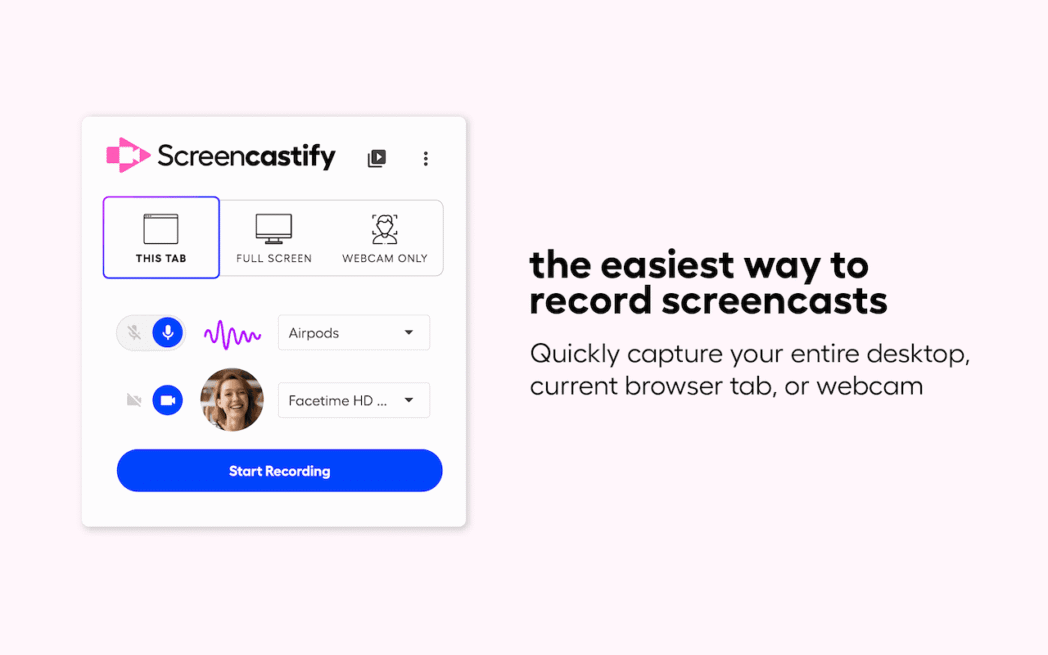
Screencastify is a popular Chrome extension known for its simple interface and quick setup. It is quite a favorite with educators, marketers, and professionals who need to create tutorials, demos, or training videos on the fly.
With the browser extension, you can record your browser tab, entire screen, or webcam. There’s also a built-in basic editing tool that you can use to sharpen the video quality.
Screencastify stands out for its seamless integration with Google Drive, making it easy to store and share videos. While its free plan is great for beginners and light users, professionals who need more flexibility and advanced analytics may find value in its paid plans.
Features (Free Plan)
- Record up to 10 videos, each up to 10 minutes long
- Capture browser tab, desktop, or webcam footage
- Basic video trimming and editing
- Store up to 10 videos in your Screencastify library
- Share videos via direct link or upload to Google Drive
Features (Paid Plan)
Screencastify offers Starter ($7/user/month) and Pro ($10/user/month) plans, billed annually
- Unlimited video creation and storage
- Record videos of any length3
- Advanced editing tools (crop, merge, add text, etc.)
- Full viewer analytics and engagement tracking
- Export videos in various formats without watermarks
What users say about Screencastify
“Screencastify is just so simple to use, and even the free version gives you the ability to trim a video down in length. It helps me easily reproduce any issues and send the video to our software developers. It increases my productivity as I do not have to describe in words what the issue is, but simply record a video that illustrates the issue.”
Review website: G2
3. Loom

Loom is trusted by millions of users for its speed, ease of use, and seamless sharing. It’s widely used for asynchronous communication, quick feedback, tutorials, and team updates.
Loom’s Chrome extension lets you record your screen, face, and voice, and instantly generates a shareable link. The free plan is only good if you want to record short videos occasionally. The paid plan unlocks higher limits and advanced collaboration features and a better fit for most users.
Features (Free Plan)
- Record up to 25 videos, each up to 5 minutes long
- Screen, webcam, or both recording
- 1080p video resolution
- Instant link sharing and basic viewer engagement (comments, emoji reactions)
- Video storage in your Loom library
Features (Paid Plan)
Business plan starts at $15/user/month
- Unlimited video recording length and storage
- Advanced editing (trimming, stitching, call-to-action buttons)
- AI-powered features (automatic chapters, summaries)
- Drawing tools, custom branding, and engagement analytics
- Team workspaces and advanced privacy controls
What users say about Loom
“The ease of use, and the interactive features for other viewers. Nothing at all, the quality of the videos and the interactive features are just amazing. Loom has allowed me to create professional videos that I email and post on LinkedIn to improve and enhance my communication. This tool allows me to separate myself from competitors.”
Review website: G2
4. ScreenPal
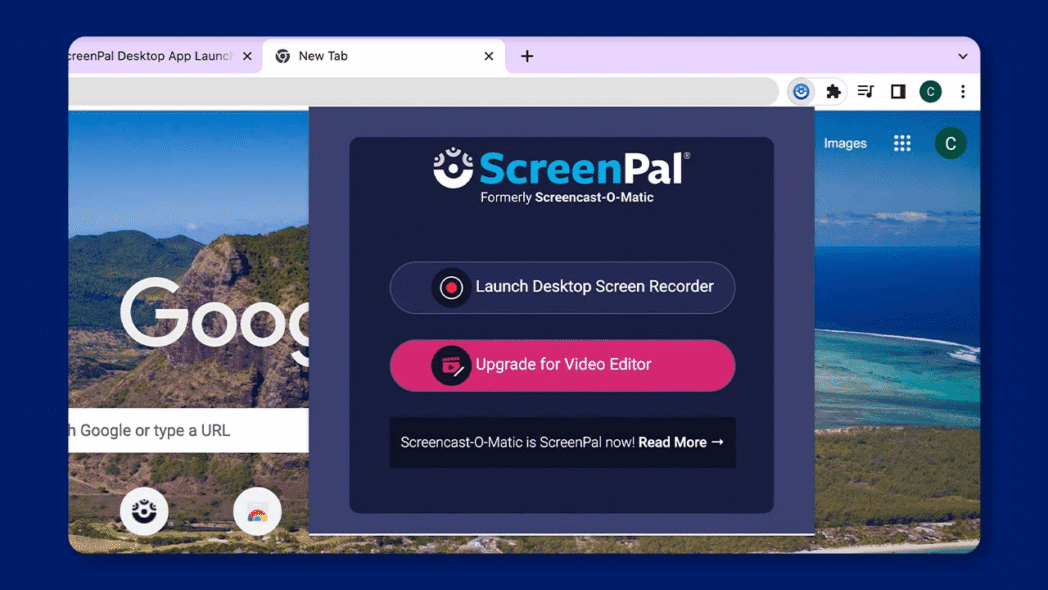
ScreenPal (formerly Screencast-O-Matic) Chrome extension offers both browser-based and desktop recording. It’s known for its intuitive interface, robust free features, and easy video editing.
ScreenPal is popular among educators, teams, and content creators who want a balance of simplicity and power without a steep learning curve. The extension allows quick access to all creation tools and seamless sharing.
Features (Free Plan)
- Record screen, webcam, or both with no watermark
- Select area or full-screen recording
- Add narration and use drawing tools during recording
- Basic video editing (trim, crop, add text and shapes)
- Unlimited video uploads to ScreenPal’s free hosting account
Features (Paid Plan)
Paid plans start at $3/month (billed annually) for Deluxe. There is also a Max plan which comes with ScreenPal AI and starts at $4/month (paid annually).
- Advanced video editing (animations, overlays, transitions)
- Remove silences, adjust playback speed, and add stock music
- Custom branding and virtual backgrounds
- Video analytics, privacy controls, and scheduling
- Integration with cloud storage and LMS platforms
What users say about ScreenPal
“I appreciate ScreenPal for its easy interface that makes it user-friendly for both teachers and students. The short learning curve allows us to quickly become proficient and start using the platform effectively without much hassle. Overall, it seems like a promising tool for enhancing our video content and collaboration.”
Review website: G2
5. Vidyard
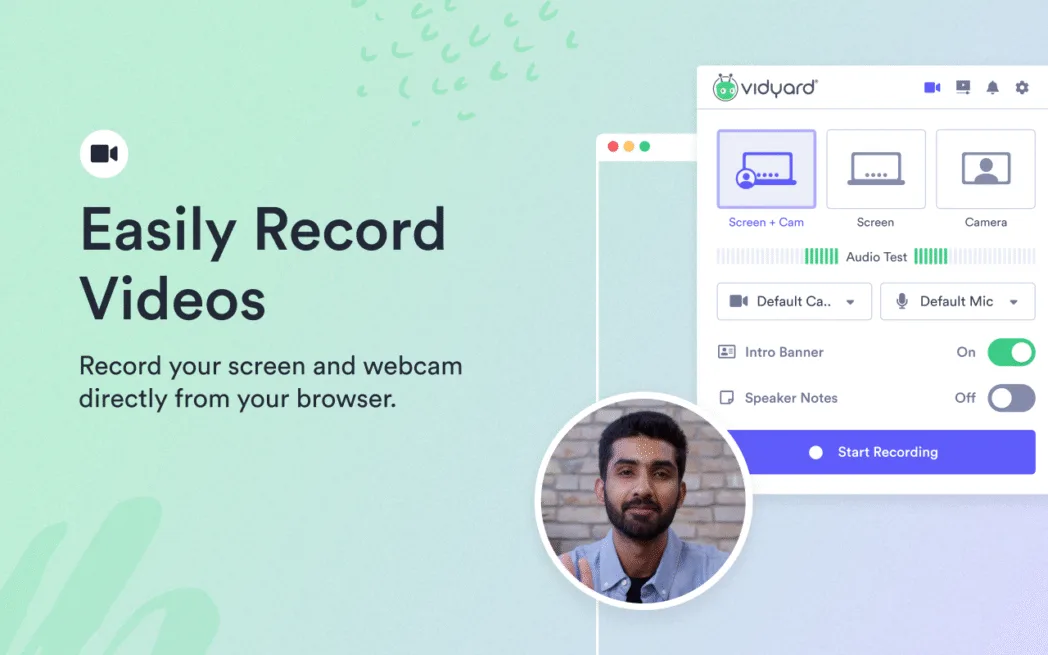
Vidyard is a powerful Chrome extension is favored by sales teams, marketers, and customer support professionals. Its ability to record, edit, and share professional-quality videos directly from your browser helps them to communicate clearly and get work done faster.
Vidyard supports screen, webcam, or combined recordings in up to 4K resolution, and offers features like speaker notes, and video stitching. It also sends real-time notifications when someone watches your video. Vidyard’s ad-free playback, unlimited bandwidth, and seamless sharing make it ideal for business communication and customer engagement.
Features (Free Plan)
- Record screen, webcam, or both in up to 4K resolution.
- Unlimited video creation and ad-free playback.
- Trim unwanted video segments and add speaker notes.
- Instant sharing via direct link with no bandwidth limits.
- Basic viewer analytics (view counts, notifications).
Features (Paid Plan)
Vidyard offers Starter paid plan which starts at $59/seat/month. They also offer a Team plan, but the pricing details are available on request.
- Advanced video editing (stitching multiple videos, custom thumbnails).
- Enhanced analytics and engagement tracking.
- Custom branding and call-to-action buttons.
- Integration with CRM and marketing automation tools.
- Team management and collaboration features.
What users say about Vidyard
Love the extension and the local install – super easy to use and works as expected every time 🙂 I use this cold outreach, for sending proposal updates to prospects in flight, client communications (training, reviewing ongoing work rather than requiring them to get on a Zoom, asking questions so it’s clear what I’m needing etc). In all cases it is great to know who is watching the content so I know if they’re up to speed or not.
Review website: Chrome Web Store
What’s next?
We suggest you pick any two screen recorders in this list that matches most of your requirements and give it a shot. That’s the best way to filter out the options and settle for one that you’re most comfortable with.
If dadan is one of the top two contenders,