










Skip links

Free YouTube Screen Recorder

Capture, edit, and publish videos faster in one simple workflow. The easiest way to record tutorials, reviews, and walkthroughs and grow your YouTube channel. No Watermark.

Join 30,000 + users already using dadan
to communicate via async video

How to record YouTube videos with audio using Our YouTube Recorder

meeting recap
Recording Bar
Step 1

Sign up to Dadan for free

Sign up to dadan and then download the Mac or Windows app. Or install the Chrome extension if you prefer recording from the browser

dadan platforms
Step 2

Select your recording mode

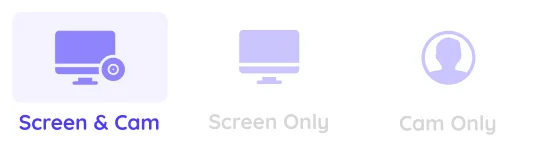
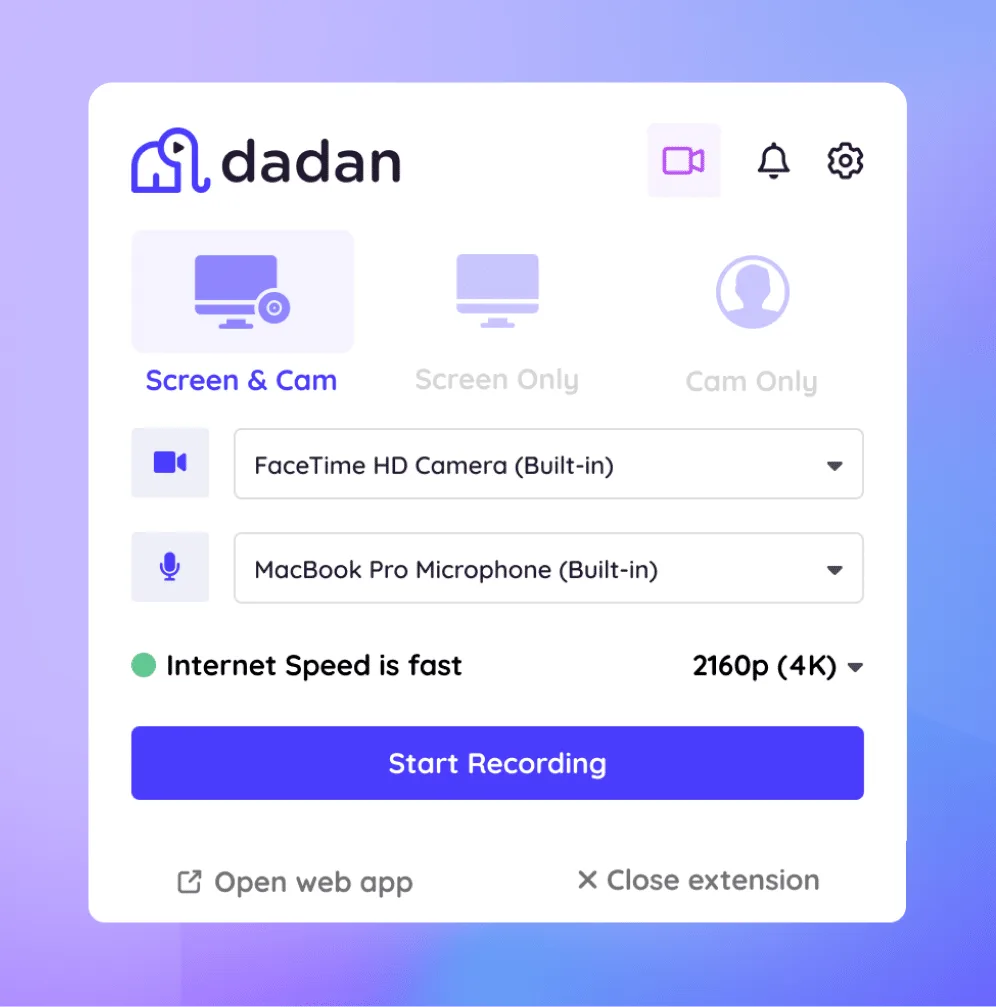
Select the recording mode between screen, webcam or both based on the type of video you are planning to record

record setup
Step 3

Let's start recording

You are all set to record an amazing video. Click start recording and do your thing. You can highlight or annotate to engage your viewers. Once you are done click stop.

dadan recording
Step 4

Publish without download

Thanks to our integration with YouTube, you don't have to go through the download-upload hassle. Just connect your channel and hit publish!

edit video toolbar
IMGBG

Features of YouTube Video recorder

video

High Quality Recording

Record your videos and audio in 4K resolution. We suggest you to use headphones to record system audio and external audio at same time.

like tag

Audio Recording

Record your system and external audio at the same time. You can also connect an external mic, choose the mic input before recording.

search

Webcam Overlay

To have a webcam overlay on your videos, choose screen+webcam recording mode before you begin recording.

brush

Bulit-in Video editor

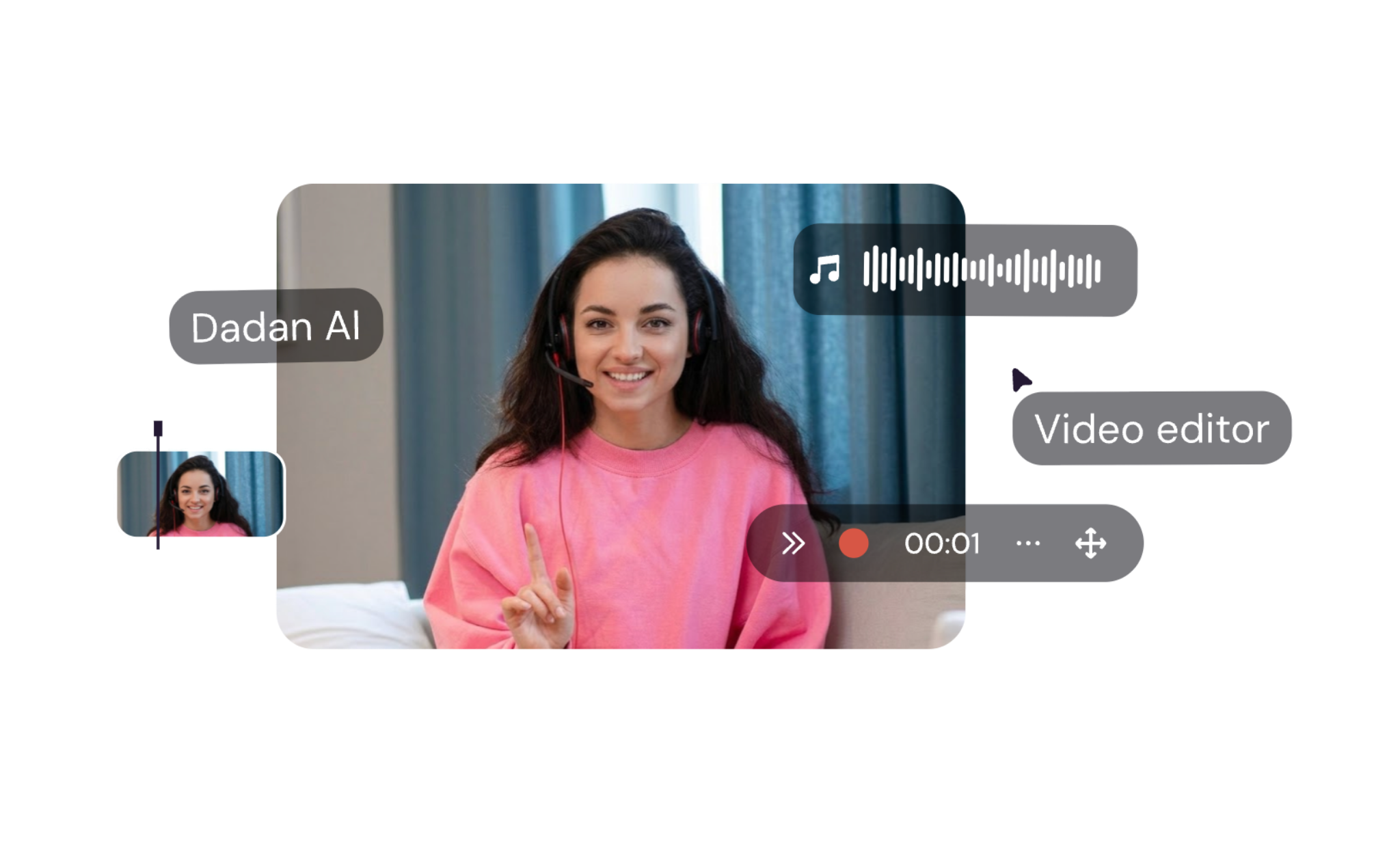
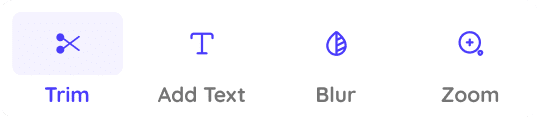
Wanna make some enhancements to your video? Add Zoom ins, text overlay, stickers to make the video more interesting with our built-in editor.

send

Annotations

Add quick annotations during recording such as arrows, highlights, or free hand draw on your screen. Select color and the timeframe for which it appears.

line up square

Custom Recording Area

Choose the windows app to record and select custom dimensions. Then select the area on your screen you wish to record and click start recording.

brush

Hide sensitive information

Have sensitive information such as passwords, emails, card numbers with a blur overlay. Adjust the blur dimension and intensity in a click.

send

Add Music/Voiceover

Record with external videos, upload custom intros and outros to your dashboard to maintain brand consistency.

line up square

No Watermark

One of the very few screen recorders out there that offers watermark free screen recordings. It is completely free to record, download and publish.

Your next amazing YouTube video is a minute away

Record product demo, coding lessons, or how-to guides

If you are into software reviews or if you make tutorial videos such as step by step guide, this is a must have for you

Use annotations to increase user attention. Use mouse highlight to help users follow mouse movements. Above all, operate completely in our cloud working space.

Create your own public profile to host and share videos from dadan. You can add interactive features to make suers engage with the video realtime than just watch.

Screen recorder for training
explain features faster

Capture gameplay footage with webcam overlay For YouTube

Pro Gamers need a no nonsense recorder that can record in high res to convey the immersive gaming experince via videos.

With dadan, you can record your screen and webcam with system and internal audio. You can record up to 4K resolution.

Quickly edit your footage to add intros and outros. Add text overlays and zoom in effects to enhance the video experience.

Turn PowerPoint or Google Slides into narrated YouTube videos

Your presentations just got better with the power of video engagement. People will pick a 5 min video to a 25 slide deck or pdf any day.With dadan, you can turn your presentations into videos to make it engaging.

You can use the screen + webcam feature to share context and showcase emotions to the listeners when they watch the video.

google meet record your meetings free dadan
Dadan collaboration

Create Online Courses & E-Learning Video for YouTube

Creating courses has never been easier than today with dadan. You can go from zero to chapter video in minutes.

Use annotation to draw on screen and emphasis content. Use mouse follow options to make the video engaging. Use interactive functions to get real time feedback.

Create folders, playlists and even a public profile to make your videos accessible. Password protect or make your videos private to own complete control over your content.

Meet Our Happy Customers

Create YouTube Videos as Easily as Talking Through Your Screen, Clean Output and No Watermark

FAQ about YouTube screen recording

A YouTube screen recorder helps you record engaging YouTube videos, recording your screen with or without a webcam overly and with audio inputs.

Dadan is the best screen recorder for YouTube videos offering comprehensive set of features including 4K video recording, built-in video editor, offline recording and YouTube integration.

Yes you can record your screen and webcam with an overlay at the same time with dadan. Choose the screen and webcam recording mode before you start. 

Yes it is completely legal to record and upload screen recordings to YouTube as long as you own the content you show in screen or have rights to commercially use the content on screen. Make sure you don’t share sensitive data or hide them using the blur feature on dadan.

Dadan is the best YouTube screen recorder that offers watermark free recordings. You can record offline, and in 4K resolution without watermarks. 

YouTube videos supports multiple video formats, but the most commonly used format is .mp4 To get the highest clarity in output focus on the bitrate and the fps count based on the input. Dadan helps you automatically assign the best fps and bit rate to get optimum quality. 

Yes, with dadan you can record both system/internal audio and external audio. To get the best output we recommend using headphones to capture natively.

The most commonly used frame rates usually denoted as fps (frames per second) are 24fps or 30fps. Occasionally people also use 60fps. The best count depends on the type of video you make and the input footage.

Dadan is the best screen recorder to use without slowing down your system. By offering performance optimized native application and chrome extension, we ensure the recordings don’t affect your system performance.

Yes, dadan has an inbuilt video editor best suited for YouTube video recordings. You can add text, zoom transitions, trim, adjust volume and more with the in-built editor.

Dadan comes with direct YouTube integration that allows you to directly publish videos to YouTube without going through the download/upload hassle.
