












Live Stream Video Recorder – Capture and Save Online
Capture live streams, meetings, and games in 4K quality with audio. Edit with the built-in editor, use AI to generate transcripts and chapters, and share instantly. Lightweight and affordable recorder with no watermark.
Join 30,000 + users already using dadanto communicate via async video


How to Record Streaming Video Online Step-By-Step


Step 1
Sign up to Dadan for free
Create a dadan account. Download the dadan Mac or Windows app. You can also install the Chrome or Edge browser extension.

Step 2
Select your recording mode
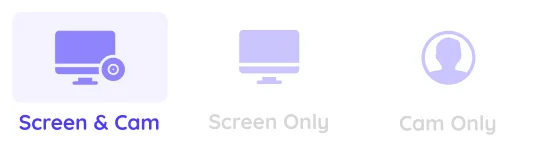
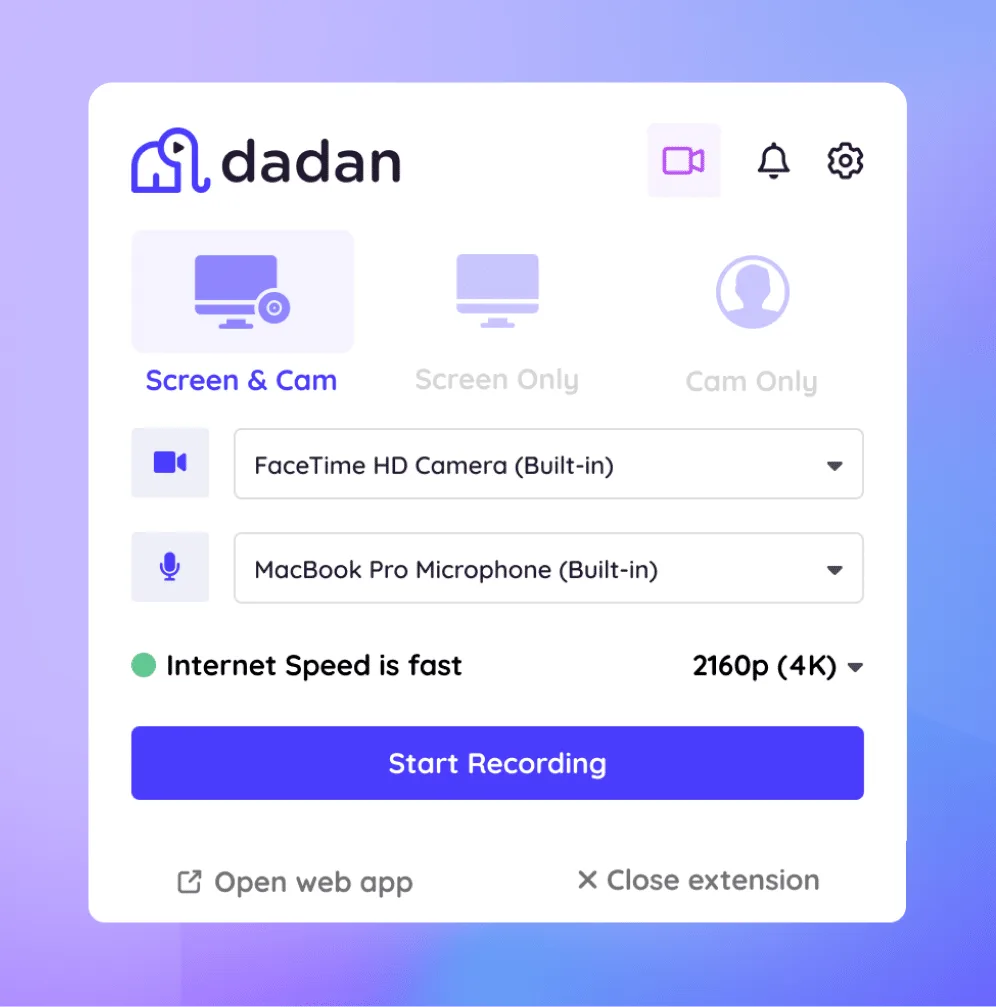
Select the recording mode: Choose Screen, Webcam, or both (Screen + Cam) based on the type of video you plan to record.

Step 3
Start Recording
Next, select the recording area such as full screen, a specific window, or a custom region. When everything is set, click the “Start Recording” button to begin capturing your live stream.

Step 4
Edit and Share
After you stop recording, your live stream video is automatically saved to your library. Use the built-in editor to refine the content. Upload to YouTube or copy the video link to share

What Makes Our Live Stream Video Recorder the Best Choice


Features of Live Stream Video recorder
HD/4K Recording
Dadan offers HD video recording in every plan. You get 720p in the free plan and up to 4K as you upgrade.
No-Lag Performance
Recording a high-fidelity game or a long video call? Dadan delivers excellent performance with zero lags every time.
Custom Recording Area
Dadan only records what you choose to share with your audience: the entire screen, a window or a custom area.
System & Mic Audio Capture
With mic and system audio recording, every voice and sound effect gets recorded with zero distortions.
Scheduled Recording
Dadan joins all your scheduled meetings and records them quietly. Use dadan AI to generate a quick summary or video transcript.
Download Streaming Videos
Save livestream recordings on your PC with one click. Enjoy the same quality even when you watch it offline.
100% Secure
Record and capture live streams securely for personal use. Keep your recordings 100% safe and use them for legal, professional, or educational purposes.
Instant Sharing Options
Upload recordings to YouTube, LinkedIn or Slack without leaving dadan. Or copy the recording link to share with others.
Save Recordings Online
Get 10GB of free storage in your dadan workspace. Upgrade with affordable pricing to buy more space.
More Ways to Record and Save Live Streams
Record YouTube Live Streams
Record tutorials or music sessions streamed live on YouTube.
Use dadan’s AI to generate a transcript and use it as a caption.
Download the video or share it with others at HD video quality.


Capture Facebook and Instagram Live Sessions
Record and repurpose Facebook and Instagram livestreams.
Use the built-in editor to chop the video into multiple short clips.
Add annotations, zoom effect, text overlay, and even a CTA to gain maximum engagement.
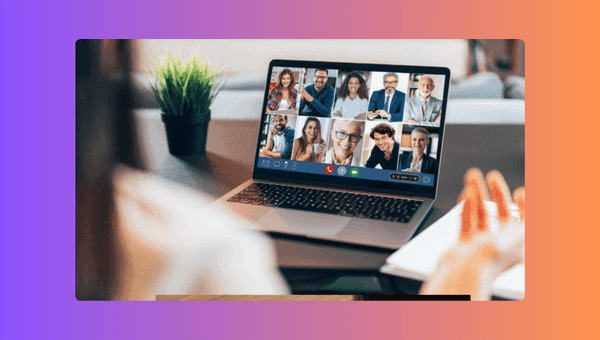
Record Zoom, Teams & Skype Calls
You can always watch a Zoom or a Skype call later by recording it with dadan.
Even better, with AI, you can generate summaries and add quizzes to transform a call into training material.


Capture Online Training Sessions
Turn live training sessions into evergreen content.
If you’re the trainer: use annotations, text, AI-generated chapters, and quizzes.
If you’re a trainee: download the recording; generate transcripts to search for a keyword, and use it as a caption.
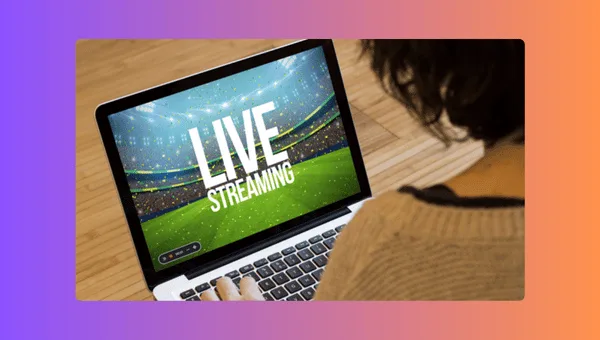
Record Live Sports Streams
Capture thrilling sporting moments and watch them on reruns as many times as you like.
Or create clips, re-record them in screen+webcam mode, and share on YouTube as a reaction video.


Capture Twitch Live Gameplay
Record gameplay in up to 4K quality with 60fps support, without any lag, and upload it directly to YouTube.
Grow your channel, gain subscribers, and monetize your content effortlessly.
Keep the best moments, and share them with your squad. Track the views and engagement to know the response.
Meet Our Happy Customers

"At Youfibre, we’re a remote-first company with team members all over the UK. Dadan lets me work on projects and tasks with my team and keeps us moving fast."
Craig Tomkins
Director of Strategy & Operations

“ I love Dadan, it helps me communicate and get feedback from clients without needing meetings all the time. We use the interactive quizzes to speed up sign-off. ”
Jess Silver
Marketing Agency Owner

"Great tool! I work with retail partners all over the world and Dadan helps me keep those relationships strong."
Lewis Lingard
International Trade Sales Manager
You don’t have to be a video expert or use expensive editing software to create engaging videos.
FAQs
A livestream video recorder is a screen recorder that can capture the livestream content running on your computer screen. Most advanced screen recorders can record livestream videos with audio at the same time without any lags.
Yes, dadan is a versatile screen recorder that can capture live stream videos from various platforms such as YouTube, Instagram, Twitch, Discord, StreamYard, Facebook, Zoom, Teams, and TikTok.
Legality depends on local laws. If your country or state follows "all-party consent" laws, it is wise to inform the host or host organization before recording the session.
You can record livestream videos without downloading software. You must install a screen recorder Chrome or Edge extension like dadan. With this extension, you can record livestream videos from your browser directly.
Dadan is the best screen recorder that offers watermark free recordings. You can record offline, and in 4K resolution without watermarks.
Yes, screen recording tools like dadan can record video and audio from a livestream simultaneously. In audio, it records both system audio and the microphone. This means it records all the sound effects on the screen and your voice without any distortions.
Download your OS-compliant screen recorder app. You can also install dadan's browser extension for easy access. After downloading or installing, select the recording area (full screen, window, or custom) and choose the appropriate audio sources before you hit the "Start Recording" button.
Yes, you can record streaming sessions on your phone using the built-in screen recorder features available on iOS or Android devices.
Not every screen recorder has this feature. If you’re using a screen recorder like dadan, then you can schedule a livestream recording. For that, you must connect your Google or Microsoft Calendar with dadan and allow it to join all your scheduled meetings. Once the meeting begins, dadan records the meetings, which you can download or use AI to generate summaries.
You can share videos instantly via an instant URL link. You can also embed the video on your website or upload directly to integrated platforms such as YouTube, LinkedIn, and Slack.
There is a time limit of 5 minutes if you are on the free plan. Once you upgrade to a paid plan, you can record unlimited videos for an unlimited duration.
Advanced screen recorders like dadan offer a comprehensive set of features, high-quality recording (up to 4K in paid plans), and cloud storage with easy sharing. Dadan does not add a watermark to videos, even in the free plan.