









Free Online Video Trimmer
Trim Your Videos Online in Seconds Without a Watermark
Cut unwanted parts from recordings, MP4s, and clips directly in your browser. No watermark, no downloads.
Join 30,000+ users actively using dadanfor Video Creation


How to Trim Any Video Online Using Dadan - Step-By-Step
Step 1
Get Started
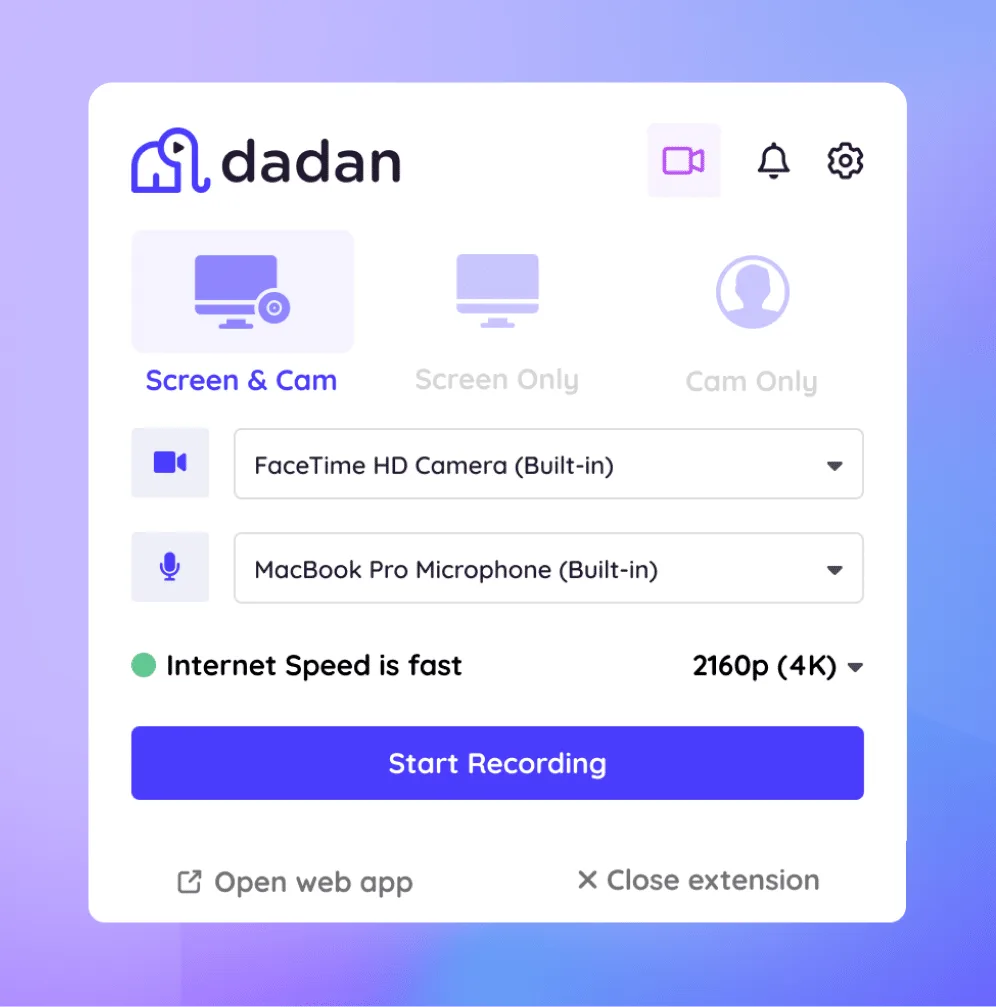
Create your account and open Dadan in your browser. You can trim videos online without installing any software.
Step 2
Upload Video
Add a video file directly from your device. Common formats like MP4 work smoothly, even for longer recordings.
Step 3
Trim Video
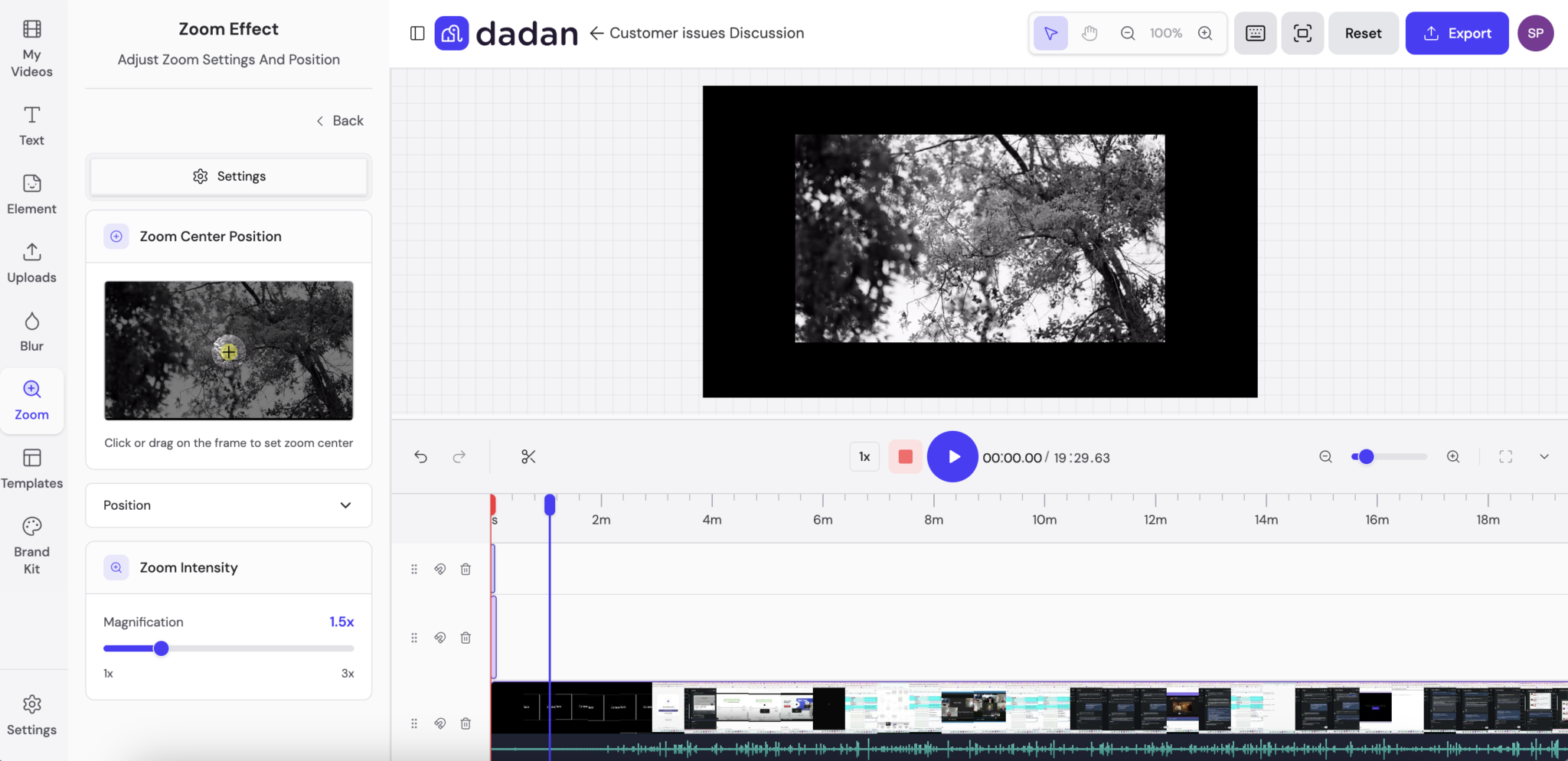
Open the video playback page and select Edit Video, then choose Trim. Adjust the start and end points using the timeline. Preview the video to confirm the cut before saving.
Step 4
Save Video
Download the trimmed video in the original quality without a watermark.
Why Dadan’s Online Trimmer is the Best Choice

Where Video Trimming Makes the Most Impact
Remove Unwanted Parts From Recordings
Cut pauses, mistakes, or irrelevant sections from screen recordings, meeting videos, and raw footage before sharing.


Create Short Clips For Social Media
Cut longer videos into shorter clips suitable for platforms like YouTube, LinkedIn, or Instagram. Existing video content can be reused without re-recording or editing the entire file.
Edit Webinars And Meeting Recordings
Remove waiting time, breaks, or off-topic discussions from webinar and meeting recordings. Share only the relevant sections with teammates, customers, or attendees who missed the live session.


Trim Training And Tutorial Videos
Shorten training and tutorial videos by trimming them into focused segments without re-recording the content.
Meet Our Happy Customers

"At Youfibre, we’re a remote-first company with team members all over the UK. Dadan lets me work on projects and tasks with my team and keeps us moving fast."
Craig Tomkins
Director of Strategy & Operations

“ I love Dadan, it helps me communicate and get feedback from clients without needing meetings all the time. We use the interactive quizzes to speed up sign-off. ”
Jess Silver
Marketing Agency Owner

"Great tool! I work with retail partners all over the world and Dadan helps me keep those relationships strong."
Lewis Lingard
International Trade Sales Manager

Secure Online Video Trimming with HD Output
Full Suite Video Editor
Trim videos as part of a broader online video editor. Make quick edits without switching tools or exporting files multiple times.

Precise Trimming
Cut videos easily by setting exact start and end points on the timeline. Suitable for both short clips and long recordings.

High Level Of Security
Process videos securely in the browser. Uploaded files are handled privately and are not reused or shared.

Timeline-Based Editing
Edit videos using a visual timeline that makes trimming simple, even without prior editing experience.

Real Time Preview
Preview trimmed sections instantly before saving the final output.
Export Without Quality Loss
Export trimmed videos quickly while preserving the original video quality. No watermark is added.
Trim Your Videos Online Quickly Without a Watermark
FAQs
A video trimmer is a tool used to cut unwanted parts from a video by adjusting the start and end points. It helps shorten videos without changing the original content.
Upload the video, open the trimming option, adjust the timeline to select the required section, preview the result, and download the trimmed video.
Yes. The online video trimmer preserves the original video quality during export.
No. The trimming interface is designed to be simple and can be used without prior video editing experience.
Common video formats such as MP4 are supported.
Yes. Videos can be trimmed to the required length for platforms such as YouTube, LinkedIn, and Instagram.