Dadan’s Detect Silence tool helps improve video pacing by removing unwanted pauses.
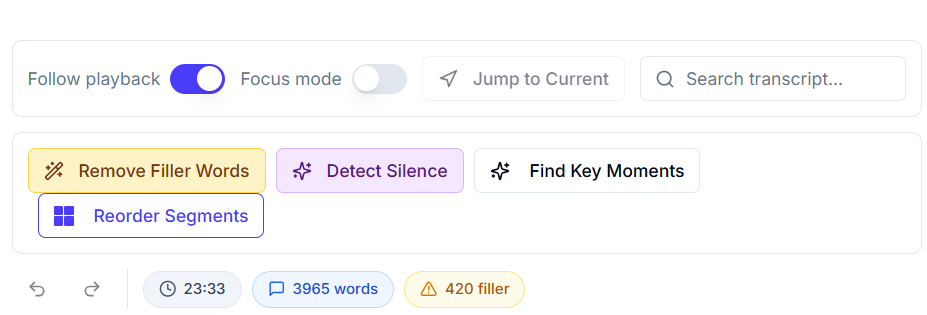
In the Transcript Editor, open Detect Silence and run the scan. You’ll see a list of silent segments with timestamps for review.
Preview each one, adjust sensitivity if needed, then select the segments you want to remove. Click Process & Remove to automatically trim the video and update the transcript.
Your video becomes cleaner, tighter, and more engaging instantly.