🎉 Introducing Dadan Guides: Record Once. Create SOP & Step-by-Step Guides in 40+ Languages.
Don’t stop at trimming. Use Dadan to record, edit, and share videos from the same place.
Upload your video.
Set the start and end points.
Trim and save your clip.
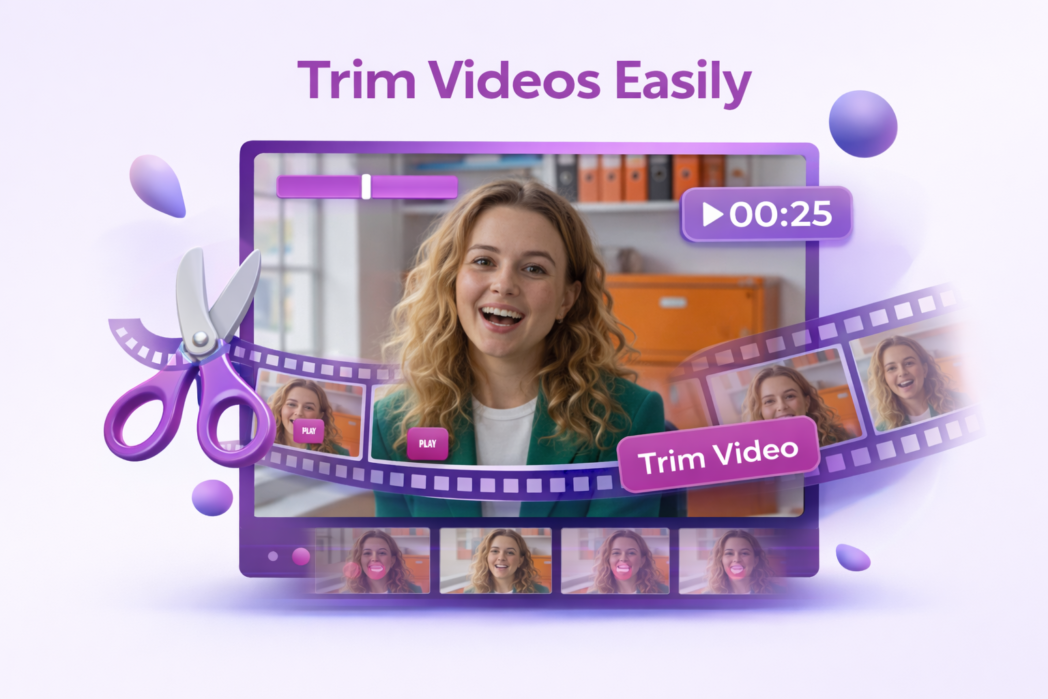
Cut long videos down to the exact section you want to keep.
Trim your video quickly and export a shorter file in seconds.
Upload, trim, and save your video in a simple online workflow.
Upload your file, choose the part you want to keep, and save the trimmed video.
Trimming removes parts of the video without changing the main content, so quality usually stays the same.
Yes. You only need to set where the video should start and end.
Most online trimmers support common video formats such as MP4.
Yes. If the tool works in your mobile browser, you can trim videos on your phone or tablet.
Adding {{itemName}} to cart
Added {{itemName}} to cart