











Skip links

Free AI Intro Maker

Start your screen recordings with a clean, professional intro

Add your own text, background color or image to create the perfect intro for your brand or any Videos

Join over 3,000 + companies creating videos
with Dadan

intro maker

How to Create an Intro for Any Video using Dadan - Step-By-Step

Step 1

Get Started

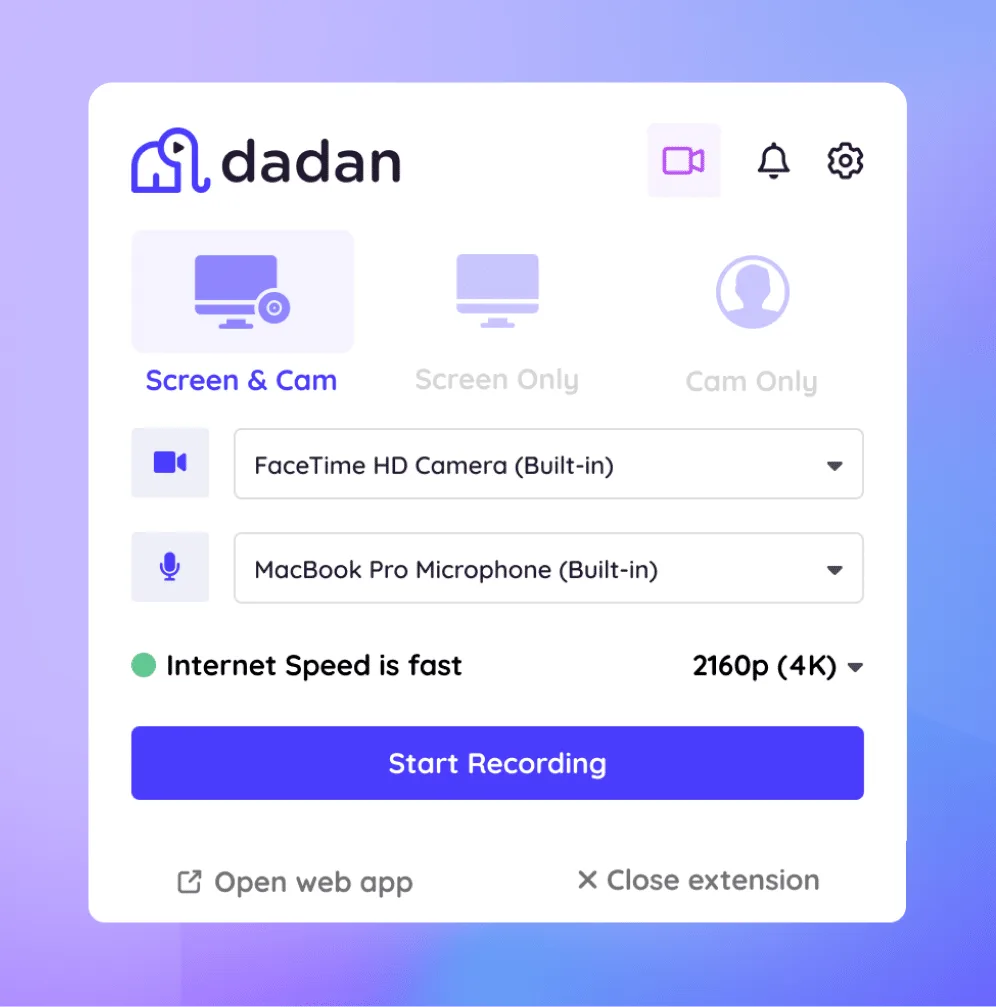
Create your account and install the Dadan app on Windows or Mac. You can also use the Chrome or Edge extension to start recording.

Step 2

Add or Record Video

Record a new video or upload an existing one. Open the video playback page and select Edit Your Video, then choose Intro Maker.

Step 3

Auto Intro

Dadan generates a ready-made intro. Customize it by editing the text, adjusting the background color, or adding your own image.

Step 4

Save Output

Preview the intro and save your final video with the updated style.

Where the Intro Maker Fits Best

Course intro for educators

Add your name, course module, or “What You’ll Learn Today” message with customized logo and background, to build familiarity and orient learners quickly

marketing
pexels shvets production 7516347 scaled

Perfect Intro for YouTube Videos

Create a 5-second intro with your video name, logo, and video title. Save and reuse the same template on all your videos to reduce production time while keeping a professional look.

Intros for Gaming Videos

Use bold colours with the logo and social handle to hype your new viewers and turn them into followers

game Warzone
intro maker

Branding intro for Video presentations

Make a positive impression in a client pitch or product demo by keeping the intro clean and minimalistic. Add logo, brand colors, and the presenter’s name to set a professional tone

Meet Our Happy Customers

IMGBG

Make Every Video Stand Out from the Start

background

Custom background options

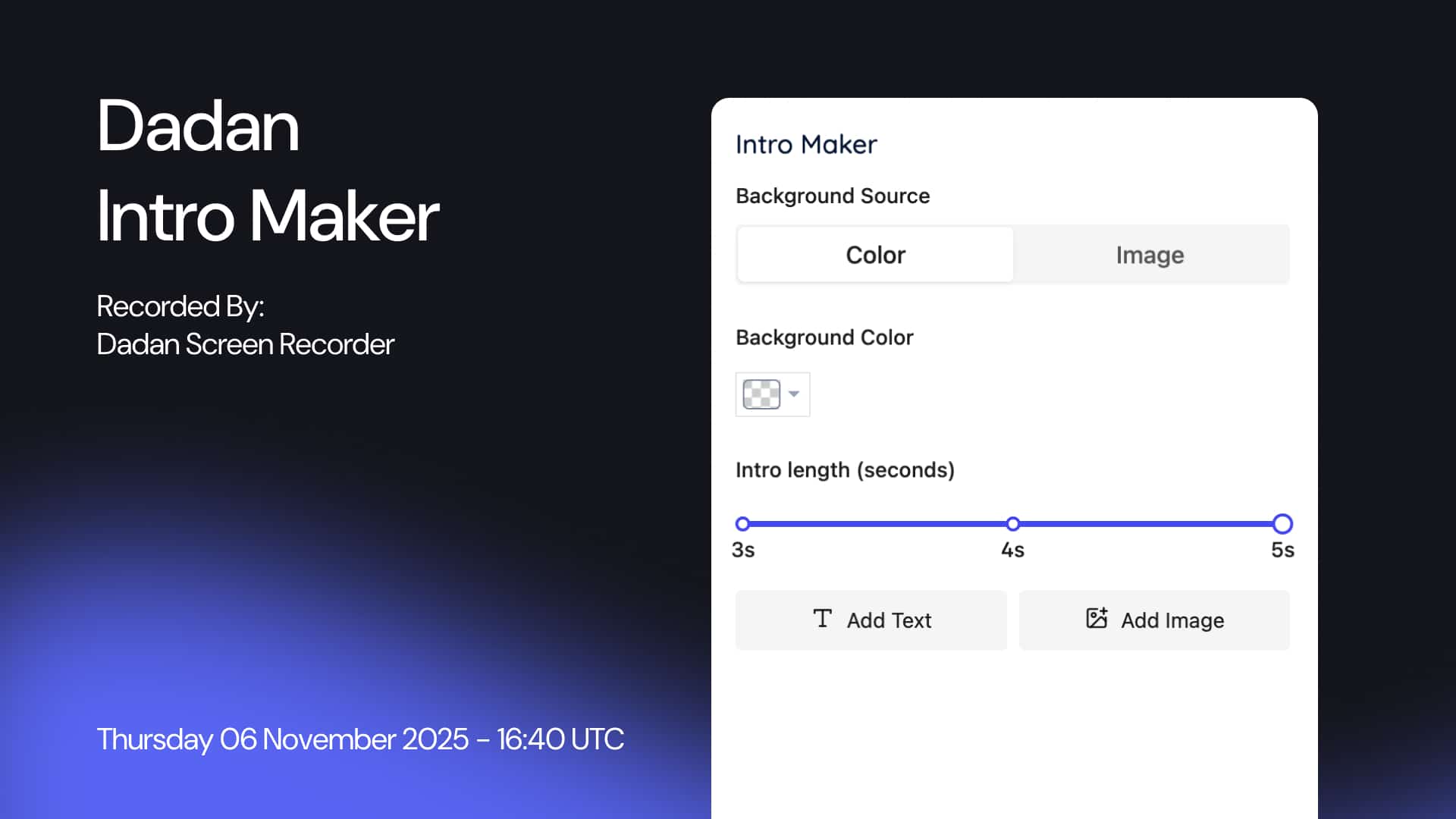
Choose from the default color or create your own to customize the background in your style. You can also upload multiple images, resize, and layer them to build the perfect look

brand

Brand customization

Add brand icons, illustrations, and logos to make the intro resonate with the branding and connect with your audience right from the start

timeline

Adjustable intro duration

Your video intro could be 5 seconds or shorter. You decide that by dragging a simple slider; no complicated coding or tech support required

add text

Add text blocks

Type the message in a text box to add it to your intro. You choose the font type, color, size, transparency, weight, and even the alignment to make it look just like you want

add image

Add image layers

Position and layer multiple images to find out the perfect match for your intro. Delete the element that doesn’t fit with a single tap

preview

Live preview

Get a live preview of all the effects you add to the intro. This helps you visualize how a particular effect appears on the video, and should you keep it before hitting save

Your Quick Path to Professional Intros

FAQs

An AI intro maker is a tool that creates video intros automatically using artificial intelligence. You provide basic details like text, logo, or background color, and the AI designs a polished intro for you.

Dadan’s AI intro maker creates a templated intro video for your recording. You can edit it by adding your logo, customizing background colors, and text, and generating a professional intro in minutes. No editing skills needed.


The AI uses your input (text, logo, style) to pick visuals, animations, and music, then combines them into a ready-to-use intro video

Yes, you can upload your own logo, brand color, and images to create a video intro in your style that also matches the brand identity

Most intro makers, like dadan, allow you to change the background color, add font in your style and format, and decide the intro duration in simple steps

Using intros into commercial projects is a fantastic idea. Video intros are the perfect place to set a professional tone and build confidence in client pitches and product demos

Most AI intro makers allow you to set the intro duration, typically between 5 and 15 seconds, depending on your specific needs.

Yes, you can choose from built-in music tracks or upload your own background music.

Yes, you can export your intro in HD or 4K for a professional-quality result.
