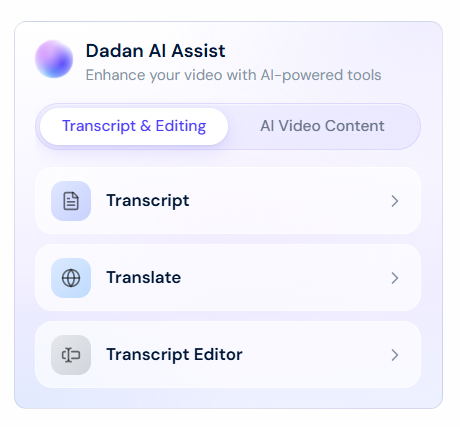
Dadan’s Transcript Editor lets you edit videos by working directly with text.
Use Follow Playback to highlight spoken words in real time, making it easier to spot errors, pauses, or filler words. You can search the transcript, jump between sections, and stay perfectly aligned with the video.
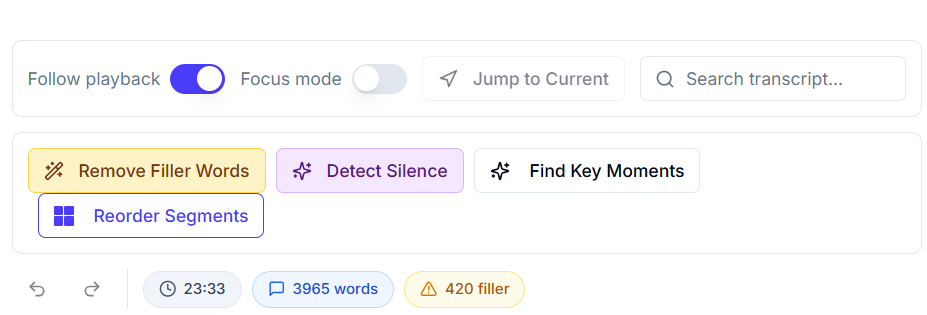
With built-in AI tools like Remove Filler Words, Detect Silence, and Find Key Moments, you can clean up and refine your content in seconds.
Dadan makes video editing simple, fast, and precise.