The most common reason support ticket volume doesn’t go down is that fixes are never made reusable. Your customer reads the documentation, misses a step, and opens a new ticket. Your agent writes a fresh reply. And the cycle repeats.
Video breaks that cycle. A screen recording that shows your customer exactly where to click, what to look for, and what happens next resolves the issue in a way a written answer can’t really do.
More importantly, that recording keeps working after you make it, answering the same question for every customer who runs into it afterward.
Why Repetitive Support Tickets Hurt Teams
You can track ticket volume, but the more revealing number is how many of those tickets are asking the same question.
When a significant share of your incoming requests trace back to the same handful of issues, you’re essentially solving them one ticket at a time, repeatedly.
So, your response times increase when your agents spend their day writing the same answer over again. Customer satisfaction drops when resolution takes longer than it should. And your most experienced people end up spending their capacity on requests a walkthrough video could handle.
Text-based documentation doesn’t fully close this gap. Instructions that make perfect sense in writing often fall apart when your customer is staring at a real interface and can’t find the step you described. That gap is where repeat tickets get generated.
Why Video Works Better for Customer Support
A screen recording shows your customer exactly what to do, in the product they’re actually using, without asking them to interpret written steps.
For most support questions involving a workflow or interface, that’s a meaningful difference. Customers who can follow a visual walkthrough tend to resolve their issue faster and are far less likely to send a follow-up.
Video also creates assets that scale in a way your text replies never can. A recording you make once can answer the same question for hundreds of customers over months.
You don’t write a new reply each time. You share the link or embed the video in your help center, and the content keeps working.
Every customer watching the same video gets the same answer. Text responses vary by agent, steps get described differently across tickets, and customers can end up with conflicting guidance. A well-made support video eliminates that variation across every interaction.
Types of Support Videos That Reduce Repetitive Tickets
Not every support video serves the same purpose. The teams that see real ticket reduction tend to build a mix of types, each targeting a specific category of recurring request.
Step-by-Step Feature Walkthroughs
These recordings show your customer how to complete a specific task in the product. They’re most useful for features with multiple steps or interfaces that look different depending on account settings.
When a feature walkthrough is accurate and current, it can resolve a whole category of tickets without any agent involvement.
Onboarding and Setup Guides
New user confusion drives a disproportionate share of support volume. Screen recordings that walk your customers through initial account setup, configuration, or first-use flows address this before it becomes a ticket, especially when you send them proactively during onboarding sequences.
Troubleshooting and Error Explanations
Certain error states generate predictable ticket spikes. Recording a walkthrough that explains how to identify the issue and what to do next turns a recurring ticket type into a self-service resource.
These work well embedded in your help center and in automated replies triggered by the relevant error state.
Personalized Async Replies
For tickets that need a contextual response, a short screen recording sent directly to the customer is often clearer and faster than a written explanation.
You record your screen, walk through the customer’s specific situation, and send the video. Customers tend to follow up less when they receive a visual answer rather than a written one.
How Customer Support Teams Use Async Video Workflows
Async video support means there’s no scheduled call. You record a response or walkthrough, share a link, and your customer watches and responds when ready. Neither of you needs to be available at the same time.
The practical workflow looks like this. When a ticket comes in that matches a known recurring issue, you check whether a relevant video exists in your library. If it does, you send the link. If it doesn’t, you record one, add it to the library, and send it.
Over time, your library covers more of the common ticket types, and the proportion of requests that require an original response goes down.
This works best when you build it deliberately. Randomly recording videos when it feels convenient produces a scattered library that’s hard to maintain.
The teams that see real results organize recordings by ticket category, assign ownership for keeping content current, and review the library periodically to retire outdated walkthroughs.
Using Video in Help Centers and Knowledge Bases
Embedding support screen recordings in your help center articles makes written documentation more useful. Customers who aren’t following the text can watch the recording alongside it. This combination tends to reduce the rate at which your help center articles generate follow-up tickets.
Sending Video in Ticket Replies
Attaching a recording to a ticket reply, instead of or alongside a written answer, typically improves your resolution rate and reduces follow-up volume.
For complex workflows, this is often more efficient than writing out a detailed explanation, even accounting for the time it takes to record.
Video Support vs Traditional Text Support – Comparison Table
| Feature | Text-Based Support | Video Support |
| Clarity for multi-step workflows | Limited | High |
| Reusability | Low | High |
| Customer follow-up rate | High | Low |
| Consistency across agents | Variable | High with a shared library |
| Searchability | High | High when transcripts are indexed |
| Time per recurring answer | High | Low |
| AI automation potential | Limited | High |
| Suitability for interface walkthroughs | Poor | Strong |
How AI Is Changing Customer Support Video Workflows
AI is reducing the manual overhead that previously made video support harder to scale. Two areas where it makes the most practical difference are transcription and content organization.
Searchable Knowledge Base
When your support videos are automatically transcribed, the content becomes searchable. Your customers and agents can find relevant recordings by searching for keywords, the same way they’d search a text knowledge base.
Without transcripts, your video library is a collection of opaque files that someone has to watch one by one to find the right answer.
AI-Generated Metadata
Tools that auto-generate titles, descriptions, and chapter markers from a recording also reduce your publishing work significantly.
You record a walkthrough, the AI produces the metadata, and the asset is ready to add to your help center. The manual tagging step that made video creation feel time-consuming gets smaller or disappears entirely.
Some teams also use AI to identify which ticket categories would benefit most from a video response, based on ticket language and resolution patterns. This helps you prioritize which recordings to build first rather than starting at random.
Best Tools for Video Based Customer Support
The right tool depends on whether you need a full async workflow, enterprise-grade analytics, or lightweight recording with easy sharing. Here are three widely used options.
Dadan
Dadan is built for teams that need to record, edit, host, and share video without switching between tools. You can record your screen and webcam, edit in-browser using the transcript video editor, and share via link with access controls including password protection.
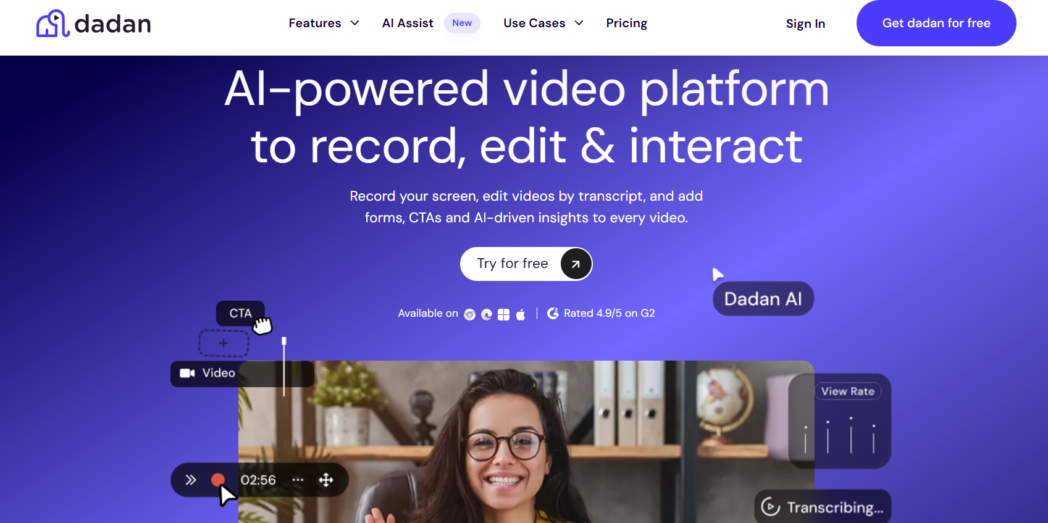
The AI Assist suite handles transcription, auto-generates titles and chapter breaks, and makes your support content searchable without manual tagging. You can also embed interactive elements including quizzes and lead gen forms directly in videos, which is useful for onboarding or training content where a knowledge check adds value.
Dadan also integrates with 20+ platforms, so you can embed videos in your existing help center or CRM without additional setup. For teams building a systematic ticket-reduction library, it’s the most practical starting point.
Loom
Loom is a well-established async video platform with solid recording and sharing features. It works well for both internal communication and customer-facing walkthroughs.
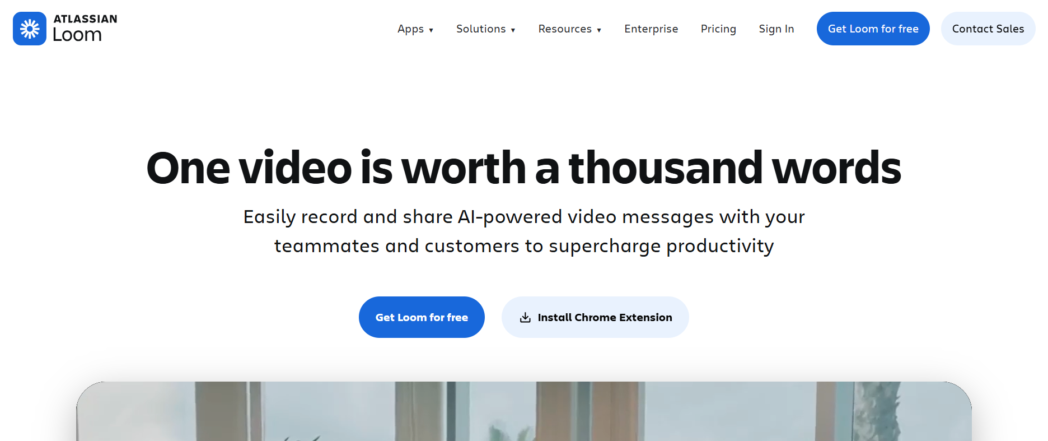
Since the Atlassian acquisition, some AI features have moved to paid tiers and pricing has increased. It remains a workable option if your team is already embedded in the Atlassian ecosystem, though the cost per seat is higher than it used to be.
Vidyard
Vidyard is aimed at enterprise sales and customer success teams. It gives you strong analytics, including tracking who watched a video and how far they got, which is useful if you need engagement data at the account level.
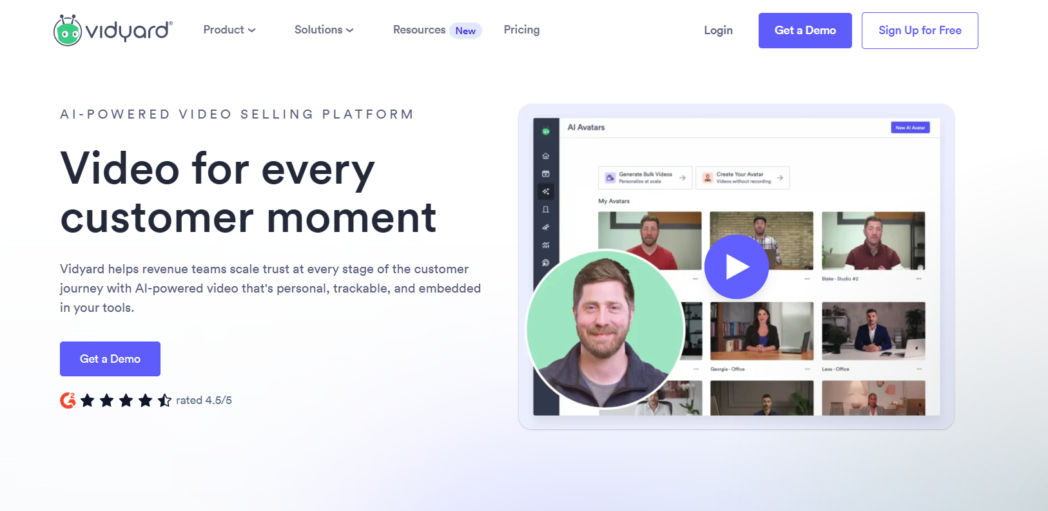
It’s more complex to set up than Dadan, with pricing that reflects the enterprise positioning. Most relevant if detailed viewer tracking is a hard requirement.
Conclusion
Building a support video library takes deliberate effort upfront, but the compounding return is real. Once your library covers your highest-volume recurring tickets, those requests stop requiring one-to-one agent time.
If you’re ready to build that workflow, start free at Dadan. You can record, edit, and share your first support walkthrough without installing anything.
FAQs
How do support videos reduce repetitive tickets?
When you link customers to a relevant recording instead of writing a new reply each time, you reduce agent workload and keep resolutions consistent. A walkthrough made once answers the same question indefinitely.
Why are customer support teams using async video?
Async video lets you send a clear visual answer without scheduling a call. Your customer watches on their own time, follows steps at their own pace, and is less likely to need a follow-up.
What are the benefits of video customer support?
Video resolves workflow-based questions more clearly than written instructions, reduces follow-up tickets, and creates reusable assets that keep working after the initial recording.
Are support videos better than text tutorials?
For workflow-based and interface-specific questions, video tends to perform better because your customer can follow along in the actual product rather than interpreting written steps. Text documentation still works well for simple or information-only questions.
How do SaaS companies use screen recordings for support?
Typically to cover onboarding steps, feature walkthroughs, and common error states. You embed recordings in your help center, send them in ticket replies, or share them proactively during onboarding sequences.
What is async customer support?
Async customer support means your exchange with the customer doesn’t happen in real time. Video messages, recorded walkthroughs, and written replies all qualify, with neither party needing to be available simultaneously.
Can AI help automate customer support videos?
AI handles transcription, metadata generation, and content tagging, which reduces the work you need to do to publish and maintain a support video library. Indexed transcripts also make your video content searchable by keyword.
What are the best tools for video customer support?
Dadan is the most complete option for teams building async support workflows. Loom and Vidyard are established alternatives depending on your use case and budget.
How long should customer support videos be?
Most support walkthroughs fall between 60 seconds and 3 minutes. Longer content works for onboarding sequences but should be broken into chapters so your customer can navigate directly to the relevant section.
How do searchable transcripts improve customer support?
When your videos are transcribed and the transcripts are indexed, your customers and agents can find relevant recordings by searching for keywords. That turns your video library into a searchable resource rather than a collection of files that require manual browsing.