
Online Meeting Recorder
Connect your outlook or google calendar and automatically record your meetings online. Supports Zoom, Teams, Google meet and other leading meeting platforms. dadan's ai assistant will auto join your calls and record the meetings online.


Join over 3,000 + companies creating videos with Dadan











How to record online meetings with audio?


Step 1
Sign up to Dadan for free
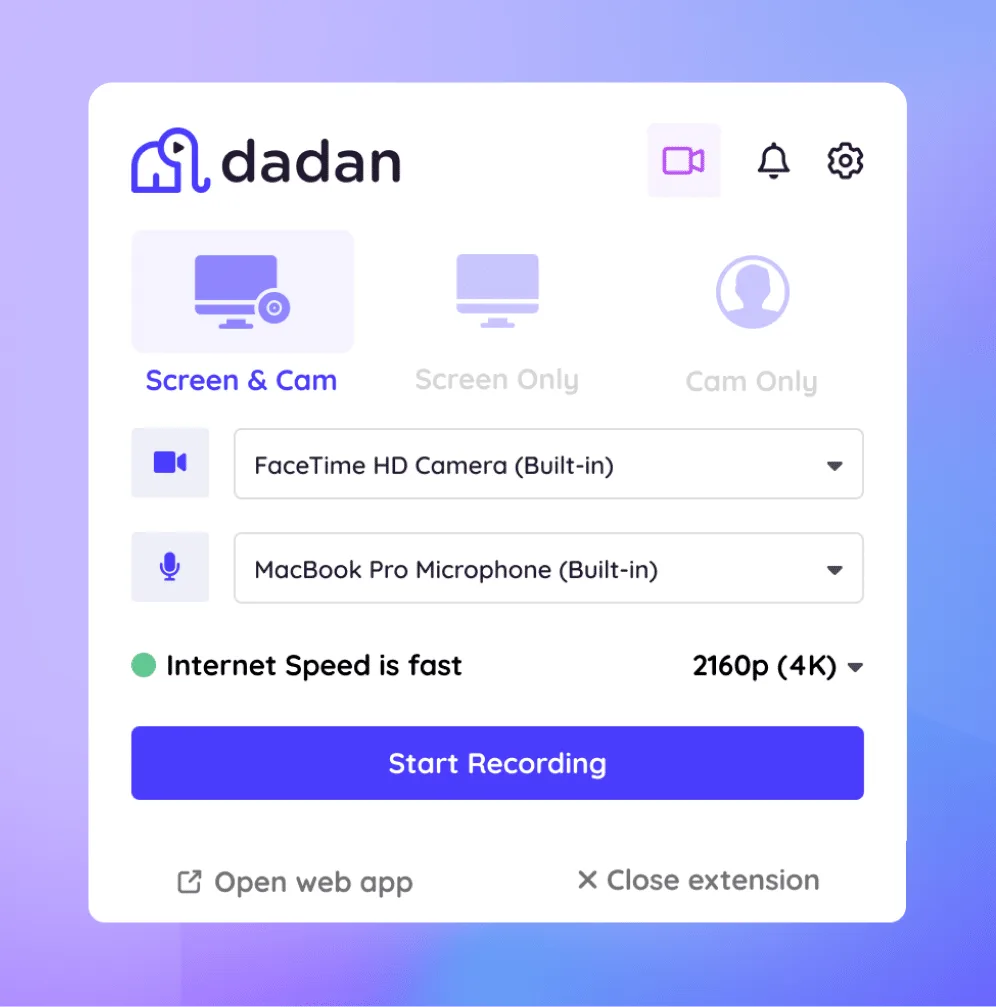
Sign up to dadan and then download the Mac or Windows app. Or install the Chrome extension if you prefer recording from the browser

Step 2
Connect your calendar
Click on meeting calendar from the side menu and connect your outlook or google calendar to your dadan account

Step 3
Enable recording
Your meetings will be automatically synced. Enable recording with the toggle menu next to the meeting details.

Step 4
Auto record and upload
Next time you join a meeting, dadan automatically records your meeting and uploads it to your dashboard after meeting.


Why Customers Choose Dadan’s for Meeting Recording

Features of Online Meeting Recorder

Record Audio and Video
Record your meeting audio and video in 4K resolution. We suggest you to use headphones to record system audio and externa audio at same time.

Auto Recording
Once your calendar is connected, dadan will automatically join your meeting and start recording. Post recording it is uploaded to dadan.

Auto transcription
Generate transcript of the entire meeting with timestamps. Dadan supports over 100 languages in transcript generation.

AI Meeting Notetaker
Post recording, generate meeting notes with AI from your dashboard. Click AI Notetaker to quickly generate meeting notes ready to share.

AI Meeting summary
Get a one page meeting summary generated by AI segmented by discussion points, action items and highlights ready to copy and share.

Multilingual Subtitles
With the transcript, subtitles are auto added to your video. You can then translate to over 100 languages. Viewers can switch in settings.
Make the most of your Online meeting recording
Record Internal Team meetings
From daily stand up meetings to town hall meetings, use dadan to record all yoru internal meetings automatically.
With over native integration with leading meeting platforms, dadan can help you automatically record the calls and generate transcripts with timestamps.
You can later generate AI meeting summary to keep track of the updates and share with other team members. You can also get AI meeting notes to share important highlights.
Capture training and knowledge-sharing sessions
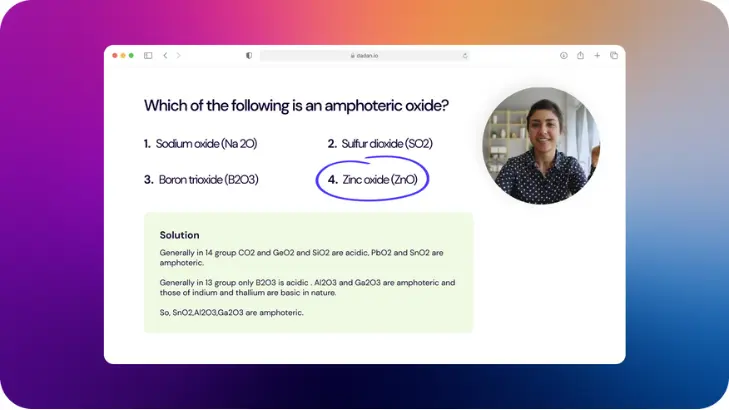
Capture key highlights and get a full recording of your internal knowledge sharing sessions.
With dadan's cloud library the recordings are auto uploaded to your online dashboard. You can now have access to these recordings anytime on the go.
You can further share these recordings with other colleagues in the form of folders or playlists. You can also restrict their interactions or set a time limit for the access.
Capture user feedback sessions
Capture live user testimonials and feedbacks to share with your team. Share the recording along with the AI meeting summary to add context to your recordings.
You can also repurpose these videos to share as testimonials on your website (embed the videos) or share them on your social media with the help of our online video editor.


Capture client calls or sales demos
Don't miss key information from your client calls. From key requirements to first reactions of the pitch, get every detail covered from your online meetings.
dadan allows you to record the entire meeting and auto upload it to the cloud library. The top of the line security protocols ensure your client data is safe and secure.
Share the recording and retain full control over the recording access such as timeline of the access, video interactions, and even the download control of the videos shared.
dadan vs other Meeting recorders

With AI Assist
Transcriptions
Auto-created
Multi-language
Coming Soon
Titles
Auto-created
Tags
Auto-created
Chapters
Auto-created
Summaries
Auto-created
Descriptions
Auto-created
Turn video into Meeting
Auto-created
Notes
Auto-created
Call to Actions
Auto-created
Interactions
Auto-created
Without AI Assist
Transcriptions
Unavailable
Multi-language
Unavailable
Titles
Manual
Tags
Manual
Chapters
Manual
Summaries
Manual
Descriptions
Manual
Turn video into Meeting
Manual
Notes
Manual
Call to Actions
Manual
Interactions
Manual
Features
dadan
Other Meeting recorders
Screen Recorder
Yes
No
Advanced Video editor
Yes
No
No Watermark
Yes
Limited
AI Meeting Notes
Yes
Yes
Automatic Chapters
Yes
No
Automated captions
Yes
Yes
Multilingual captions
Yes
Yes
Request a video
Yes
No
Add forms, Quiz to video
Yes
No
Email Integrations
Yes
Limited
Lead Forms and Email Integrations
Yes
No
Meet Our Happy Customers

"At Youfibre, we’re a remote-first company with team members all over the UK. Dadan lets me work on projects and tasks with my team and keeps us moving fast."
Craig Tomkins
Director of Strategy & Operations

“ I love Dadan, it helps me communicate and get feedback from clients without needing meetings all the time. We use the interactive quizzes to speed up sign-off. ”
Jess Silver
Marketing Agency Owner

"Great tool! I work with retail partners all over the world and Dadan helps me keep those relationships strong."
Lewis Lingard
International Trade Sales Manager
You don’t have to be a video expert or use expensive editing software to create engaging videos.
What is a meeting recorder?
A meeting recorder is an online software that helps you to record your meetings online. The software usually has an agent that joins your meeting like a participant and records the entire meeting conversation.
The best way to record your meetings online is by using a software like dadan. Once you connect your calendar on dadan, it automatically picks up your meetings and join the meeting to start recording the same.
The easiest way to make a meeting recording is by using a software like dadan. Connect your google or microsoft calendar and dadan will auto join the meetings next time to record the conversation for you.
Dadan is one of the best tool for documenting meeting minutes, generating an AI summary of the meeting automatically and meeting notes.
Yes, dadan is a meeting recording software that helps you record your meetings online without any watermark.
With dadan you can install the native app for your OS. Alternatively you can record online using the chrome extension or the online browser-based recording.
Yes, dadan’s online meeting recorder is compatible with Zoom, Google meet, Microsoft teams and most other leading meeting platforms.
Yes dadan meeting recorder helps you record video, screen, system audio and external audio. However you need to use a headphone to get great output quality with the system audio.
If you use the meeting bot in dadan meeting recorder then the participants of the meeting will be notified with the meeting bot joining the meeting. While if you use the app or chrome extension to manually record the meeting, they will not be notified.
With the pro plan in dadan, there is no limit on the meeting recording. You can enjoy unlimited recording length, unlimited number of videos and unlimited recording storage space.
Yes, you can share the meeting recorders with others via their email, your social profiles or just copy the link and share via other forums.
Yes, dadan meeting recorder offers a forever free plan with a trial ot the pro version for 14 days.