L&DFor L&D, training and HR leaders, and instructional designers

Training videos your experts record themselves

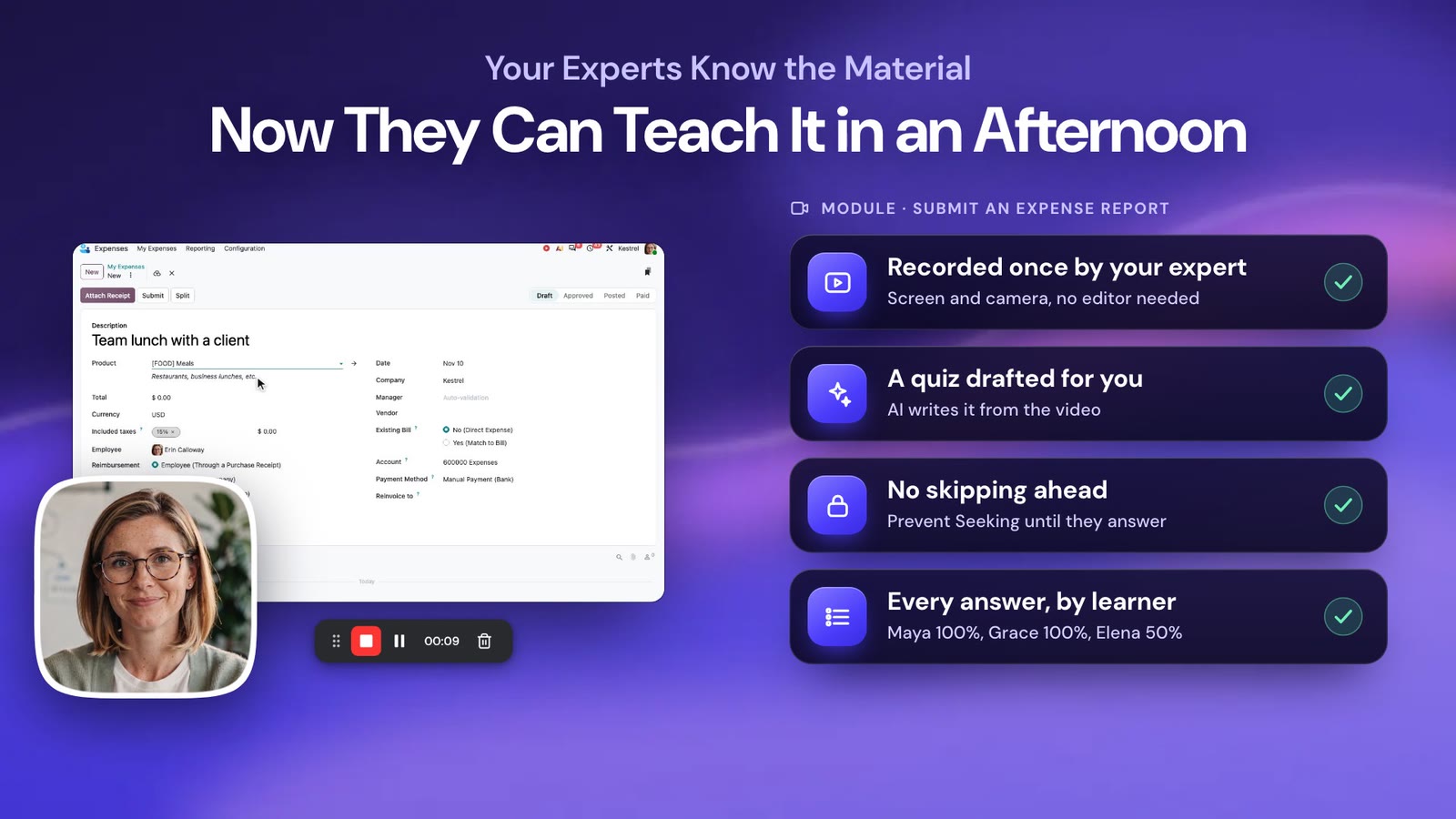
Your experts create screen and webcam training without an editor or a production team. You turn their recordings into guides and check what learners understood.
No credit card required · Cancel anytime

4.8/5 from 86 reviews on G240k+ members

  • Mac
  • Windows
  • Chrome & Edge
  • Any browser
  • Recording up to 4K
See dadan in action1:03

Trusted by 40k+ members, including teams at

  • Netflix
  • Kering
  • Volkswagen
  • Canva
  • Zoho
  • Wipro
  • The Telegraph
  • Thomson Reuters
  • Airbus
Built around your numbers

Faster ramp and higher completion

Time to competency

Get new hires productive sooner

New hires rewatch short, searchable lessons when they get stuck.

Completion rate

Training people finish

Learners stay with short videos that show a face and include check-ins.

Production time

Build a module in an afternoon

Experts record on their own, with no studio or agency involved.

Knowledge retention

Proof the lesson landed

You add quizzes inside the video and see who understood.

From expert knowledge to finished training

Create and measure training in one place

01CREATE

Studio-quality recordings, no editor needed

Record screen and webcam together in up to 4K. Smart zoom follows the action, so viewers see what matters with no post-production.

  • Zoom in and out, automatic or by hand
  • Built-in teleprompter for confident delivery
Moves the needle onProduction time per module
02EDIT

A built-in editor your experts can use

Trim, cut, add text and zoom in the browser. Delete a mistake from the transcript instead of re-recording.

  • Text overlays and zoom
  • dadan generates captions and chapters
Moves the needle onTime from recording to published lesson
03POLISH

Professional intros in one click

Add a branded intro to any video with the AI Intro Maker. Your modules and sales enablement clips look like they came from one studio.

  • AI-generated branded intros
  • Custom thumbnails
Moves the needle onLearner engagement in the first seconds
04TRANSFER

Turn knowledge into guides and languages

Record how your top performers work, turn the recording into a step-by-step guide and translate it for each region.

  • Auto-generated step-by-step guides
  • Playlists as learning paths
Moves the needle onKnowledge transfer and time to competency
05MEASURE

Check understanding as well as views

Add quizzes and polls inside the video. You see how far each learner got and how they answered.

  • Quizzes and polls in the video
  • Completion per learner
Moves the needle onCompletion rate and knowledge retention

Your experts know the material. Now they can teach it in an afternoon.

Try Dadan Today. No credit card required.

Get Started Today
Also included

More tools at no extra cost

Talking-head video

Webcam-first recordings for sales enablement and leadership updates.

Request a video

Collect role-plays or candidate answers from a link.

Meeting recorder and AI notes

Capture live trainings and workshops with summaries.

Playlists and learning paths

Group lessons into courses learners follow in order.

Privacy protection

Keep internal training on locked, expiring links.

Embed in your LMS or intranet

Drop interactive videos into your LMS or intranet.

Search and Revisit

Generate transcripts, summaries, and AI-powered chapters for training videos.

Step-by-Step Guides

Create step-by-step guides from recorded workflows.
Customer stories

Teams training at scale with dadan

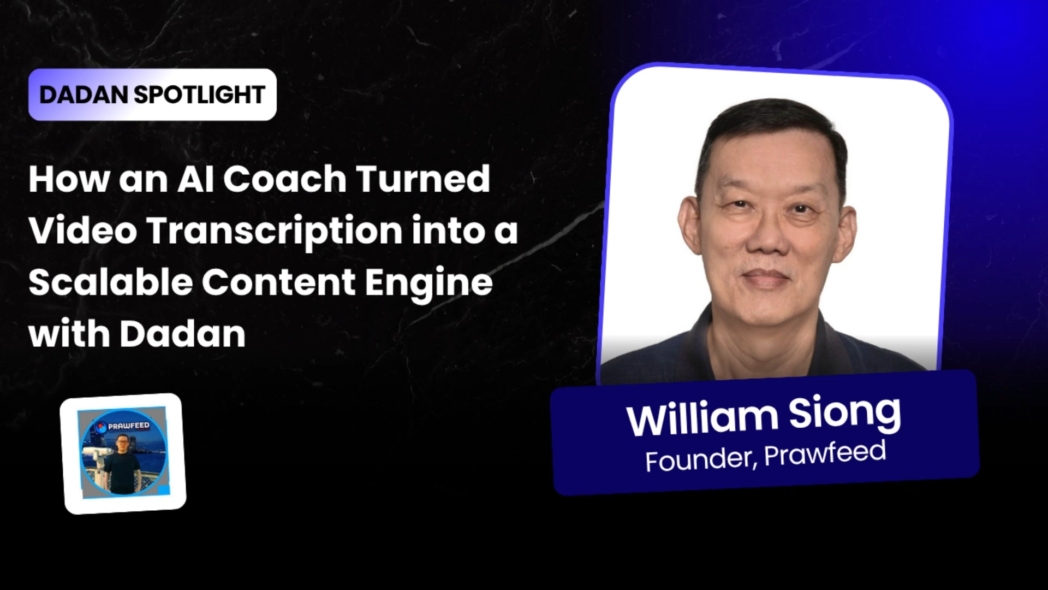
dadan Spotlight: William Siong
Training & IT support

William, a Singapore-based trainer and IT support practitioner, moved from several tools to one private video library. He records or uploads a lesson, gets the transcript in minutes and groups lessons into playlists.
2–3 minto transcribe a videoOneplatform instead of several
Read the full story
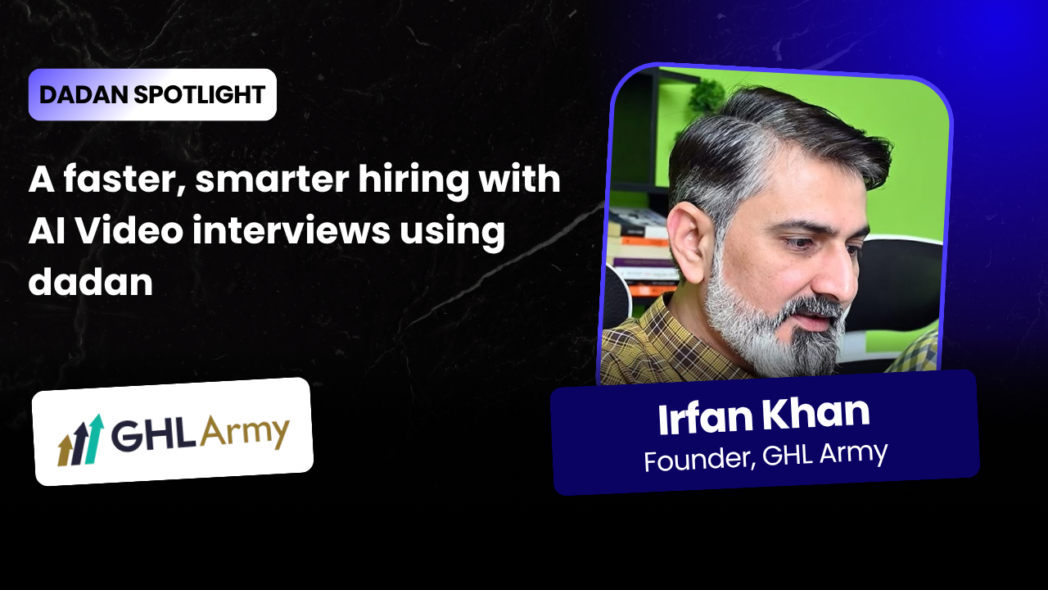
dadan Spotlight: GHL Army
Hiring & candidate screening

Founder Irfan Khan replaced back-to-back screening calls with video answers to the same questions. He reviews them on his own time and meets the shortlist.
37applicants screened, zero calls~20 hrssaved in one hiring round
Read the full story
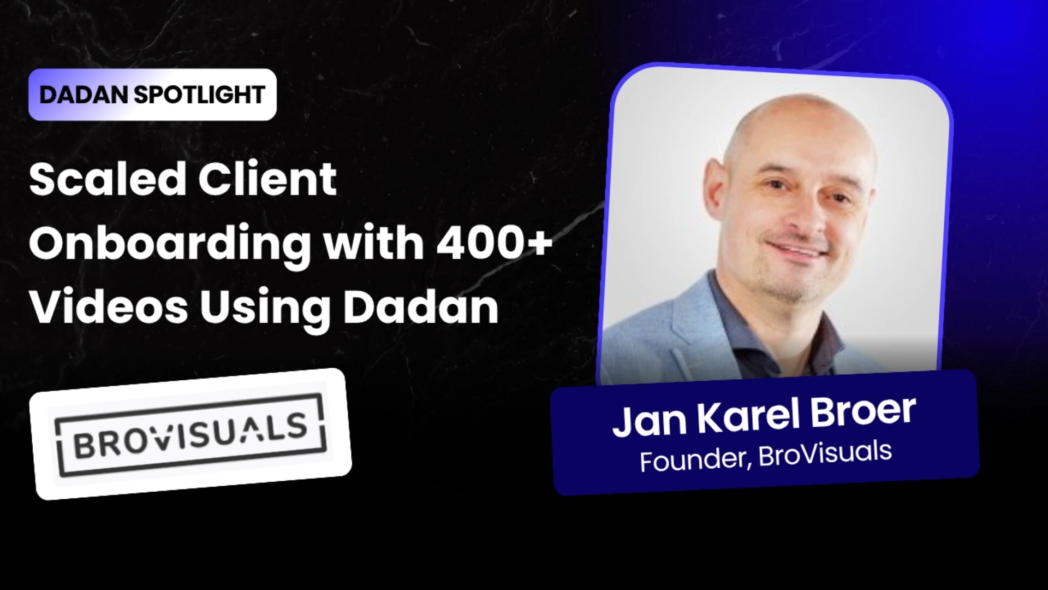
dadan Spotlight: Brovisuals
Client onboarding & support

Brovisuals built a searchable video knowledge base for the custom platforms it ships. Clients search chapters and transcripts for answers, and the team checks who watched before answering a question twice.

400+tutorial videos35+client platforms supported
Read the full story
Customer love

In their words

“I can record a video or even upload one, and within minutes it’s fully transcribed. Then I can turn that into captions, reuse it in my workflow, and simplify everything.”
William SiongDigital Marketing & IT Support Practitioner, AI Coach
“I just ask candidates to send a video. I review everything on my own time and only speak to the best ones. It easily saved me 20 hours in one hiring round.”
Irfan KhanFounder, GHL Army
“If we had to explain everything in meetings, it would take hundreds of hours. Now, we just send the video.”
Jan Karel BroerFounder, Brovisuals

4.8 / 5 average from 86 reviews on G2

Pricing

Save up to 43% with annual billing

Choose the plan that best fits your team’s needs. No credit card required.

Lite

For individuals getting started

$8/user/month (billed yearly)

$14 on monthly billing

  • Unlimited videos, recording up to 4K
  • 25 GB storage
  • 5 Guides/month (10 steps each)
  • 5 min AI dubbing/month
  • Custom CTAs, quizzes and lead forms
Get Lite

Pro

For power users and small teams

$14/user/month (billed yearly)

$24 on monthly billing

  • Everything in Lite, plus unlimited storage
  • Unlimited AI credits
  • 15 Guides/month (50 steps each)
  • 60 min AI dubbing/month
  • 10 hours meeting recording/month
Get Pro

Want the free plan or the full feature list? Compare all plans

FAQ

Questions before you start

Still deciding? Try it on your own workflow first. No credit card required, cancel anytime.

Start Creating Training Videos
How can I create employee training videos without a production team?
With Dadan, subject matter experts can record their screens and webcams, edit recordings, and share professional training videos without relying on a dedicated video production team.
Can I turn training recordings into step-by-step guides?
Yes. Dadan’s Guides feature captures workflows and converts them into step-by-step documentation with screenshots and editable instructions.
Can I translate employee training videos into different languages?
Yes. Dadan supports AI-powered video dubbing and translation to help organizations make training content accessible to employees who speak different languages.
How can I check whether employees understand training videos?
Dadan supports interactive video elements such as polls, quizzes, and questions that help you collect responses and assess viewer understanding.
Can employees revisit specific sections of training videos?
Yes. AI-generated transcripts, summaries, and chapters help employees find important information and revisit relevant sections more easily.
Can I share internal training videos securely?
Yes. Dadan provides privacy and sharing controls, including password protection, to help organizations manage access to internal training content.
Does dadan run on Mac and Windows?
Yes, and on Chrome and Edge as extensions or in any modern browser. You can record screen, camera or both in up to 4K.
Can we keep our content private?
Yes. You can lock share links with a password, set them to expire and turn off downloads. [Add your security and compliance details here.]
Can I cancel anytime?
Yes. You change or cancel your plan from account settings.

Turn your experts into trainers

Record and translate training without an editor or a studio.

No credit card required · Mac, Windows, Chrome & browser
Try dadan todayNo card required Start Creating Training Videos