IT & OperationsFor IT directors, IT managers and operations leaders

Record a process once and reuse it in each office

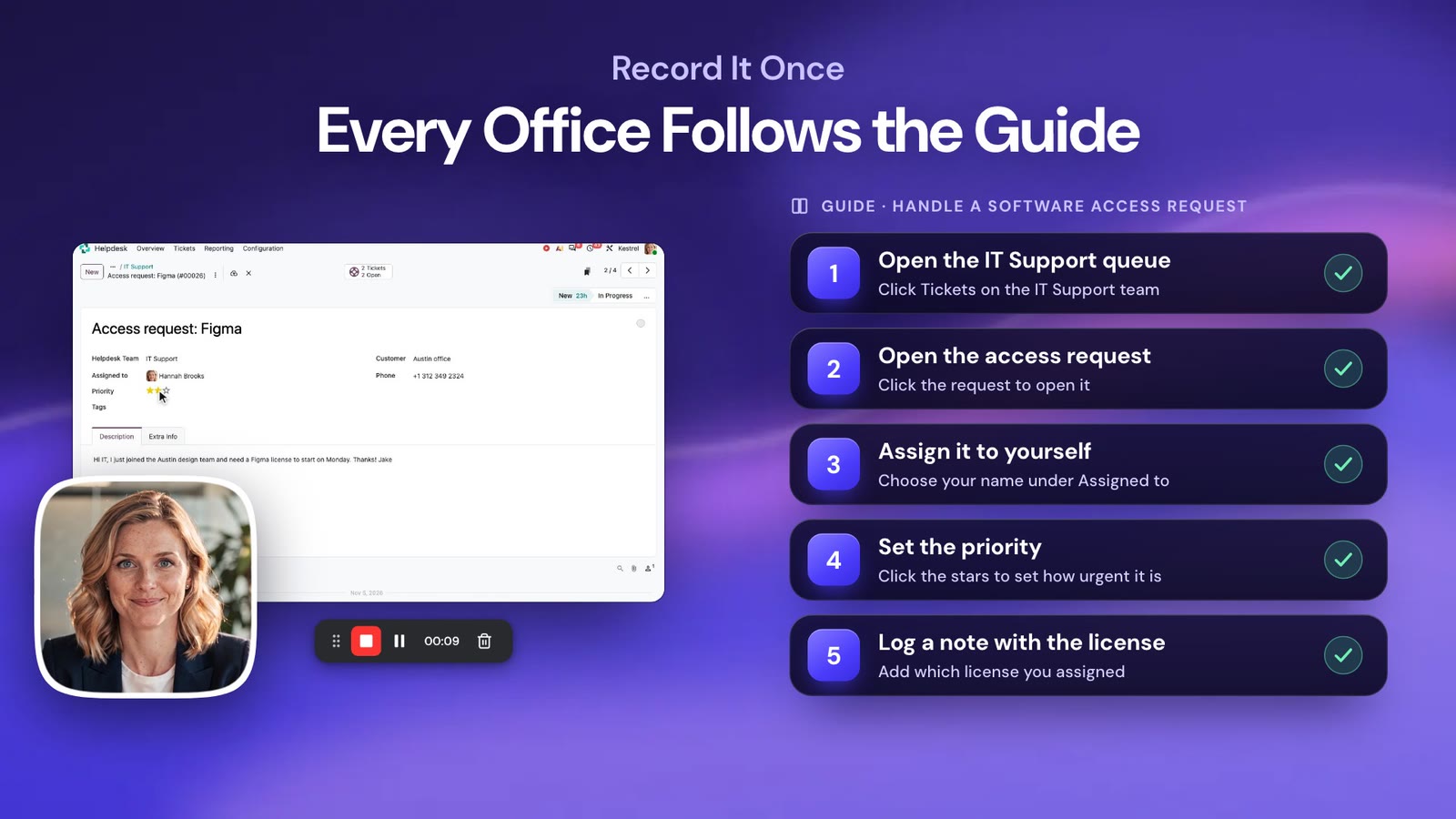
Record IT workflows and automatically turn them into step-by-step guides. Build searchable documentation, standardize processes, and help employees resolve common issues without repeatedly contacting IT.
No credit card required · Cancel anytime

4.8/5 from 86 reviews on G240k+ members

  • Mac
  • Windows
  • Chrome & Edge
  • Any browser
  • Recording up to 4K
See dadan in action0:55

Trusted by 40k+ members, including teams at

  • Netflix
  • Kering
  • Volkswagen
  • Canva
  • Zoho
  • Wipro
  • The Telegraph
  • Thomson Reuters
  • Airbus
Built around your numbers

Fewer tickets and faster rollouts

Ticket volume

Stop answering the same request

Point users to a two-minute walkthrough instead of opening another ticket.

Time to resolution

See the problem on the first message

Users record the issue in one click, so you start troubleshooting right away.

Tool adoption

Roll out software your staff uses

Your staff learns faster from a short video than from a 30-page PDF.

Process compliance

Know who saw your SOPs

You see who watched and check understanding with a quiz.

Built for the people who keep systems running

Build a living knowledge base from your recordings

01RECORD

Walkthroughs of any system or app

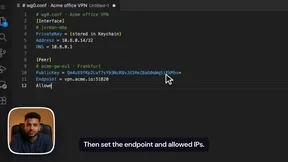
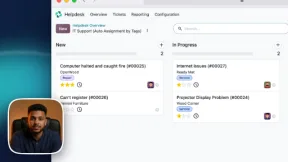
Capture screen and camera, pause and resume as you go, and let smart zoom follow your cursor. Your team records clean walkthroughs with no training.

  • Screen, camera or both, up to 4K
  • Pause, resume and redo sections
Moves the needle onTime spent writing documentation
02DOCUMENT

Turn recordings into step-by-step guides

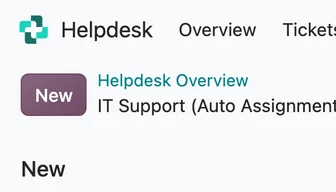
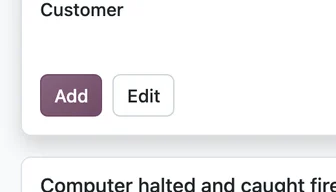
dadan builds numbered steps with screenshots and click markers from your walkthrough. You publish them to your intranet or service desk, and readers pick text or video.

  • Step markers show where to click
  • Annotate, edit and reorder steps
Moves the needle onTicket volume and first-contact resolution
03LOCALIZE

Translate for each office and shift

Add translated captions or dub your walkthroughs, so teams in each region follow the same process in their own language.

  • AI dubbing and translated captions
  • Translated captions for every market
Moves the needle onConsistency of processes across regions
04FIND

A searchable library your staff will use

dadan transcribes and chapters each video, so your staff can search inside it. You group videos into playlists and embed them in your knowledge base.

  • Searchable transcripts and AI chapters
  • Embed in your intranet or service desk
Moves the needle onSelf-service rate and repeat questions
05TRACK

Know who watched the change notice

See who viewed a rollout video or policy walkthrough. Add a quick quiz to confirm understanding before go-live.

  • Views and watch time per person
  • Quizzes and polls inside the video
Moves the needle onReadiness for rollouts and audits

Document your next process in the time it takes to explain it once.

Try Dadan Today. No credit card required.

Create Your First Guide
Also included

More tools at no extra cost

Request a video

Send users a link to record their issue. They install nothing.

Transcript editor

Fix a mistake by editing the text instead of re-recording.

Meeting recorder and AI notes

Capture change advisory and vendor calls with AI summaries.

Password protection and expiry

Keep internal walkthroughs on locked, expiring links.

Video editor

Trim, blur sensitive data and add text in the browser.

Embed anywhere

Put videos and guides in your wiki or service portal.

Onboarding Guides

Turn IT onboarding processes into easy-to-follow guides.

Access Controls

Use password protection to help keep internal documentation available to intended viewers.
Customer stories

Teams cutting repeat work with dadan

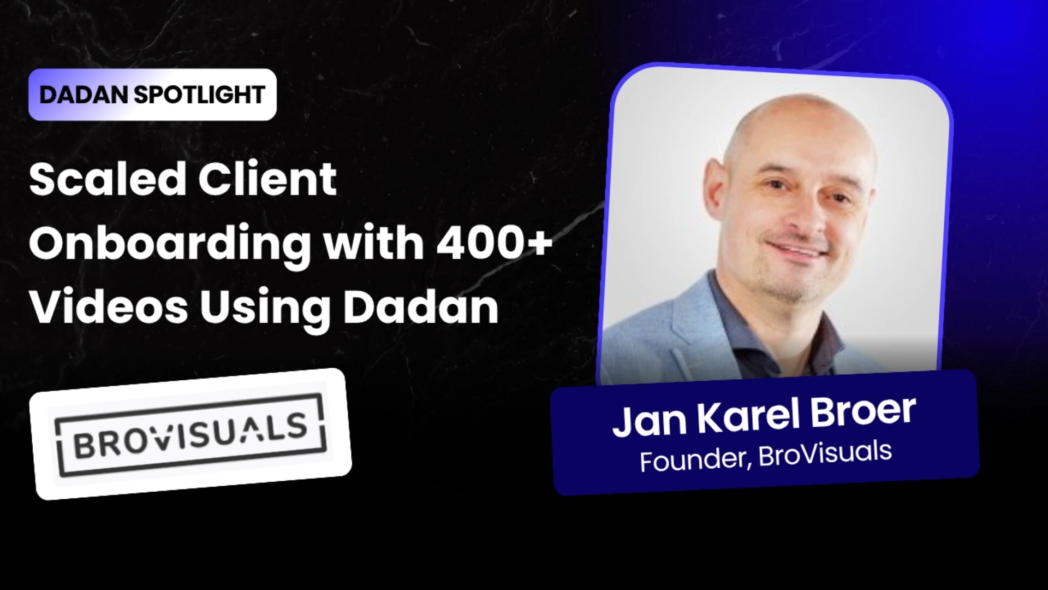
dadan Spotlight: Brovisuals
Client onboarding & support

Brovisuals built a searchable video knowledge base for the custom platforms it ships. Clients search chapters and transcripts for answers, and the team checks who watched before answering a question twice.
400+tutorial videos35+client platforms supported
Read the full story
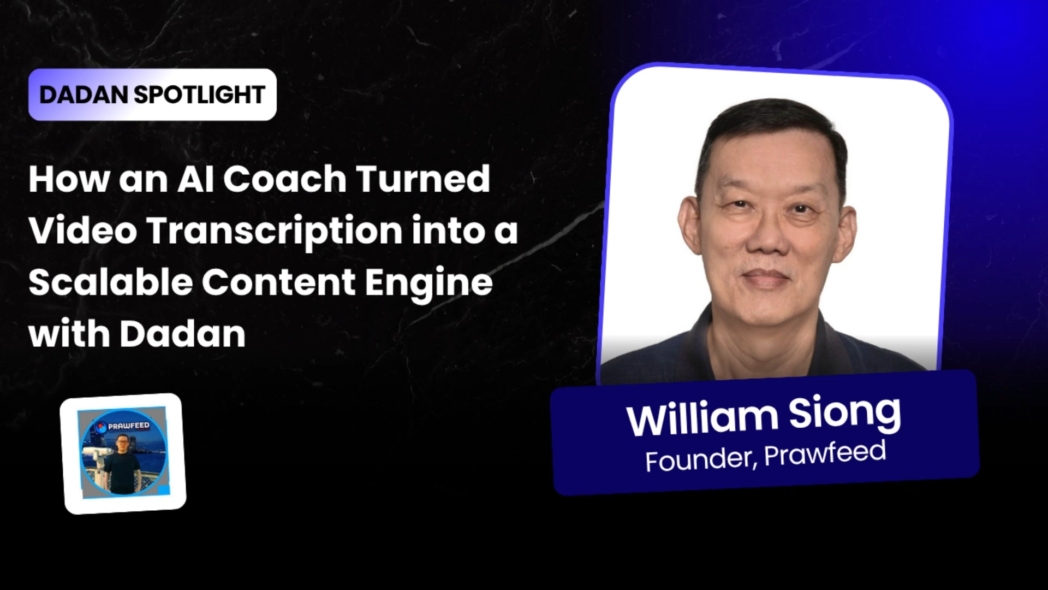
dadan Spotlight: William Siong
Training & IT support

William, a Singapore-based trainer and IT support practitioner, moved from several tools to one private video library. He records or uploads a lesson, gets the transcript in minutes and groups lessons into playlists.

2–3 minto transcribe a videoOneplatform instead of several
Read the full story
Customer love

In their words

“If we had to explain everything in meetings, it would take hundreds of hours. Now, we just send the video.”
Jan Karel BroerFounder, Brovisuals
“I can record a video or even upload one, and within minutes it’s fully transcribed. Then I can turn that into captions, reuse it in my workflow, and simplify everything.”
William SiongDigital Marketing & IT Support Practitioner, AI Coach
“We can see if someone watched the tutorial or not. If they didn’t, we can guide them to it instead of explaining everything again.”
Jan Karel BroerFounder, Brovisuals

4.8 / 5 average from 86 reviews on G2

Pricing

Save up to 43% with annual billing

Choose the plan that best fits your team’s needs. No credit card required.

Lite

For individuals getting started

$8/user/month (billed yearly)

$14 on monthly billing

  • Unlimited videos, recording up to 4K
  • 25 GB storage
  • 5 Guides/month (10 steps each)
  • 5 min AI dubbing/month
  • Custom CTAs, quizzes and lead forms
Get Lite

Pro

For power users and small teams

$14/user/month (billed yearly)

$24 on monthly billing

  • Everything in Lite, plus unlimited storage
  • Unlimited AI credits
  • 15 Guides/month (50 steps each)
  • 60 min AI dubbing/month
  • 10 hours meeting recording/month
Get Pro

Want the free plan or the full feature list? Compare all plans

FAQ

Questions before you start

Still deciding? Try it on your own workflow first. No credit card required, cancel anytime.

Get Started Today
What is IT process documentation?
IT process documentation explains how IT tasks and workflows should be completed. It helps teams follow consistent procedures for troubleshooting, software setup, access management, and support.
How can I automatically create IT documentation?
With Dadan, you can record an IT workflow and turn it into a step-by-step guide with automatically captured screenshots and editable instructions.
Can I create SOPs for IT support and troubleshooting?
Yes. You can document troubleshooting steps, software installation procedures, account setup, and recurring IT support tasks as reusable guides.
Can I build a searchable knowledge base for IT teams?
Yes. Dadan lets you create and organize guides that teams can access and revisit when they need instructions for recurring processes.
Can I share IT documentation securely with employees?
Yes. Dadan provides video privacy and sharing controls, including password protection, to help you share documentation with intended viewers.
Can Dadan help with employee IT onboarding?
Yes. You can create step-by-step guides for software setup, account configuration, access requests, and other common onboarding processes.
Does dadan run on Mac and Windows?
Yes, and on Chrome and Edge as extensions or in any modern browser. You can record screen, camera or both in up to 4K.
Can we keep our content private?
Yes. You can lock share links with a password, set them to expire and turn off downloads. [Add your security and compliance details here.]
Can I cancel anytime?
Yes. You change or cancel your plan from account settings.

Keep each walkthrough useful long after you record it

Record it once, then turn it into a guide your staff can search.

No credit card required · Mac, Windows, Chrome & browser
Try dadan todayNo card required Get Started Today